

6 Best Intercom Alternatives for Small Business in 2026
Look, Intercom is gorgeous. Everyone knows it. But when you're running a small business and check their pricing page, reality hits hard.
You do the math. Per-seat costs, then add-ons for features that should honestly just come with the package, and suddenly you're looking at a bill that makes your accountant cry. This isn't a sustainable situation for most small teams.
Here's the thing: great customer support doesn't require spending your entire marketing budget on software. Real Intercom alternatives for small business exist that work beautifully without demanding enterprise-level investment.
This guide covers 6 solid options that small businesses actually use daily. Each brings something different to the table, so finding your match from these Intercom alternatives for small business shouldn't be too painful.
Why Look for Intercom Alternatives for Small Business?
The pricing thing isn't the only issue, though it's definitely the big one. Money gets weird fast when you start with what seems reasonable, then realize live chat costs extra.
Another charge. AI? Yep, more money. That initial $39/seat morphs into $150+ once you add everything your team actually needs to do their job.
Then there's the enterprise thinking baked into everything. Intercom assumes you've got dedicated support staff, complex routing needs, and budgets that refresh quarterly. When you're five people wearing twelve hats each, that's just not reality.
The feature set is genuinely impressive, but figuring it all out while you're trying to run a business? That's weeks of your life. Small teams need stuff that works this afternoon, not after extensive training sessions and configuration marathons.
Here's another thing: most small businesses need email, chat, a knowledge base, and maybe some automation. That's the actual list. Intercom gives you forty-seven features.
You'll touch maybe eight of them. Paying for thirty-nine unused capabilities feels wrong, especially when those eight features you actually use come with surprise charges lurking everywhere. Message caps, conversation limits, and resolution bot usage.
Budgeting becomes impossible when you can't predict monthly costs. Small businesses hate that uncertainty.
What small businesses really need are tools that acknowledge budget reality, team size constraints, and the complete lack of time for complicated software. That's exactly why these Intercom alternatives for small business matter.
What Was Our Selection Criteria for Intercom Alternatives?
We didn't just throw every helpdesk name into a list and call it done. These six Intercom alternatives for small business made it for specific reasons that matter to small teams.
- Actual affordability: Not the venture-funded startup version of “affordable.” Real prices that bootstrapped businesses can handle. We checked total ownership costs, including those sneaky fees vendors hide in footnotes.
- Set-up speed matters: An hour from signing up to helping customers is the target. If the setup requires reading documentation for three days, it didn't qualify.
- Useful core features: Every option handles email, chat, and knowledge bases properly. We focused on finding tools that excel at fundamentals rather than doing everything mediocrely.
- Small team reality: These work whether you're solo or have ten people. No enterprise bloat. No features requiring advanced degrees to comprehend.
- Growth won't kill you: Fifty tickets weekly today might become five hundred in six months. These Intercom alternatives for small business scale without tripling costs or forcing platform switches.
- Transparent pricing: Clear numbers that enable actual budgeting. No surprise charges. No “contact our sales team for pricing” garbage.
6 Intercom Alternatives for Small Business
1. ThriveDesk
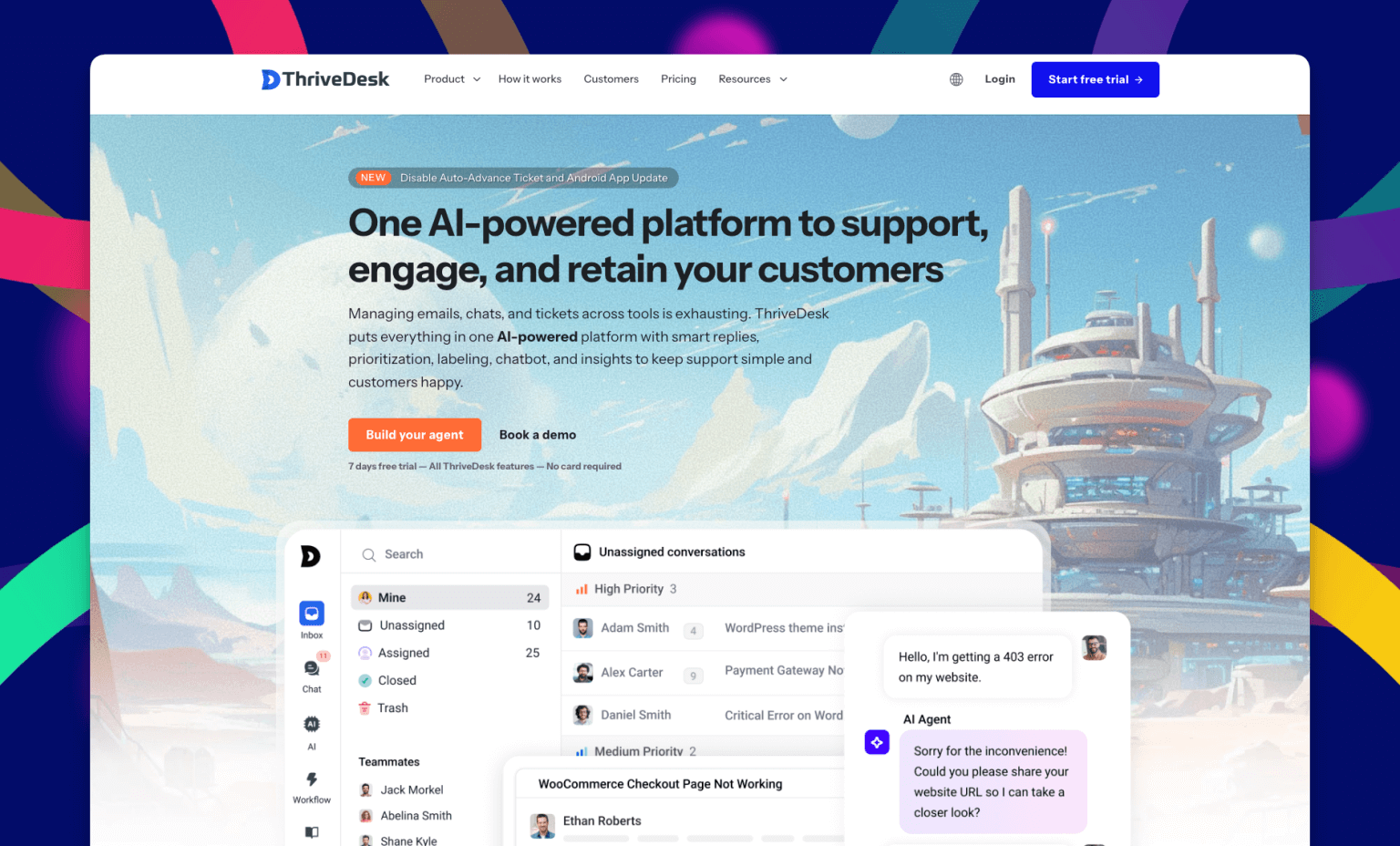
ThriveDesk exists because small businesses need powerful support tools without the complexity tax.
Everything lives in one workspace: helpdesk, chat, bots, and knowledge base. The whole thing.
It's deliberately simple in spots and deliberately smart in others. AI automation sits next to deep eCommerce hooks, all designed around helping small teams deliver genuinely good support without burning themselves out.
Key Features for Small Business
- Unified inbox: Dumps every customer conversation into one view. Email, chat, whatever. Your team sees it all together. Collision detection stops the awkward moment where three people answer the same question simultaneously.
- AI help: That's legitimately useful. Draft replies using your previous answers as examples. Summarizes long threads instantly. Auto-replies to common stuff. The AI picks up your voice and style, so responses actually sound like a human wrote them.
- Chat widget: That doesn't annoy people. Sits quietly on your site until someone needs help, then does its job well. No aggressive popups asking “Need help???” three seconds after arrival.
- Knowledge base built-in: Using an editor that feels like Notion. Write articles, hit publish, let customers help themselves. Less ticket volume for you, faster answers for them.
- eCommerce hooks: Pull WooCommerce, Stripe, and Paddle data straight into tickets. Order details, billing info, and customer history are all visible. Your team processes refunds and updates subscriptions without opening seventeen tabs.
- Automation: Automatically. Set rules for assignments, tags, status changes, and follow-ups. Your team focuses on actual human problems instead of administrative nonsense.
Pros
- Unlimited agents: It's included in the top plan. Most tools charge per person, which gets absurdly fast. Growth doesn't penalize you here.
- Straightforward money situation: What's listed is what you pay. No surprise charges for basic functionality. No separate fees for essential features.
- Working in fifteen minutes: Hook up email, drop the widget on your site, start helping people. Configuration complexity avoided.
- AI bundled in the price: Other platforms want $30+ monthly per agent for AI capabilities. Here it's just included.
- eCommerce stores: Deep platform integrations make order help, refunds, and subscription management completely painless.
Cons
- Call center features are limited. Need full phone routing and call recording infrastructure? Look elsewhere.
Pricing
- Basic: $29/month
- Standard: $69/month
- Unlimited: $129/month with unlimited team members
No per-person fees. No extra charges for core capabilities. Support is included at every tier.
Best For
Small SaaS teams need real tools without ridiculous costs. eCommerce operations tired of tab-switching hell while helping one customer. Anyone prioritizing simplicity and reasonable pricing over feature bloat.
Fun Fact
The ThriveDesk team regularly hangs out together outside work. They figure building good software happens more easily when you actually enjoy the people you're building it with. A mix of remote and office folks, all genuinely friends.
2. Crisp
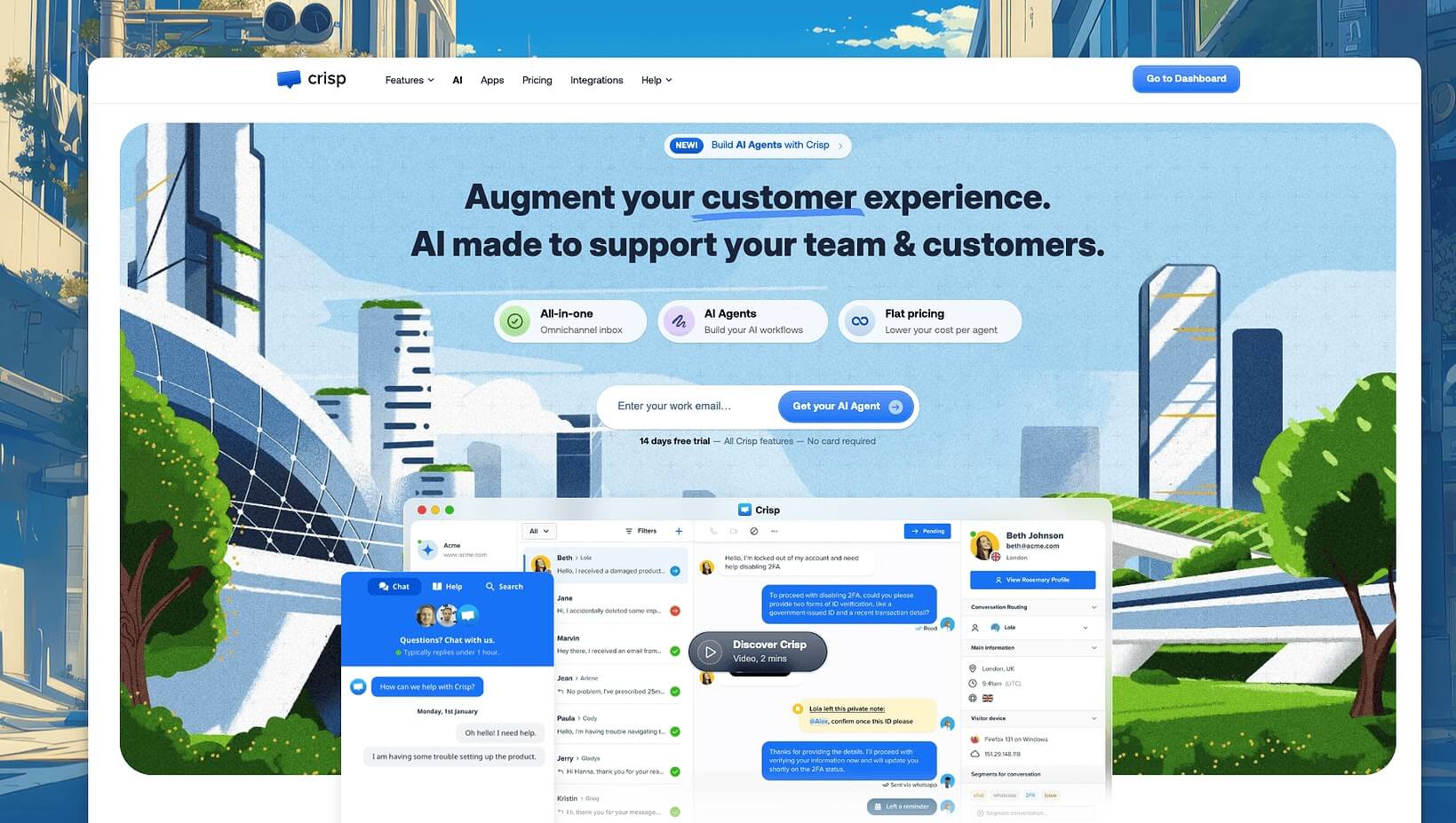
A small French team built Crisp because they wanted messaging that just worked properly. Nobody really talks about it much, but maybe they should.
Everything flows into one clean interface. Chat, email, messaging apps, all of it. Modern feel without clutter. The free plan actually does useful things instead of being a trial in disguise.
Key Features for Small Business
- Messaging unified: Across chat, email, Facebook Messenger, WhatsApp, everything. Customers contact you however suits them. Your team sees one conversation thread.
- Chatbot builder: Drag boxes around, connect them, boom, you've got automated responses. No coding required. Handles common questions while you tackle complex situations.
- MagicBrowse: Someone messages saying “this is broken,” and you can see exactly what page they're on. Troubleshooting becomes dramatically easier.
- Shared inbox: Assignments, internal notes, and status tracking. Multiple people help customers without chaos.
Pros
- Free plan: Two people, unlimited conversations. Most free plans are jokes. This one lets actual small businesses operate.
- Modern Interface: And pleasant to use daily. Thoughtfully designed without going overboard.
- Mobile apps: Managing support from phones doesn't feel like punishment.
- Messaging-focused support: If customers prefer chat over email, Crisp handles it beautifully.
Cons
- Ticketing workflows are weaker: Complex support cases with lots of back-and-forth feel limiting compared to traditional helpdesks.
- Smaller ecosystem overall: Fewer integrations. Less community content about solving specific problems compared to established names.
Pricing
- Free: Two team members included
- Pro: $25/month per workspace, unlimited conversations
Best For
Small businesses where customers mainly use chat and messaging. Companies want modern, affordable tools without heavy email ticketing needs.
Fun Fact
Crisp started as a side project. Founders built it while working full-time jobs, slowly growing it into an actual business. Still independent and profitable, running things their way without venture capital pressure.
3. Help Scout
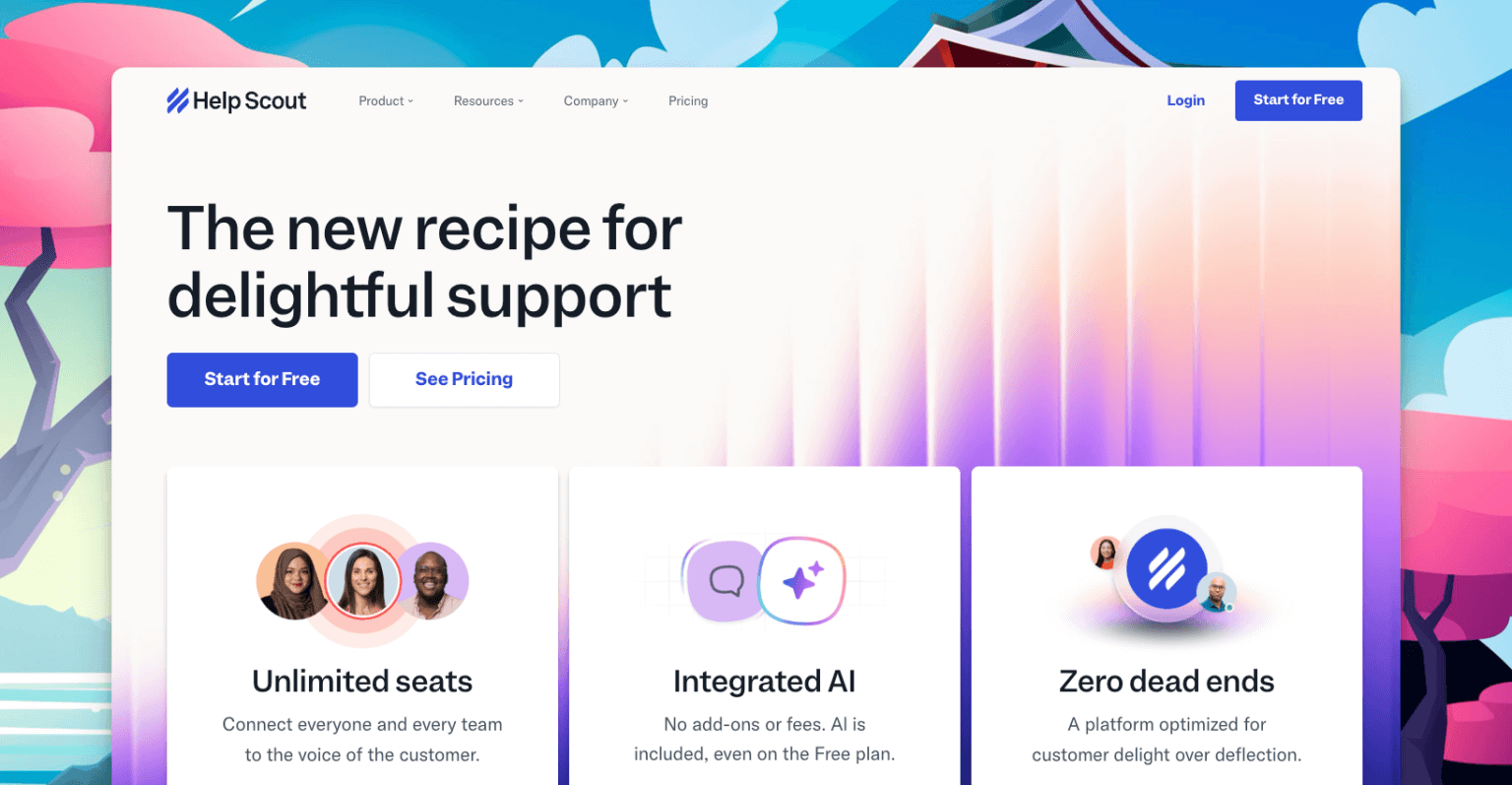
Help Scout's philosophy: support should feel like a regular email since everyone already knows email. No ticket numbers. No rigid case systems. Just conversations.
Small B2B companies especially appreciate this approach. Support feels genuinely personal rather than robotic. Customers don't sense they're interacting with a helpdesk system. Feels like talking to an actual human who cares.
Key Features for Small Business
- Email-style interface: Works exactly like Gmail with powerful team features hiding underneath. Zero learning curve if your team uses email already.
- Collision detection displays: When teammates are viewing or replying to stuff in real-time. Eliminates duplicate responses and confusion about who's handling what.
- Customer context sidebar: Shows complete history, past conversations, and relevant details without clicking around everywhere. Every interaction gets full context automatically.
- Knowledge base: Looks beautiful and sets up easily. Customers actually read help articles when they're designed this nicely.
Pros
- Learning curve doesn't exist: Team knows email? They know Help Scout immediately.
- Perfect for relationship-focused support: Excellent when you want every customer interaction feeling personal and thoughtful.
- Clean design: Everything feels intentional and well-considered.
- Reporting: Without drowning you in data. Get insights that matter without complexity.
Cons
- Contact-based pricing gets expensive: You pay based on how many customers you support, not team size. Costs jump unpredictably as your customer base grows.
- Automation is limited: Compared to more technical platforms. Workflow options stay pretty basic.
Pricing
- Standard: $50/month covering 100 contacts
- Plus: $150/month covering 500 contacts
- Pro: $400/month covering 2,000 contacts
Calculate your actual support volume carefully before committing. The pricing can surprise you.
Best For
Small B2B service companies with manageable customer numbers. Teams valuing relationship-building over efficiency metrics. Not ideal for high-volume operations.
Fun Fact
Founder got frustrated with clunky helpdesk software while running his web design business. Built what he wished existed. Now thousands of companies use it daily. Classic scratch-your-own-itch success story.
4. Tidio
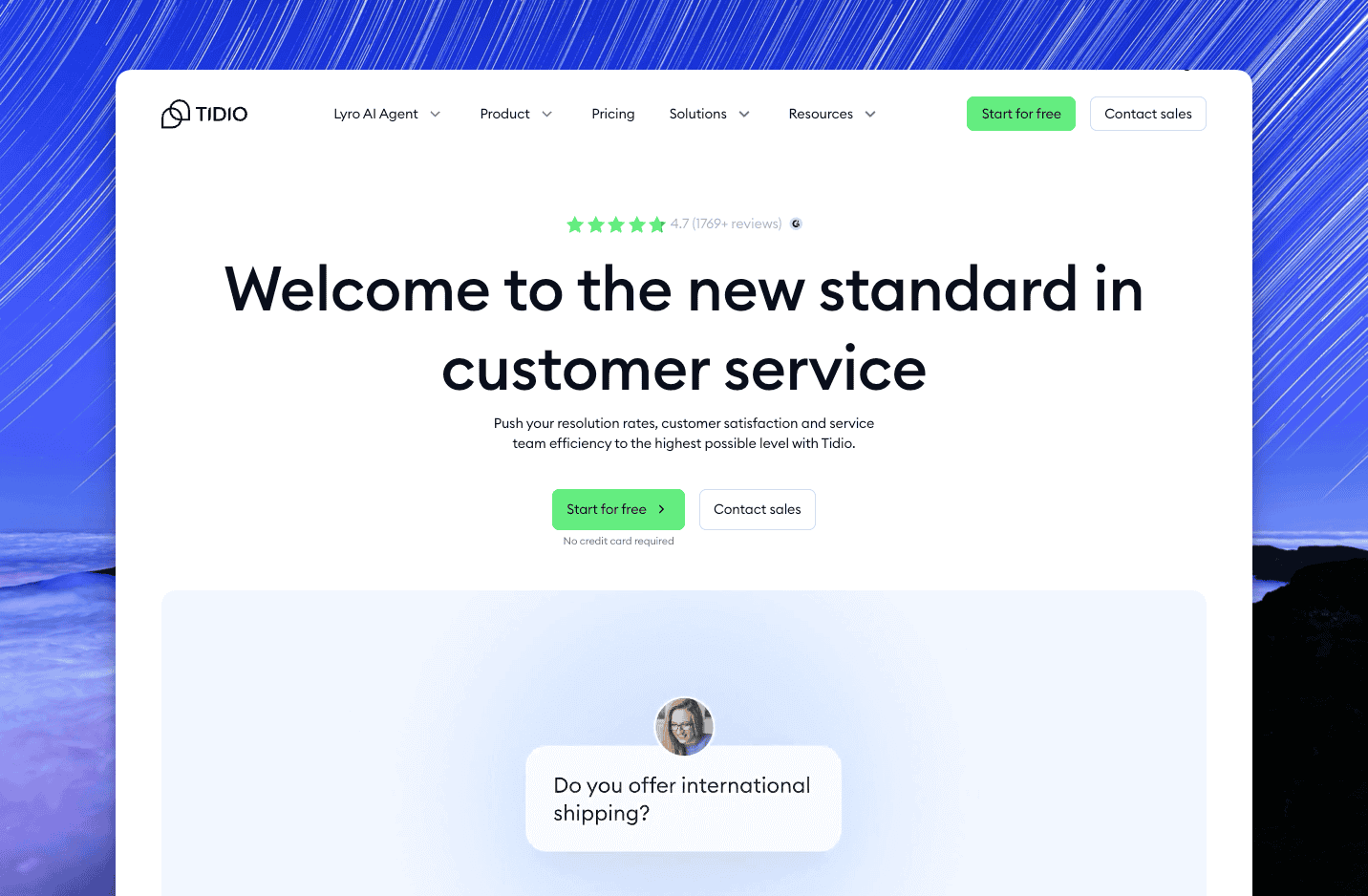
Built specifically for online stores and solopreneurs needing support without overthinking everything. You're chatting with customers twenty minutes after signup.
The chatbot builder is legitimately enjoyable to use. The platform includes everything small eCommerce businesses need without overwhelming anyone with complexity.
Key Features for Small Business
- Chatbot builder using visuals: Lets you create automated flows by dragging and connecting boxes. Zero coding required. Actually fun to set up, which is rare.
- Live chat with modern feature: Like visitor tracking and proactive engagement. See when customers look stuck and offer help before they even ask.
- Lyro AI assistant: Learns from your content and automatically helps answer customer questions. Small stores with limited support time save hours this way.
- eCommerce integrations: With Shopify, WooCommerce, and other platforms. See order details and customer information right in the chat interface.
Pros
- Free plan includes chatbot capability: Most platforms charge extra for automation. Tidio gives basic bots for free.
- Setup is incredibly fast: Signup to help customers in fifteen to twenty minutes. Perfect when you're busy running other business parts.
- Mobile apps: For managing support anywhere. Reply to customers from your phone without frustration.
- eCommerce focus: Features are built for online stores specifically, not general business use.
Cons
- Pretty basic as a helpdesk: Works great for simple support but lacks depth for complex workflows or larger teams.
- Conversation-based pricing: A chatty month might double your bill unexpectedly.
Pricing
- Free: Limited conversations and features
- Communicator: $29/month for more conversations
- Chatbots: Additional cost for advanced automation
Best For
Solopreneurs and very small eCommerce stores (one to three people) need live chat and basic automation. Not built for scaling past simple support.
Fun Fact
Tidio's founders are Polish and initially built it to help their own eCommerce clients. Other store owners kept asking to use it too. They realized they'd built something worth sharing widely.
5. Freshdesk
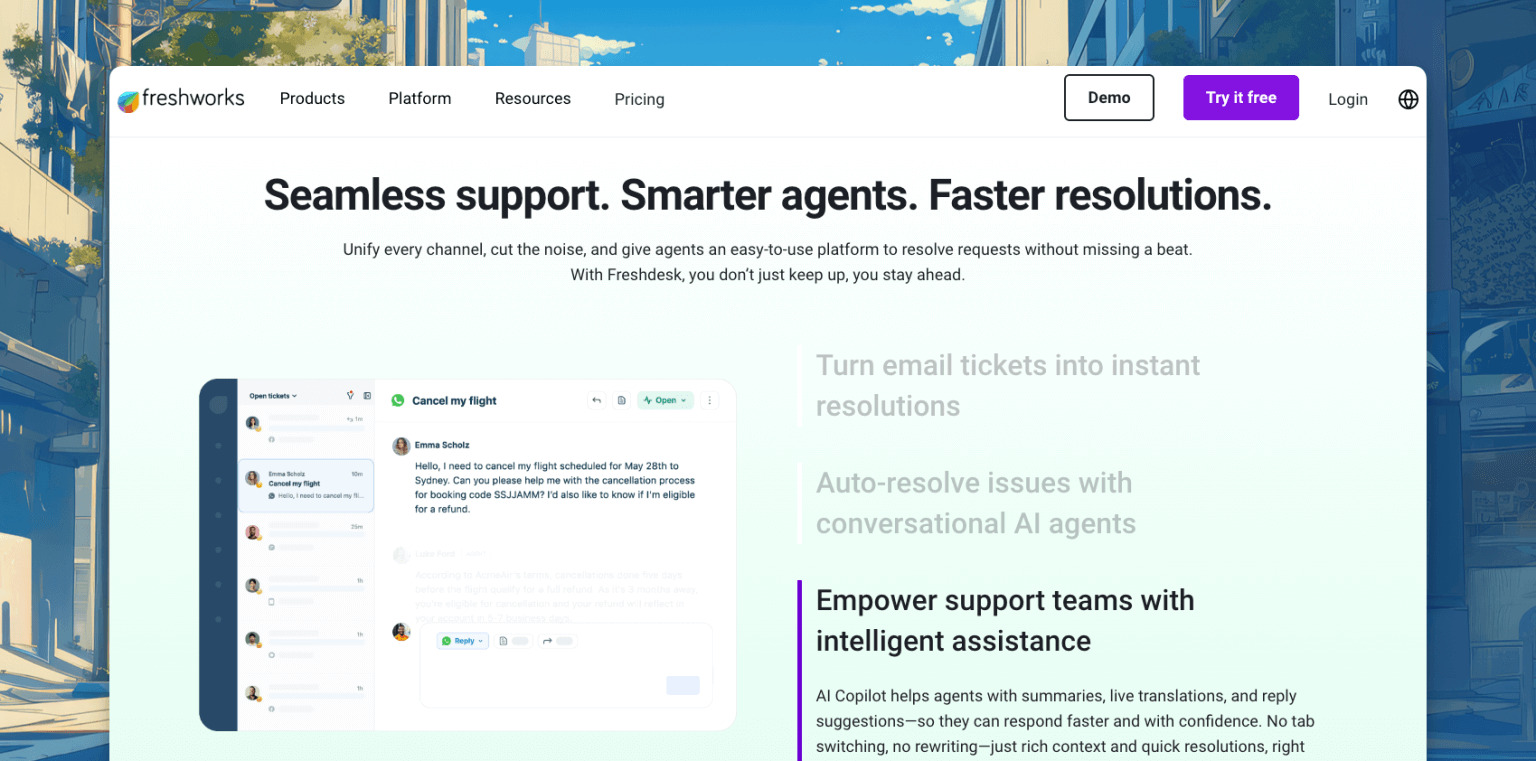
Been around forever. Offers something genuinely rare: a free plan that actually works. For micro teams just starting, that's tough to beat.
Traditional helpdesk with tickets, automation, and features that bigger companies want. Also works fine for small teams just needing solid support software without fuss.
Key Features for Small Business
- Traditional ticketing: With expected features. Create tickets, assign them, track status, add notes, and close when resolved. Standard stuff done properly.
- Knowledge base: Even on the free plan. Build a self-service help center so customers can find answers themselves.
- Automation: Handle repetitive tasks. Set triggers for assignments, status changes, tagging, more.
- Multi-channel support: Brings email, chat, phone, and social media into one platform. Though chat and phone calls cost extra money.
Pros
- Free plan: Two agents, unlimited tickets, knowledge base, basic reporting. Works for real businesses, not just trial testing.
- Massive integration library: Connects with basically every CRM, marketing tool, and analytics platform.
- Scales from tiny to large: Start with two people, grow to two hundred without switching platforms.
- Strong reporting and analytics: For the price point. Good insights without enterprise complexity.
Cons
- Complexity creeps in quickly: Starts simple, becomes a settings and options maze. Small teams often feel overwhelmed.
- Everything costs extra: Want chat? That's Freshchat with separate pricing. Phone? Freshcaller with another bill. AI features? Add $29/agent/month. That $15/month plan becomes $60+ when you add necessary features.
Pricing
- Free: Two agents maximum
- Growth: $15/agent/month
- Pro: $49/agent/month
- Enterprise: $79/agent/month
Remember calculating additional costs for chat ($15/agent), phone support ($29/agent), AI capabilities ($29/agent).
Best For
Very small teams (two to three people) want free options. Growing companies are willing to navigate complexity and multi-product pricing. Less ideal if simplicity matters.
Fun Fact
Started in Chennai, India, by someone who got terrible customer service for a broken TV. He vented on Hacker News, which sparked conversations about building better support software. A few months later, quit his job and started Freshdesk from his house.
6. Zoho Desk
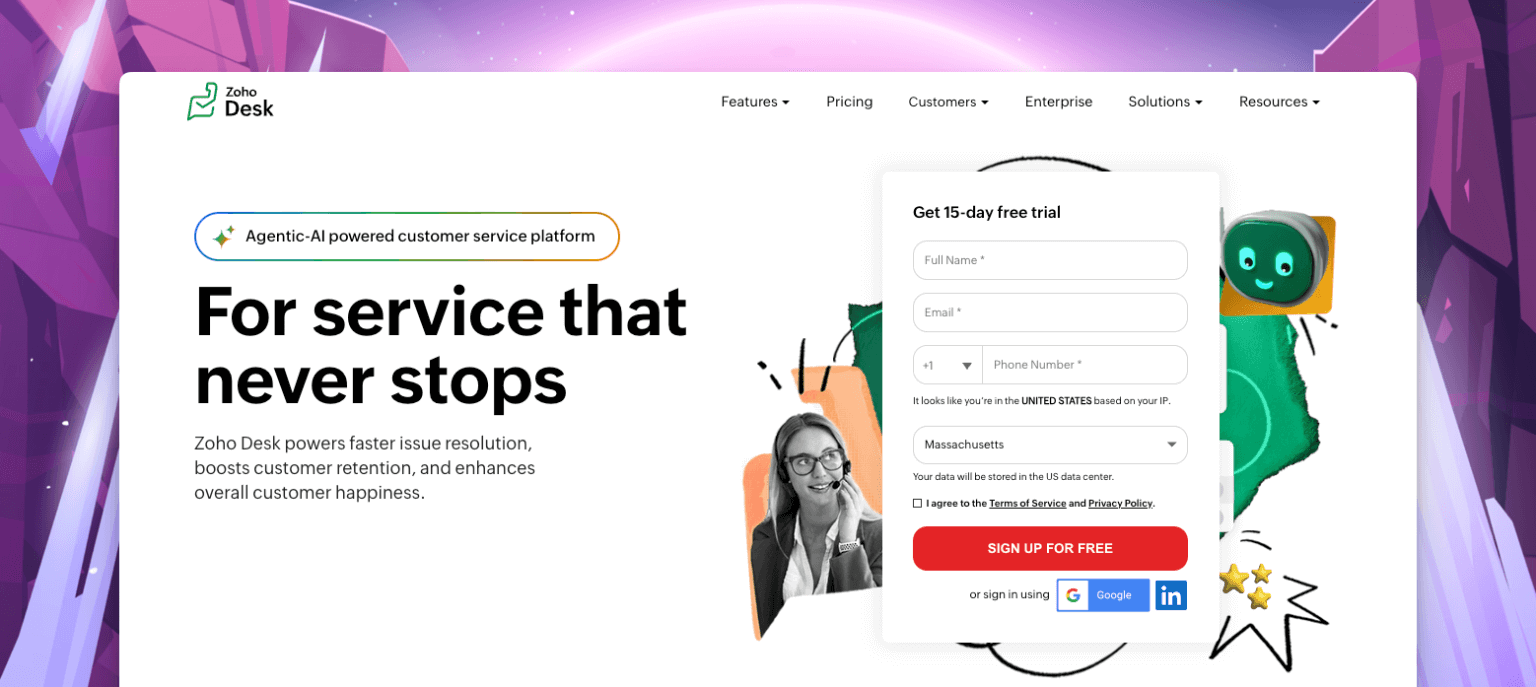
Quiet achiever nobody discusses much. While everyone debates Zendesk versus Intercom, Zoho just keeps building solid, affordable software without drama.
If you use other Zoho products already (CRM, Books, whatever), Desk integrates beautifully. Even if you don't, it's genuinely affordable and feature-packed.
Key Features for Small Business
- Multi-channel management: Handles email, phone, chat, social media, web forms all in one place. Everything flows into the unified ticket system.
- AI assistant: Tags tickets, suggests responses, identifies sentiment, and predicts potential issues. Small teams save significant time by having AI handle classification work.
- Automation and workflows: Powerful without overwhelming anyone. Create rules for routing, assignment, notifications, and escalations.
- Excellent reporting: For the price point. Get insights that actually improve support, not just pretty dashboards to screenshot.
Pros
- Genuinely affordable pricing: Even on paid tiers. Real cost savings compared to most alternatives.
- Strong automation: Helps small teams work more efficiently without adding headcount.
- Seamless integration with other Zoho products: If you're in that ecosystem, everything connects naturally and smoothly.
- Mobile apps work well: For handling support on the go. Good enough for most needs.
Cons
- Interface looks dated: Functional but not inspiring. Design feels like 2015.
- Limited third-party integrations: Compared to bigger platforms. Not using Zoho products means connecting other tools gets clunky.
Pricing
- Free: Three agents maximum
- Standard: $14/agent/month
- Professional: $23/agent/month
- Enterprise: $40/agent/month
Real savings compared to most alternatives, especially at higher team sizes.
Best For
Small businesses are already using Zoho products. Teams want traditional helpdesk features at genuinely affordable prices. Less ideal if prettiest interface matters most.
Fun Fact
Zoho never took venture capital funding. Completely bootstrapped and profitable. Let's them focus on building good software instead of chasing growth metrics investors demand. Profitable since day one, still operates that way today.
Intercom Alternatives for Small Business: At a Glance
| Software | Key Features | Pricing | Best For |
| ThriveDesk | Unified inbox, AI assistance, live chat, knowledge base, eCommerce integrations, unlimited agents | $29 to $129/month | Small SaaS and eCommerce teams wanting powerful features without enterprise costs |
| Crisp | Unified messaging, visual chatbot, MagicBrowse, shared inbox, modern interface | Free to $25/month | Messaging-focused businesses needing modern affordable chat support |
| Help Scout | Email-style interface, collision detection, customer context, beautiful knowledge base | $50 to $400/month based on contacts | B2B service companies valuing personal relationship-focused support |
| Tidio | Visual chatbot, live chat, Lyro AI, eCommerce integrations, fast setup | Free to $29+/month | Solopreneurs and tiny eCommerce stores needing quick simple chat support |
| Freshdesk | Traditional ticketing, knowledge base, automation, multi-channel via add-ons | Free to $79/agent/month | Micro teams wanting free options or growing companies okay with complexity |
| Zoho Desk | Multi-channel management, Zia AI, automation, and excellent reporting | Free to $40/agent/month | Teams in the Zoho ecosystem or wanting affordable traditional helpdesk features |
FAQs on Choosing the Right Intercom Alternatives
Q1: Is Intercom too expensive for small businesses?
Absolutely. Once you add live chat, AI, and automation, costs balloon to $150+ per seat. ThriveDesk solves this directly — all core features, including AI, are bundled into plans starting at just $29/month with no surprise fees.
Q2: Which Intercom alternative gives the best value for money?
ThriveDesk stands out clearly. For $129/month, you get unlimited agents, built-in AI, live chat, a knowledge base, and eCommerce integrations, features that would cost hundreds more monthly on Intercom or even Freshdesk with add-ons.
Q3: Which alternative is easiest to set up?
ThriveDesk is fully operational in about 15 minutes. Connect your email, drop the chat widget on your site, and you're helping customers immediately. No documentation marathons or complex configuration needed.
Q4: What's the best Intercom alternative for eCommerce businesses?
ThriveDesk is the strongest pick. It pulls WooCommerce, Stripe, and Paddle data directly into tickets, so your team handles refunds and subscriptions without switching tabs. Tidio is a decent backup for very small stores.
Q5: Does ThriveDesk include AI, or is it an expensive add-on?
It's fully included. Unlike competitors charging $29+/agent/month for AI, ThriveDesk bundles it into every plan, drafting replies, summarizing threads, and auto-responding in your brand's voice.
Q6: Can ThriveDesk grow with my business?
Yes, and better than most. The unlimited agents plan means adding team members never increases your bill, a huge advantage over per-seat tools that punish growth with compounding costs.
Choosing the Right Intercom Alternatives for Small Business
Intercom is fantastic software, just not built for small business budgets or needs.
Good news? Excellent Intercom alternatives for small businesses exist that deliver great customer support without the premium price tag. Every tool on this list works beautifully for small teams, scales affordably, and focuses on what actually matters: helping your customers quickly and effectively.
ThriveDesk offers the best balance of features, simplicity, and affordability for most small businesses. The unlimited agents on the top tier and the included AI features make it especially attractive as you grow.
Crisp is perfect if you're messaging-focused and want something modern. Help Scout wins for B2B companies wanting personal email-style support. Tidio works great for tiny eCommerce stores. Freshdesk gives you solid free options. Zoho Desk delivers incredible value if you're in their ecosystem.
Most important thing? Pick one of these Intercom alternatives for small businesses and start using it consistently. Your customers don't care which tool you use. They care that you respond quickly, solve their problems, and make them feel heard.
Stop overthinking everything. Try one of these Intercom alternatives for a small business for a week and see how it feels. Most offer free trials or free plans with zero risk. If it works, excellent. If not, try another.
The worst decision is staying stuck without proper support tools because you're overwhelmed by options. Pick one today, help some customers tomorrow, adjust as you go. You've got this.

