


5 Best WordPress Appointment and Booking Plugins (2026)
Manual scheduling or relying on an outdated booking system quietly drains your revenue and damages trust. It all starts with a simple problem.
A customer tries to book an appointment. The time slot looks available. But it was already taken, and now you're left dealing with reschedules, refunds and an unhappy client.
Today’s customers expect instant confirmations, flexible rescheduling, calendar sync and secure online payments. If your website cannot deliver that experience, they will book with a competitor who can.
The good news? The right WordPress booking plugin is all it takes to sort things out and automate your entire appointment scheduling workflow to boost conversions.
In this blog, we'll compare the 5 best WordPress appointment booking plugins so that you can pick yours with confidence. So, let's jump straight to a quick comparison first.
Quick Comparison: Best WordPress Appointment Booking Plugins
Take a look below at the best WordPress appointment & booking plugins at a glance:
| Plugin | Best For | Price | Ease of Use | Top Feature |
| BookingPress | All types of businesses | $89/year | ⭐⭐⭐⭐⭐ | Complete automation + advanced features with free addons. |
| Booking Calendar | Simple booking needs | $41.87 (one-time) | ⭐⭐⭐⭐⭐ | Reliable and beginner friendly |
| MotoPress Appointment Booking | Appointment + event booking | $49/year | ⭐⭐⭐⭐ | Flexible employee scheduling |
| Bookly | Customization | $49/year | ⭐⭐⭐⭐ | Flexible addons |
| Simply Schedule Appointments | Small businesses | $99/year | ⭐⭐⭐⭐⭐ | Fast and easy setup |
5 Best WordPress Appointment and Booking Plugins for 2026
1. BookingPress
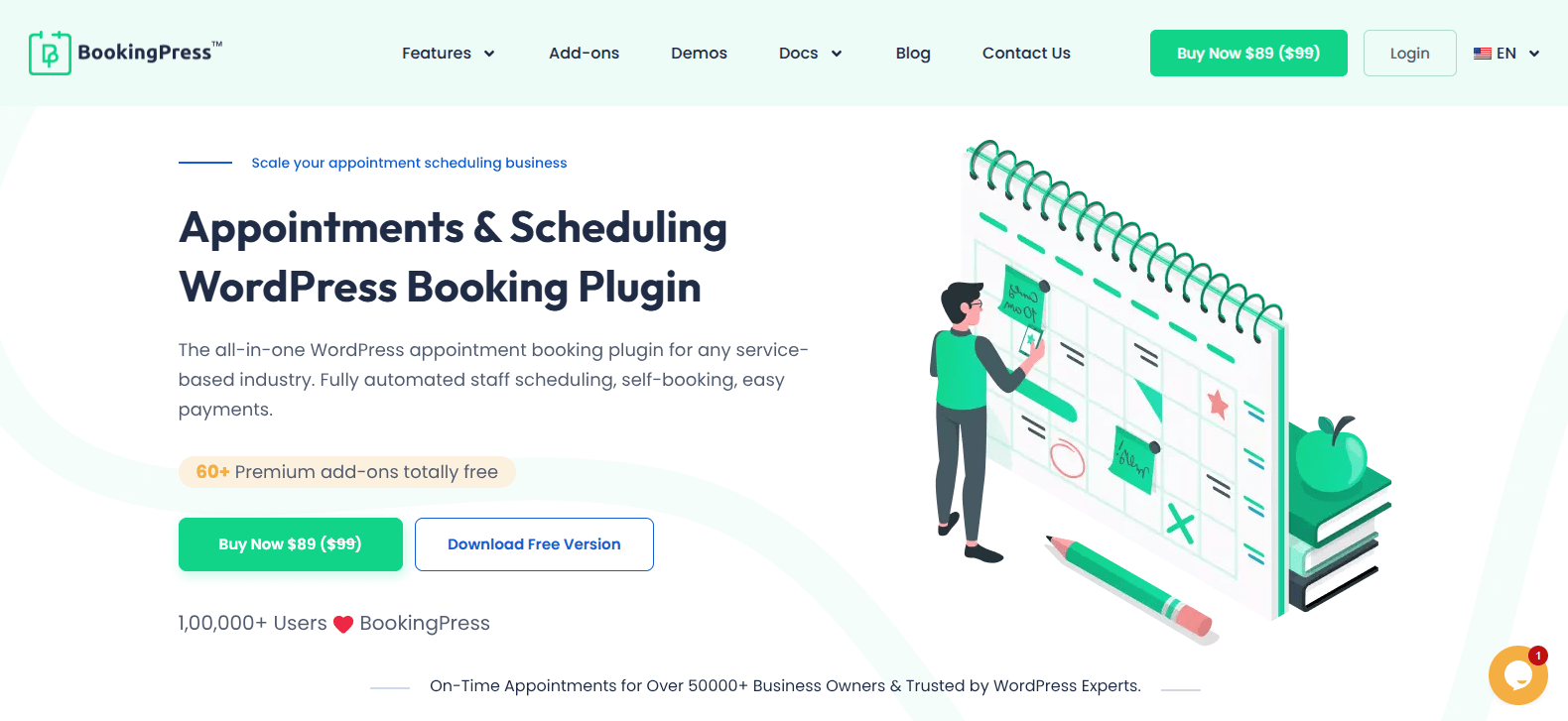
BookingPress is one of the best WordPress appointment booking plugins available today. It comes with a lot of scheduling features and is very user friendly for all – admin, staff and customers.
This WordPress booking plugin lets clients make appointments from anywhere, anytime with easy rescheduling and cancellation options.
What we liked the most was how smoothly it syncs bookings across Google Calendar, Outlook Calendar, and Apple Calendar. And to make sure everyone stays on time, BookingPress sends automatic notifications and reminders via Email, WhatsApp, SMS and Telegram to both clients and staff.
Plus, you can also understand your business better by taking a quick look at its centralized analytics dashboard. From here, you can get a quick overview of your complete business revenue, appointments, customers and staff members with real time graphs.
Standout Features
- Unlimited appointments, services, locations and staff.
- Accept online payment, full or partial, via 20+ payment gateways + POS system.
- Advanced staff management and dashboard.
- Group appointments, recurring appointments and multiple bookings at once.
- Customizable booking form.
- Create packages of multiple services with coupon codes.
Pros & Cons
| Pros | Cons |
| Simple and user friendly interface for both admin and clients. | Advanced features (e.g., staff management) will need the premium version. |
| PayPal integration is available even with its free version. | Initial setup may take time if configuring multiple services. |
| Automated reminders via Email, SMS, WhatsApp and Telegram. | |
| Centralized analytics dashboard with real time insights. |
Pricing
- Free version is available.
- The premium starts from $89/year.
Best For: All types of businesses who want a complete automated booking system for WordPress sites.
2. Booking Calendar
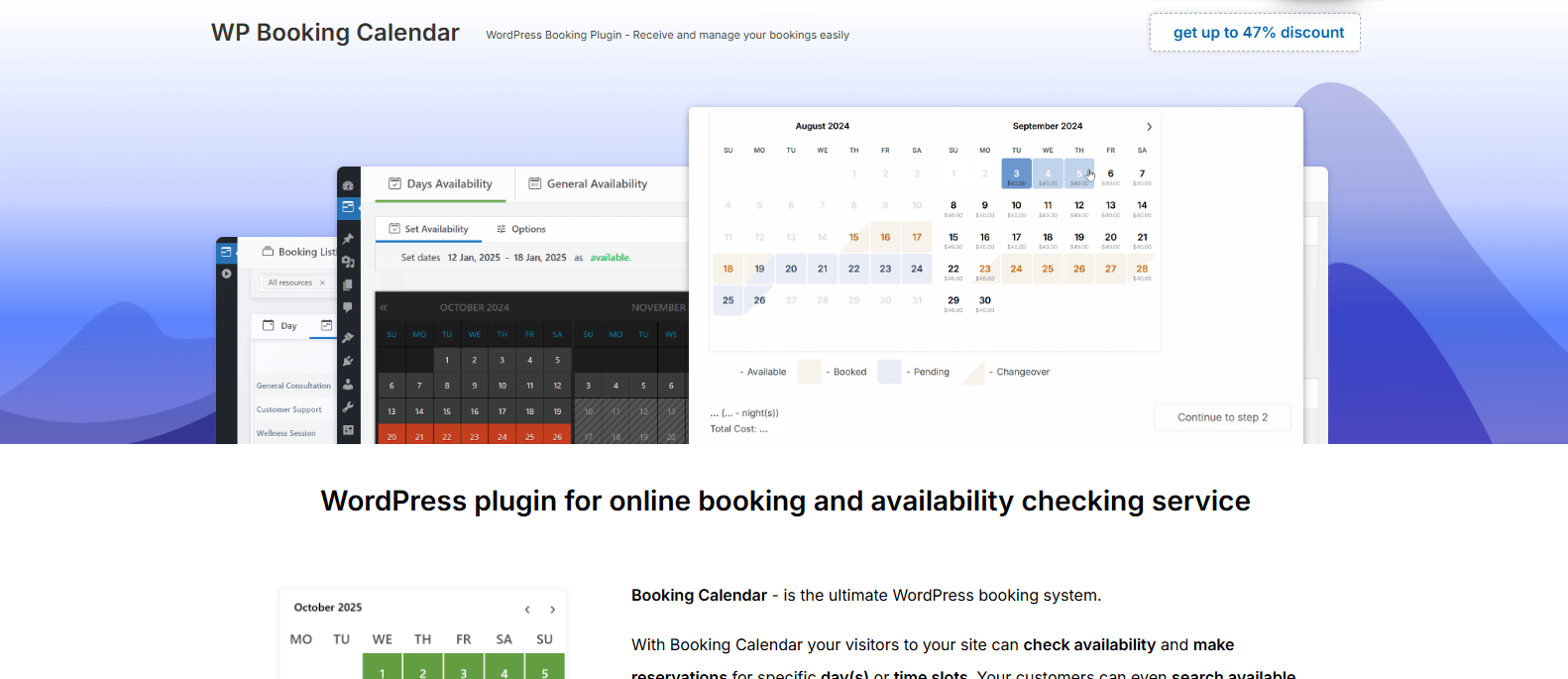
Booking Calendar is one of the most reliable booking plugins for wordpress around here. If your goal is to have a simple, dependable appointment scheduling system with no complexity, this plugin is the best pick.
This WordPress booking calendar plugin shows real time availability to avoid booking errors like double bookings. Plus, it allows customers to book slots from a simple and clean calendar interface.
What impressed us the most is that it supports flexible booking rules, customizable forms and automated email notifications so both you and your customers stay informed throughout the reservation process.
While it may not offer the deep automation or marketing features like BookingPress, its stability and ease of use make it especially attractive for businesses that value reliability.
Standout Features
- Flexible booking types: Time slot, full day or changeover days.
- Unlimited booking resources and users.
- Flexible booking form fields.
- Automated email notifications.
- Accept online payment, full or deposit, via PayPal, Stripe, Redsys, Authorize.Net, iPay88 and iDEAL Buckaroo or cash/direct bank transfer.
Pros & Cons
| Pros | Cons |
| Super easy to use and set up. | Advanced automation features are limited. |
| Excellent for simple booking needs. | Fewer native integrations. |
| Flexible pricing rules for seasonal businesses. | UI design feels outdated. |
| Supports multiple booking types. |
Pricing
- Free version is available.
- The paid plans start from $41.87/one time cost.
Best For: Hotel, vacation rental, medical practice, equipment rental service or consulting business websites.
3. MotoPress Appointment Booking
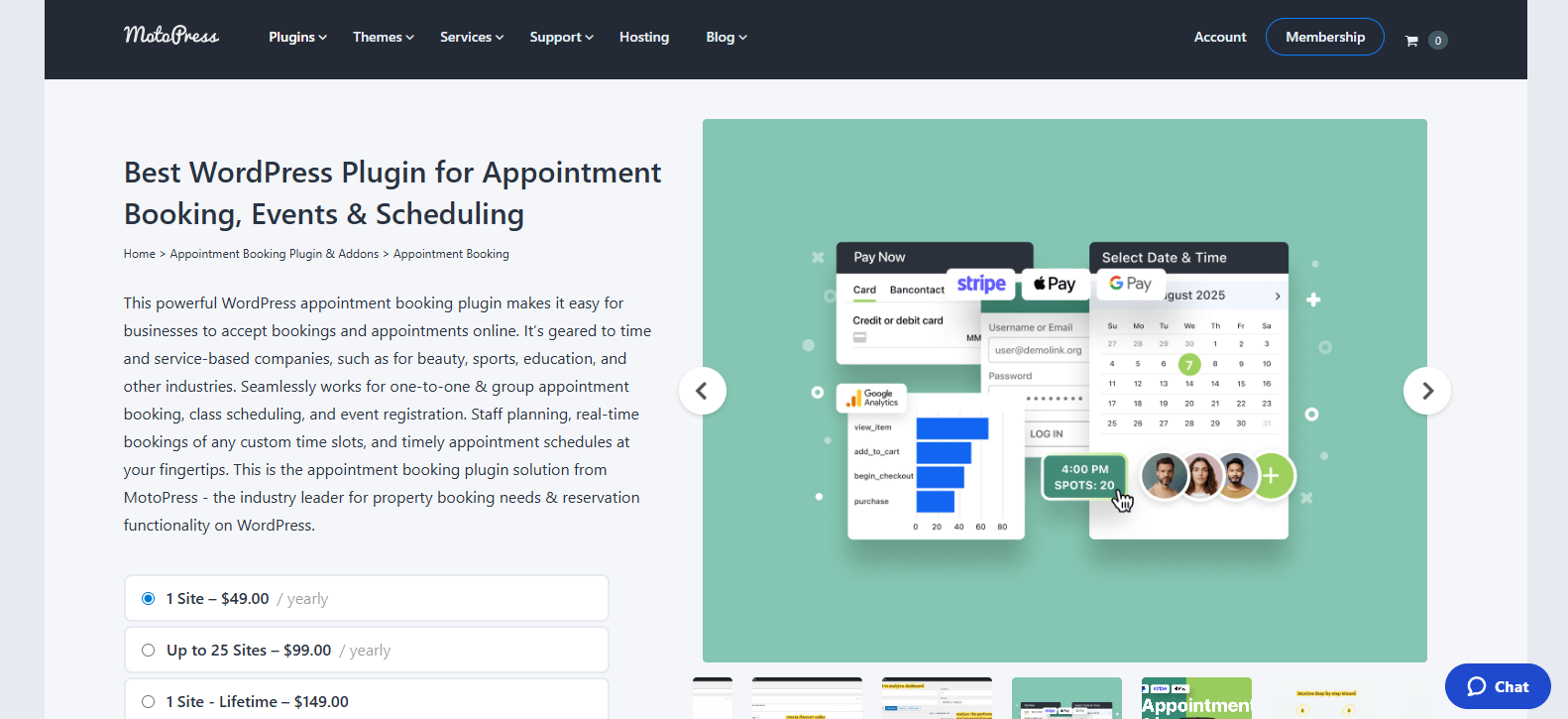
MotoPress Appointment Booking is one of the most powerful WordPress scheduling plugins for managing unlimited appointments, employees, services or locations with ease.
From employee schedules to service durations and buffer times, this booking plugin gives you complete control over how appointments are managed.
It also integrates smoothly with popular payment gateways and automatically confirms bookings. Best of all, it's compatibility with WooCommerce. Thus, it also opens the door to advanced payment setups, bundled services and more promotional strategies.
While it sure takes slightly longer to configure than other appointment and booking plugins, the useful features it offers make the setup worthwhile.
Standout Features
- Unlimited services, staff members and location with flexible schedule.
- Smoothly two-way sync with Google Calendar, Apple Calendar, Outlook Calendar and Yahoo Calendar.
- Accept onsite, online or partial payment via PayPal, Stripe, Square and more.
- Send automated email and SMS notifications.
- Integrates smoothly with powerful tools including Google Analytics.
Pros & Cons
| Pros | Cons |
| Advanced employee and multi-location management. | Setup can feel technical for beginners. |
| WooCommerce integration enables advanced monetization. | Interface may require a short learning curve. |
| Highly flexible scheduling rules. | Design customization is somewhat limited. |
| Scales well for growing service businesses. |
Pricing
- Free version is available.
- The paid plan starts from $49/year.
Best For: Wellness centers, coaching companies and agencies that need structured scheduling with room to grow.
4. Bookly
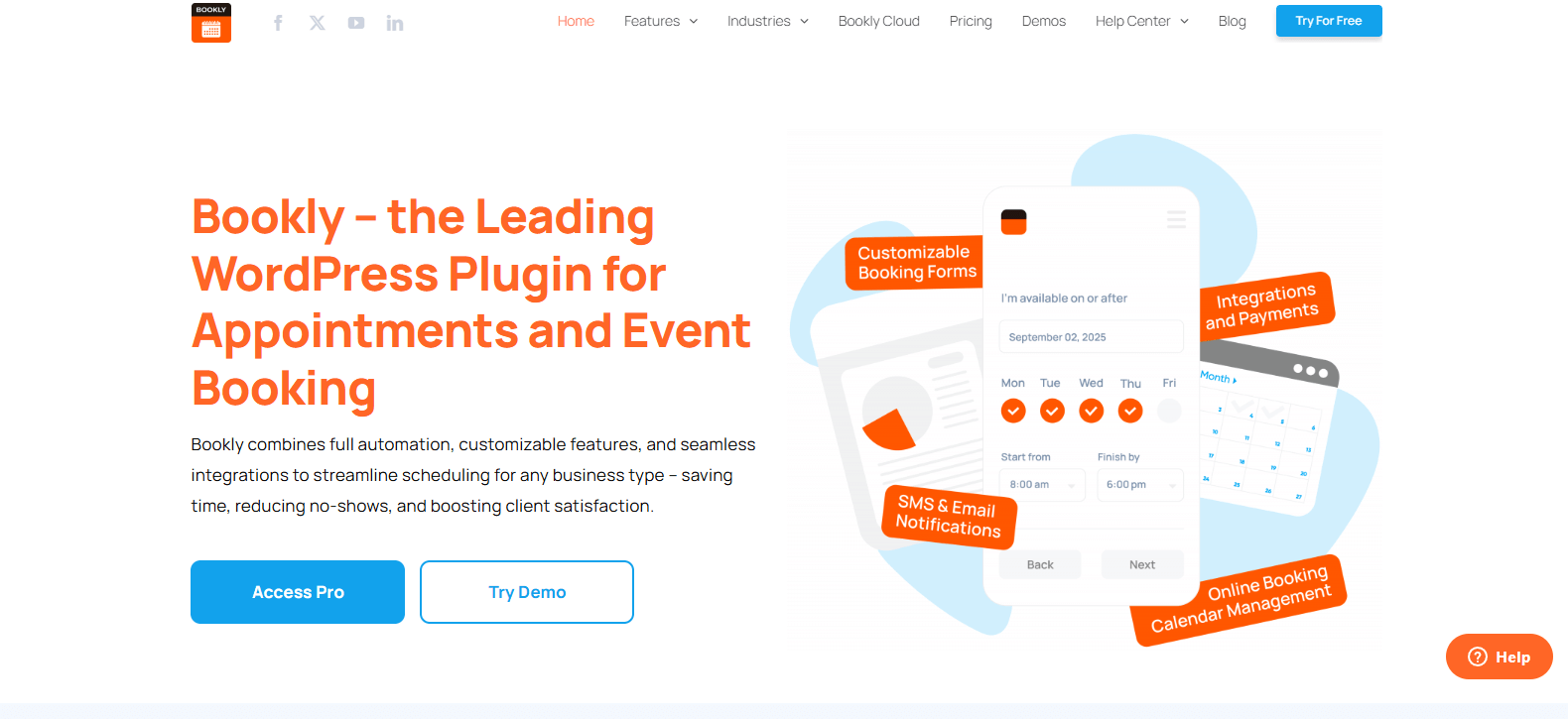
Bookly has earned a reputation as one of the most versatile WordPress appointment booking plugins on the market. It offers a robust blend of automation, customization and client friendly interfaces.
The core plugin is lightweight but you can extend it with paid addons to unlock advanced features such as Zoom integration, Google Calendar sync, automatic notifications and more.
Plus, Bookly also offers a mobile friendly booking form that makes it easier for customers to book services from any device. Combined with automated SMS and email notifications, Bookly keeps customers engaged.
For service businesses that want deep customization and a modern interface, Bookly is your top choice.
Standout Features
- Fully customizable booking form.
- Send automated notifications via Email and SMS.
- Smoothly accept online payments with popular payment gateways such as PayPal, Stripe, 2Checkout and more.
- Group booking and recurring appointments.
- Allow staff members to manage their profiles and calendars.
Pros & Cons
| Pros | Cons |
| Highly customizable booking solution. | Advanced features require purchasing paid addons. |
| Responsive booking form improves UX. | Can be expensive once addons are stacked. |
| Google Calendar sync reduces double bookings. | Performance may dip with many add-ons active. |
| WooCommerce integration for payment flexibility. | Pricing structure is less straightforward. |
Pricing
- Free version is available.
- The premium plan starts from $49.00/year.
Best For: Businesses, clinics, tutors, and fitness studios that want a highly customizable booking system with automation.
5. Simply Schedule Appointments
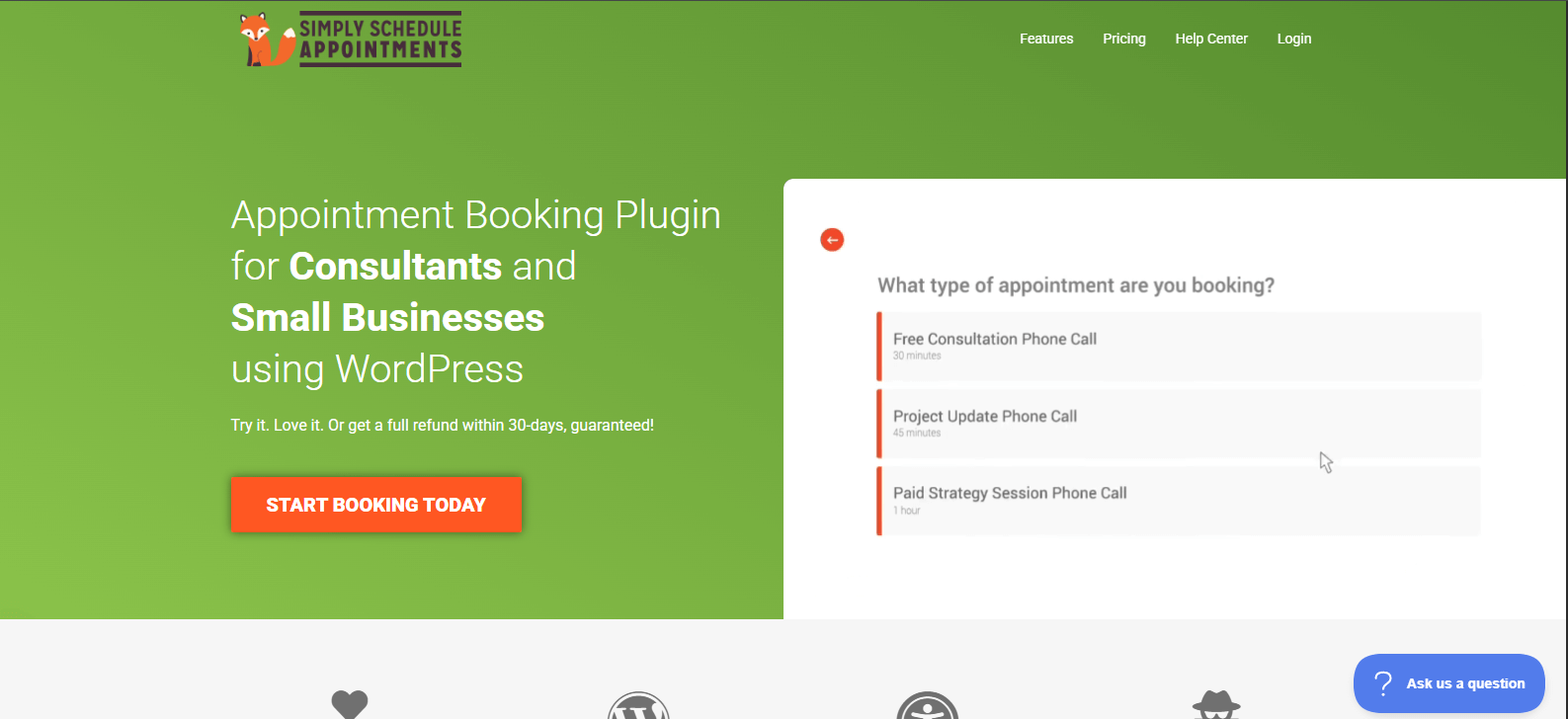
Simply Schedule Appointments is a simple yet powerful WordPress appointment booking plugin. The reason why it was able to make up in this list is due to its simplicity.
Unlike many scheduling tools that have many options to confuse the user, this booking plugin for WordPress makes it super easy. Further, you can go from installation to a full-power booking system in minutes, thanks to its step by step setup wizard.
Despite its simplicity, Simply Schedule Appointment offers flexible availability rules, customizable booking forms, Google Calendar sync, automated email notifications and integration with popular calendar apps and payment gateways.
Standout Features
- Unlimited appointments and calendar.
- Advanced scheduling rule for blackout dates, notice period and buffer time.
- Two-way sync bookings with Google Calendar.
- Custom Fields in the booking form.
- Classes and group booking Management.
Pros & Cons
| Pros | Cons |
| Extremely easy to set up. | Advanced automation features require higher plans. |
| Clean and modern booking UI improves client experience. | Limited enterprise-level features. |
| Guided templates speed up configuration. | Less customizable than plugins like Bookly, BookingPress. |
| Google Calendar sync keeps schedules aligned. |
Pricing
- Free version is available.
- The paid version starts from $99/year.
Best For: Small service businesses, consultants, coaches and wellness providers who want a simple booking experience with no complexity.
How to Choose the Right WordPress Booking Plugin?
Choose a WordPress booking plugin that actually solves your specific scheduling problems and grows alongside your business. However, if you are still confused about which booking plugin is best for your WordPress site, no worries.
Here's How to Choose the Right Booking Plugins for WordPress:
- First, understand your needs. Whether you want a simple appointment system or a more advanced booking system.
- Next, make sure the one you choose is easy to set up and simple for customers to use.
- Also, make sure it syncs with calendars and sends automatic reminders to avoid missed bookings.
- Check that it supports online payments if you plan to accept bookings with fees.
- At last, focus on the overall value, features and tech support you get. Choosing the cheapest option is never the right option.
In a nutshell, pick a plugin that can grow with your business, especially if you plan to add more services, staff and location or take more appointments.
Final Verdict: Which Is the Best WordPress Booking Plugin Overall?
The best WordPress booking plugin is not always the most expensive or the most feature-rich. It's the one that solves your specific scheduling problems with no confusion and most automation.
Still, if you want a straightforward answer: BookingPress is the best all-around WordPress appointment booking plugin.
For appointment bookings for all service businesses like consultants, coaching centers, salons, and clinics, BookingPress is the best option. Its power combo of a friendly user interface, powerful staff, service and client management, and seamless automation makes it the top choice for a reliable system.
Stop losing bookings due to manual scheduling and missed reminders anymore. Get started with the booking plugin and deliver a smooth booking experience for your customers.
Also check – Top 30 ChatGPT Alternatives You Can Try
FAQs on WordPress Appointment Booking Plugins
Which booking plugin is best for WordPress?
BookingPress is the best booking plugin for WordPress based service business. It comes with over 60+ premium addons, including over 20+ payment gateways + POS system. Plus, you can create custom booking forms, manage endless appointments and send automatic notifications.
What features should I consider when choosing a booking plugin?
Here are the features you should consider when choosing a booking plugin:
- Real time availability
- Smooth two-way sync with popular calendar
- Customizable booking form
- Secure payment gateways
- Automated notifications via Email or SMS
- Flexible booking rules
Do WordPress booking plugins support online payments?
Yes, most of the best WordPress appointment booking plugins support online payments via popular gateways such as Stripe, PayPal and more.
Can these plugins sync with Google Calendar or Outlook?
Yes, all the plugins suggested here such as BookingPress, Bookly and Simply Schedule Appointments, can smoothly sync with Google Calendar, Outlook Calendar, and more.
How can I add a booking calendar to my WordPress website?
You can add a booking calendar to your WordPress website by simply installing and activating a booking calendar plugin that is suggested in this blog.
Also check – Top 7 WordPress Real Estate Plugins

