Why We Built WP Project Manager And How It Solves Real Problems
Working with a team sounds simple. But in real life, it becomes messy very fast. Messages spread across different apps, tasks get lost, and nobody knows what is happening inside a project. Many teams face the same situation every day, and this slows down their work.
We also went through these struggles. Our team was growing, but our tools were not helping us stay organized. We tried emails, spreadsheets, and several apps, but nothing worked the way we needed. Everything felt scattered and confusing.
This experience pushed us to build WP Project Manager. We wanted a clean and simple tool that fits inside WordPress and solves real teamwork problems. In this blog, we share why we built it and how it helps teams work better.
Real-Life Problems We Saw Before Building the WP Project Manager Plugin
Many teams face the same set of problems when they try to manage projects with basic tools. These issues grow as the team grows. Before building WP Project Manager, we saw these problems again and again in our own work and in the work of many WordPress users.
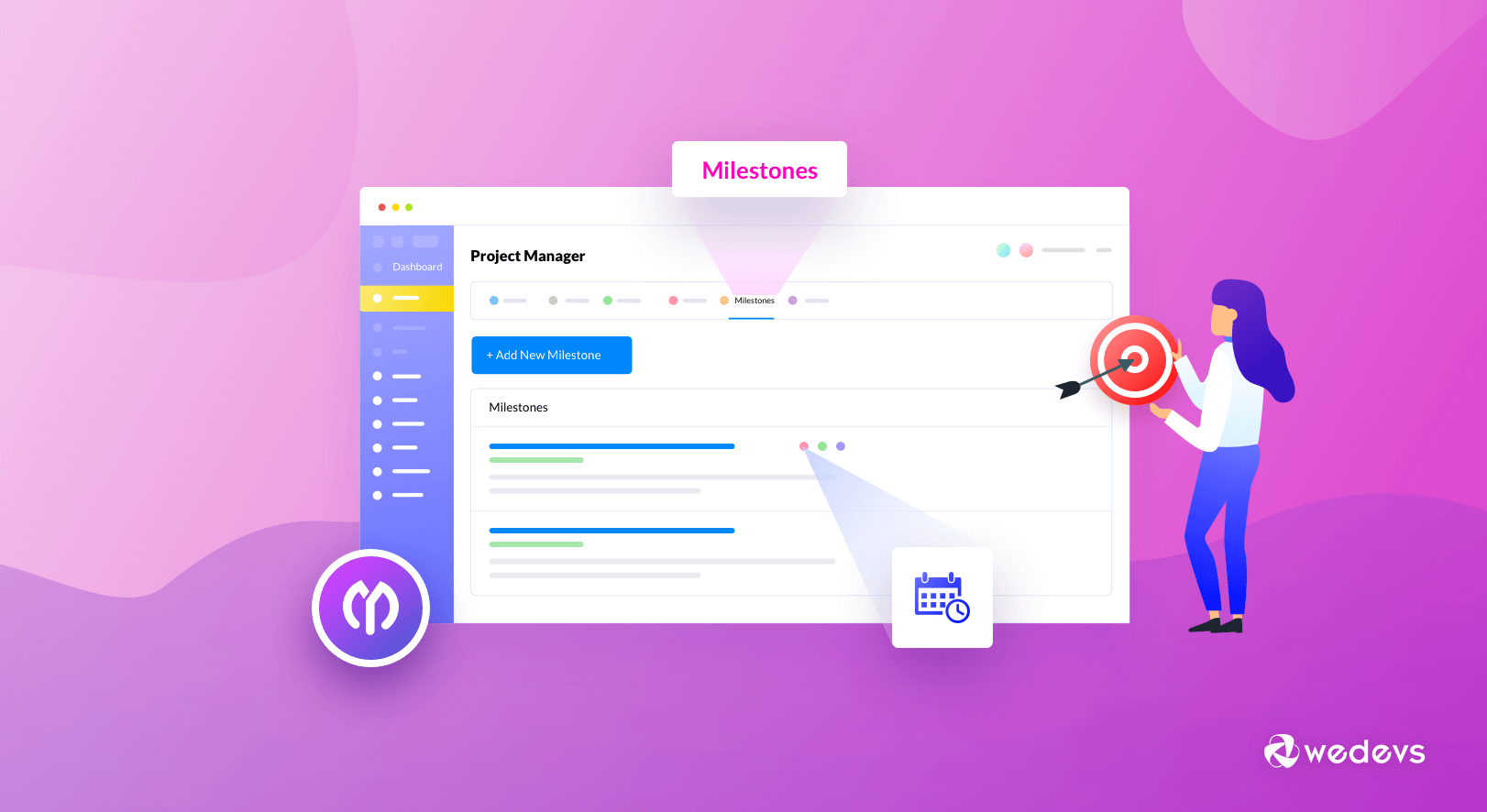
These real struggles helped us understand what a simple and effective project management tool must fix. Some of them are:
a. Scattered Communication
Teams often communicate through multiple channels, such as emails, chat apps, and phone calls. As a result, Important discussions often get buried in long message threads. People waste time searching for updates or decisions that were already made.
This scattered communication leads to mistakes and confusion. Team members miss critical messages, and managers cannot track progress easily. Projects slow down because no one knows what others are working on. We realized a central communication hub was essential to keep teams on the same page.
Explore some effective project management communication strategies.
b. No Central Place to Manage Tasks
Many teams used spreadsheets, notebooks, or random apps to track tasks. These tools are not built for teamwork, so tasks become unclear, poorly organized, or completely forgotten. There was no single place to assign work, set deadlines, or see what everyone was doing.
This lack of structure created frustration. Tasks were often forgotten, delayed, or duplicated. Team members spent more time organizing than actually working. We saw the need for a tool where all tasks, responsibilities, and priorities are clear and easy to follow.
c. Poor Visibility of Project Status
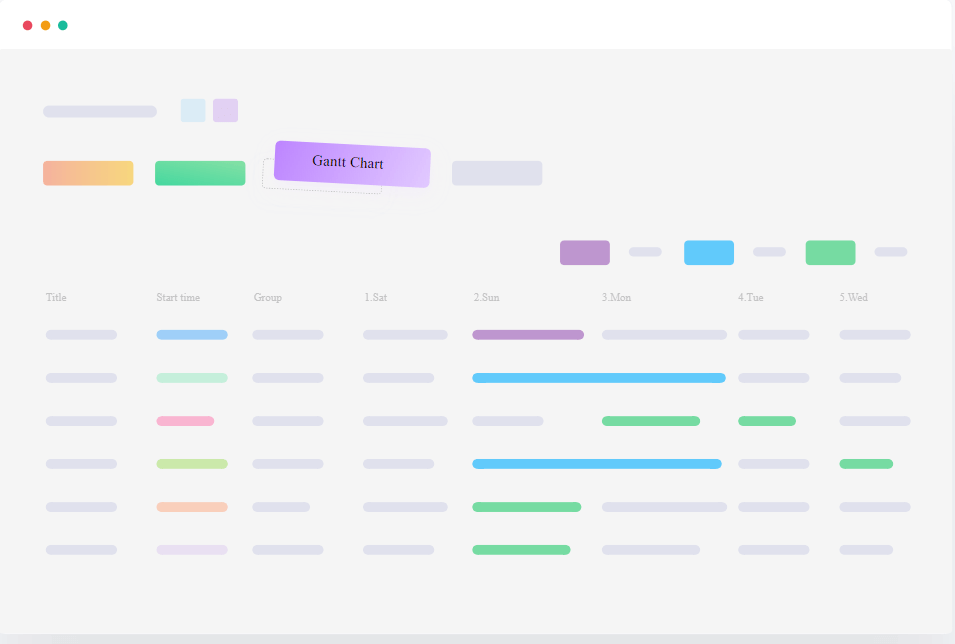
Without a clear system, it becomes difficult to understand the current status of a project. Managers cannot see what is pending, what is done, or where the team is stuck. Everyone works in separate pockets of information.
This lack of visibility increases guesswork. Deadlines become unpredictable because nobody has real insight into progress. The team loses control of the project flow, affecting planning and decision-making. We wanted a system that makes project progress visible at a glance to all team members.
Learn how to create a project with WP Project Manager.
d. Missed Deadlines and Slow Work Process
When tasks are not tracked properly, deadlines slip without warning. Team members do not receive timely reminders, and managers cannot follow up at the right time. Even simple tasks fall behind schedule, which risks the future of the respective project.
Work becomes reactive instead of proactive. Without reminders, priority labels, or workflow automation, teams struggle to stay on schedule. We realized that a proper task management system with built-in alerts and timelines could solve this problem.
e. Extra Cost of Using Too Many Tools
Teams often try to fix problems by using multiple apps for tasks, communication, and file sharing. These tools usually cost money, and the cost increases as the team grows. Managing many tools also creates complexity. This tool overload adds financial pressure and wastes time.
Team members jump from one tool to another, which breaks focus and increases confusion. Instead of boosting productivity, these tools end up creating new problems. Take a look at the best and cheapest project management tools.
Our Motivation Behind Creating WP Project Manager
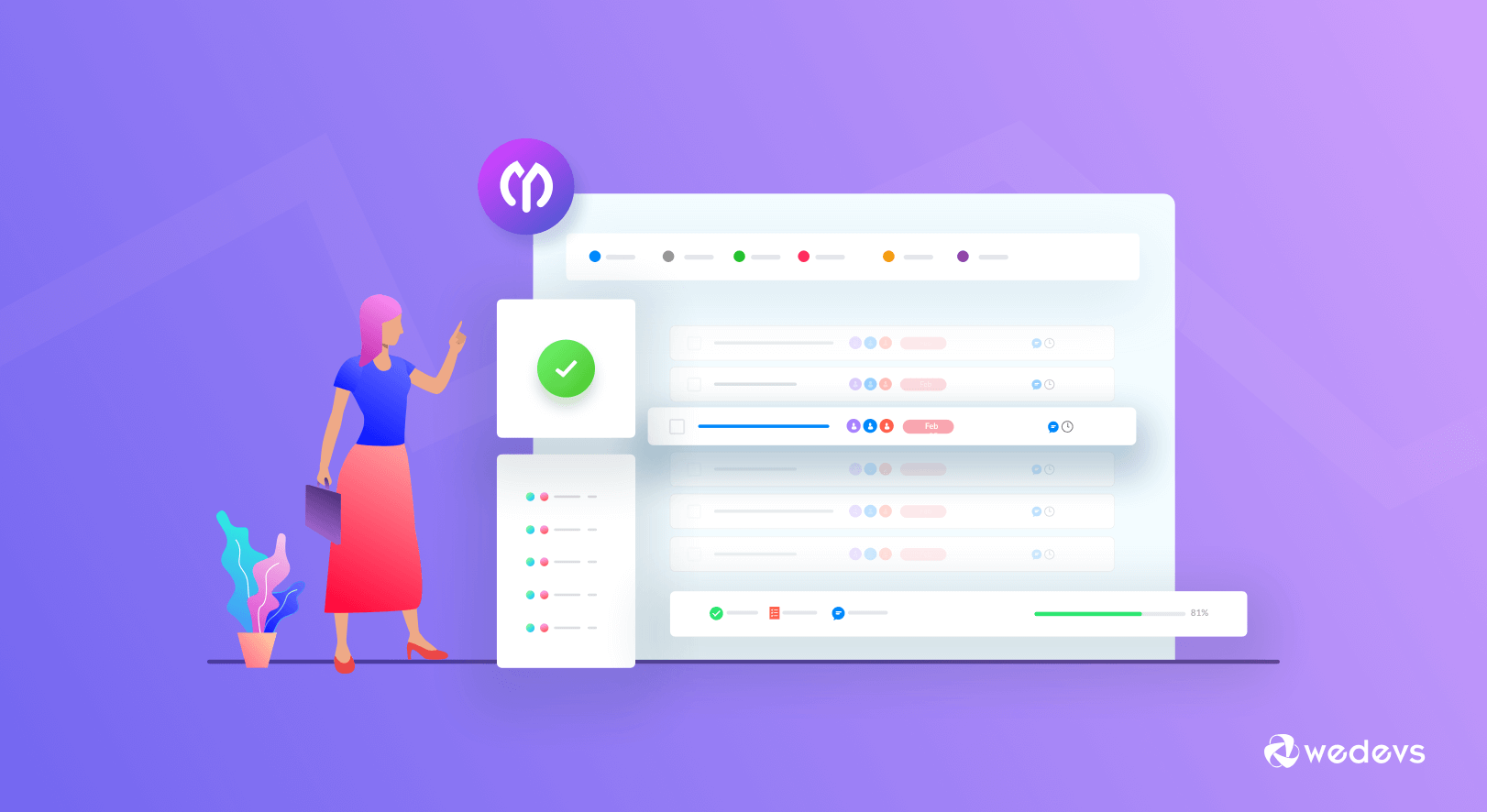
Before building WP Project Manager, we also asked ourselves what kind of tool would truly help teams. We wanted more than just another app. Our goal was to create a solution that solves real problems while being simple, practical, and easy to use. These were the core ideas that guided us during development.
1. We Wanted a Simple, Self-Hosted Solution for WordPress Users
Many teams wanted to manage projects inside WordPress rather than using external tools. Using multiple platforms caused confusion and wasted time. We realized that a self-hosted solution would give full control over data and projects.
By keeping the tool within WordPress, teams could manage everything from a single dashboard. No extra apps, logins, or subscriptions were needed. This also improved privacy and security. Our goal was a project management tool that fits naturally into the WordPress environment.
2. We Wanted a Tool That Is Easy to Understand
Most project management tools are powerful but complicated. Small teams and non-technical users often feel lost when using them. We wanted something anyone could start using without hours of training.
Simplicity became a priority. Clean design, clear navigation, and intuitive features were essential. Users should know what to do at a glance. By making it easy to understand, we ensured teams can focus on work rather than struggling with the tool itself.
3. We Wanted a Tool That Teams Can Use in Their Daily Routine
A tool is only useful if it becomes part of everyday workflow. We wanted WP Project Manager to reduce time, not add more work. It should simplify task tracking, communication, and progress updates.
We focused on features that make daily routines smoother. Creating tasks, assigning work, sharing files, and checking progress should be quick and effortless. Our goal was a tool that helps teams stay productive every day, without interrupting their normal work habits.
How WP Project Manager Solves These Real Problems
WP Project Manager was built to remove daily project pain. It focuses on real work issues that teams face every day. Each feature solves one clear problem, not many at once. That is how it makes project work simple and reliable. Let's take a look at how WP Project Manager solves real problems.
1. Keeps All Communication in One Place
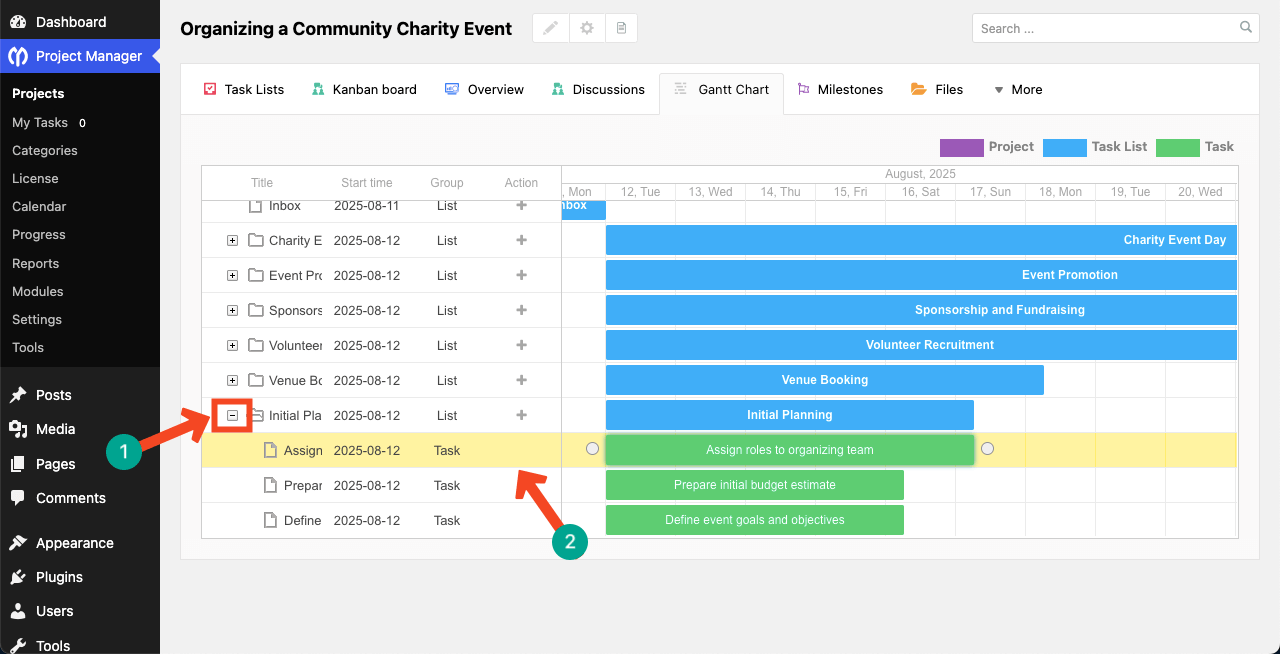
WP Project Manager allows you to store all project-related files and discussions inside the project itself. There is no need to search emails or chat apps for old messages. Every update stays linked to the right task or file. This reduces confusion and saves time during project reviews.
Check how to use the Gantt chart to schedule project tasks.
2. Creates a Clear Task Management System
Tasks in WP Project Manager are structured in a way that is easy to follow. Each task has an owner, a deadline, and a clear goal. Team members know exactly what they need to do next. So, there is less chance of forgetting or delaying any work. This creates discipline without extra effort.
3. Improves Workflow With Kanban Boards
Kanban boards show work in a visual way. Tasks move from one stage to another with a simple drag. Teams can see what is pending, active, or completed at a glance. This helps balance workload and avoid bottlenecks. It also makes progress visible to everyone.

4. Helps Manage Files and Documents Easily
Files are attached directly to tasks and discussions. This keeps documents where they belong. Team members do not need to search through cloud folders or emails. Every file stays connected to the work context. This improves accuracy and speeds up collaboration.
5. Gives Managers Clear Insights
Managers can quickly see project status without asking for updates. Task progress, deadlines, and workload are visible in one place. This helps identify risks early. Better visibility leads to better decisions. It also reduces micromanagement.
Here's a discussion on Gantt chart vs Kanban Board – which one fits your project.
6. Automates Daily Work
WP Project Manager automates routine actions. Task updates, notifications, and activity logs run automatically. This reduces manual follow-ups and repeated messages. Teams spend less time managing work. They spend more time doing actual work.

7. Saves Cost for Teams
As WP Project Manager allows you to manage numerous things under one dashboard, you don't have to pay for multiple tools. This reduces monthly software costs, saving you a significant amount of money. It also reduces time loss caused by poor coordination.
Who Can Benefit the Most From WP Project Manager
WP Project Manager is built for teams that need control without complexity. It fits different work styles and team sizes. The tool adapts to real workflows, not forced systems. That is why many types of teams benefit from it. Please take a quick look at some of them below.
1. Small Businesses
Small businesses often manage many tasks with limited people. WP Project Manager helps them stay organized without adding pressure. Owners can track work without constant follow-ups. Teams understand priorities clearly. This leads to better delivery with less stress.
Explore the 15+ best workflow management systems for small businesses.
2. Agencies
Agencies handle multiple clients and projects at the same time. WP Project Manager keeps each client project separate and clear. Teams can manage tasks, files, and discussions in one place. Managers can track progress without interrupting the team. This improves delivery speed and client trust.
3. Remote Teams
Remote teams depend heavily on clear communication. WP Project Manager creates a shared workspace for distributed members. Everyone sees updates, tasks, and files in real time. This reduces misunderstandings caused by time gaps. Work stays aligned even across locations.
Here's a detailed guide on how to manage a remote team.
4. WordPress-Based Companies
Companies that work fully inside WordPress need native tools. WP Project Manager runs directly from the WordPress dashboard. Teams do not need to switch platforms to manage work. This saves time and reduces learning effort. Everything stays inside one system.
5. Freelancers Handling Multiple Clients
Freelancers often juggle several projects at once. WP Project Manager helps separate tasks by client and project. Deadlines become easier to track. Files and discussions stay organized. This helps freelancers stay professional and on schedule.
6. Educational Organizations and NGOs
Educational groups and NGOs manage projects with limited resources. WP Project Manager keeps work transparent and structured. Teams and volunteers can follow tasks easily. Managers can monitor progress without complex tools. This supports accountability and smooth collaboration.
What Makes WP Project Manager Different
Many project tools try to do everything at once. This often makes them hard to use. WP Project Manager follows a different path. It focuses on clarity, speed, and real needs. Below, we have covered some points that describe what makes WP Project Manager different.
1. Simple User Interface
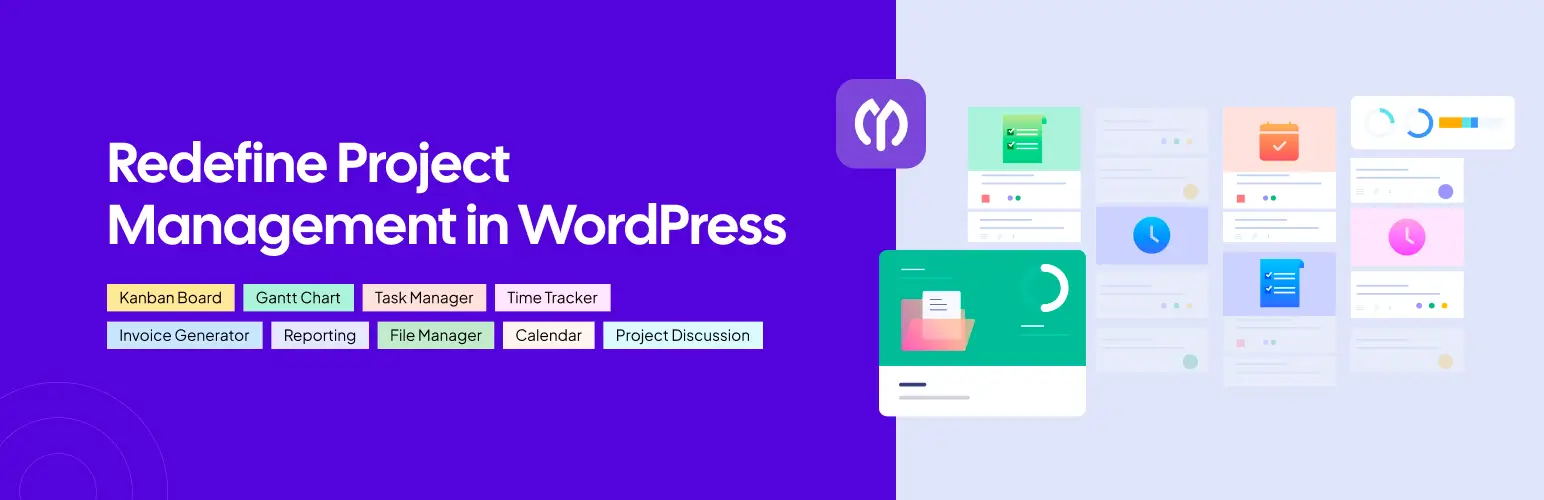
WP Project Manager has a clean and focused interface. Users can see only what they need to see. There are no confusing menus or hidden actions. It has been designed in such a way that new users feel comfortable from the first day. This reduces mistakes and saves learning time.
2. Built for WordPress
WP Project Manager is made specifically for WordPress users. It works smoothly inside the WordPress dashboard. There is no need for external platforms or a complex setup. User roles and permissions feel familiar. This makes adoption easier for WordPress teams.
3. Lightweight but Powerful
The plugin does not slow down your website. It loads fast and uses only the needed resources. At the same time, it handles complex project workflows. You get strong features without a heavy performance cost. This balance is hard to find in other tools.
4. Very Easy to Learn
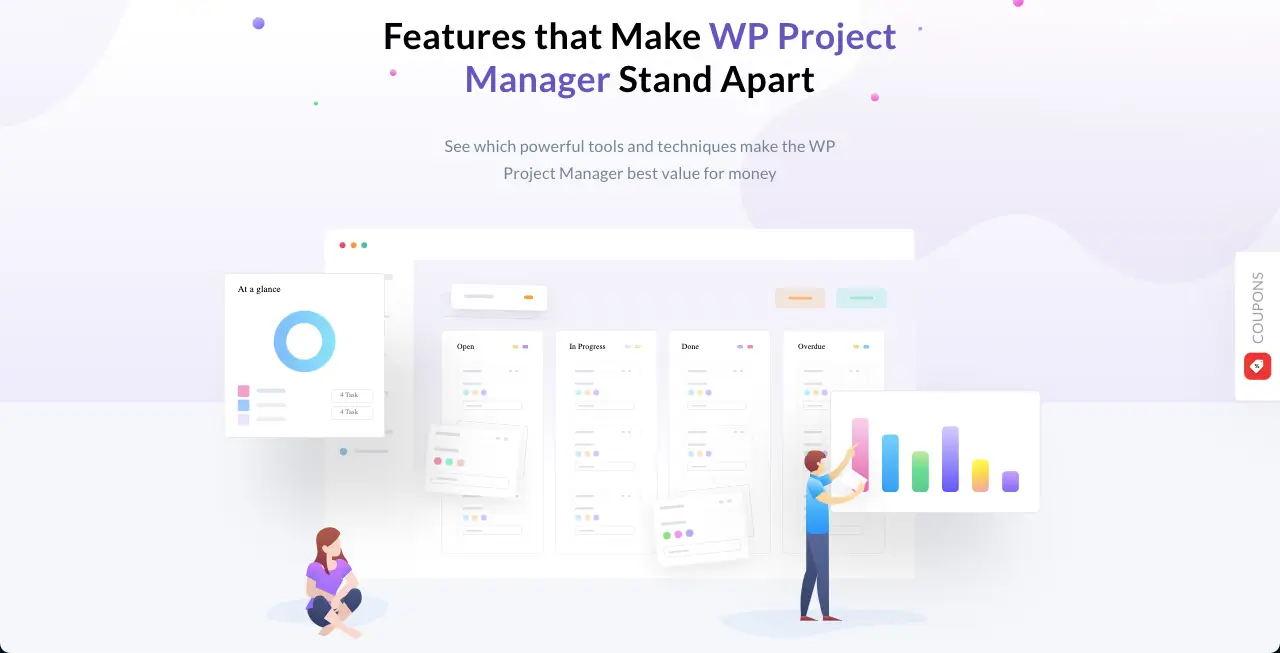
Most users can start using WP Project Manager without training. Task creation and assignment feel natural. The layout guides users step by step. Teams do not need long onboarding sessions. Work starts immediately.
5. Designed From Real User Pain Points
Every feature solves a specific problem faced by real teams. Nothing is added just to look impressive. Feedback from users shapes the product roadmap. This keeps the tool practical and relevant. That is why it fits real work situations.
Final Takeaways!
Finally, we can say that WP Project Manager is not just another plugin you install and forget. It could be a part of your daily life if you are planning to handle lots of clients and projects professionally. Once you start using it, your work will feel more controlled and less scattered.
You have to spend less time checking updates and more time moving tasks forward. That change is noticeable from the first few projects. If you already work inside WordPress, this plugin will feel like a natural next step. You do not need to change your habits or your tools.
Just install it and start a project. Explore its features with real work, not demos. That is the best way to see how much easier project management can be with WP Project Manager. Let's get the plugin and start exploring it today by clicking the buttons attached below.

