

Best Email Marketing Platforms for Ecommerce Automation on WordPress
Running an ecommerce store on WordPress is easy. Scaling it is not. As your store grows, manual email campaigns stop working. You cannot chase abandoned carts one by one. You cannot remember who bought what, when, or why they never came back. That’s where ecommerce automation steps in.
Ecommerce automation uses customer behavior to send the right email at the right moment. A shopper leaves without checking out? An automated email nudges them back. A customer completes a purchase? A follow-up builds trust, triggers upsells, and drives repeat sales.
For WordPress and WooCommerce stores, choosing the right email marketing platform matters even more. You need software that plugs cleanly into WordPress without slowing your site or locking your data behind expensive pricing models.
This guide focuses only on email marketing platforms built for ecommerce automation on WordPress. We ranked each tool based on automation depth, WooCommerce integration, scalability, and real-world ecommerce use cases.
What Is Ecommerce Email Automation?
Ecommerce email automation is the process of sending emails automatically based on customer actions and shopping behavior.
Instead of blasting the same message to everyone, automation responds in real-time. A visitor views a product. A customer abandons a cart. Someone completes a purchase. Each action triggers a specific email sequence without manual effort.
For WordPress and WooCommerce stores, ecommerce automation usually connects directly to:
- Product views
- Cart activity
- Checkout behavior
- Order completion
- Repeat purchases
This connection allows store owners to send emails that feel personal, timely, and relevant, even when thousands of customers interact with the site at once.
How Ecommerce Automation Works in Practice

Here’s a simple example. A customer adds a product to their cart but leaves before checkout. An automation workflow detects this action and sends:
- A reminder email after one hour
- A follow-up email with social proof after 24 hours
- A final incentive email after 72 hours
All of this runs automatically. Once the workflow is set, it keeps working day and night.
Why Ecommerce Automation Matters for WordPress Stores
WordPress gives you flexibility. WooCommerce gives you control. Automation ties both together. Without automation, most stores rely on manual newsletters or one-off promotions. That approach misses key moments when customers are most likely to buy. With ecommerce automation, you:
- Recover lost revenue from abandoned carts
- Increase repeat purchases with post-purchase emails
- Build loyalty through personalized follow-ups
- Scale email marketing without adding more work
This is why ecommerce automation is no longer optional. For WordPress store owners, it’s the difference between running a store and growing a business.
Must-Have Ecommerce Automation Features for WordPress Stores

Not every email marketing tool is built for ecommerce automation. Many platforms send emails well, but fall apart when real shopping behavior comes into play. If you run a WordPress or WooCommerce store, these are the non-negotiable features your email platform must support.
1. Native WooCommerce Data Sync
Your automation tool must track real ecommerce events, not guesses. This includes product views, add-to-cart actions, checkout starts, completed orders, and order value with full purchase history. Without clean WooCommerce data feeding these signals, ecommerce automation turns generic, mistimed, and far less effective.
Learn more: How to Set Up WooCommerce Email Marketing Automation (Step-by-Step Guide)
2. Abandoned Cart and Checkout Recovery
Abandoned carts are the highest-ROI ecommerce automation flow. A proper platform should:
- Detect cart abandonment automatically
- Trigger emails based on timing
- Personalize messages with product details
- Stop emails once checkout is completed
If this flow feels manual, the tool is not ecommerce-ready.
3. Behavior-Based Automation Triggers
Good ecommerce automation reacts to what customers do. Look for triggers like:
- Viewed the product but didn’t buy
- Bought product A but not product B
- First-time buyer vs repeat customer
- High-value customer inactivity
These triggers turn basic emails into revenue drivers.
4. Automation Branching and Conditional Logic
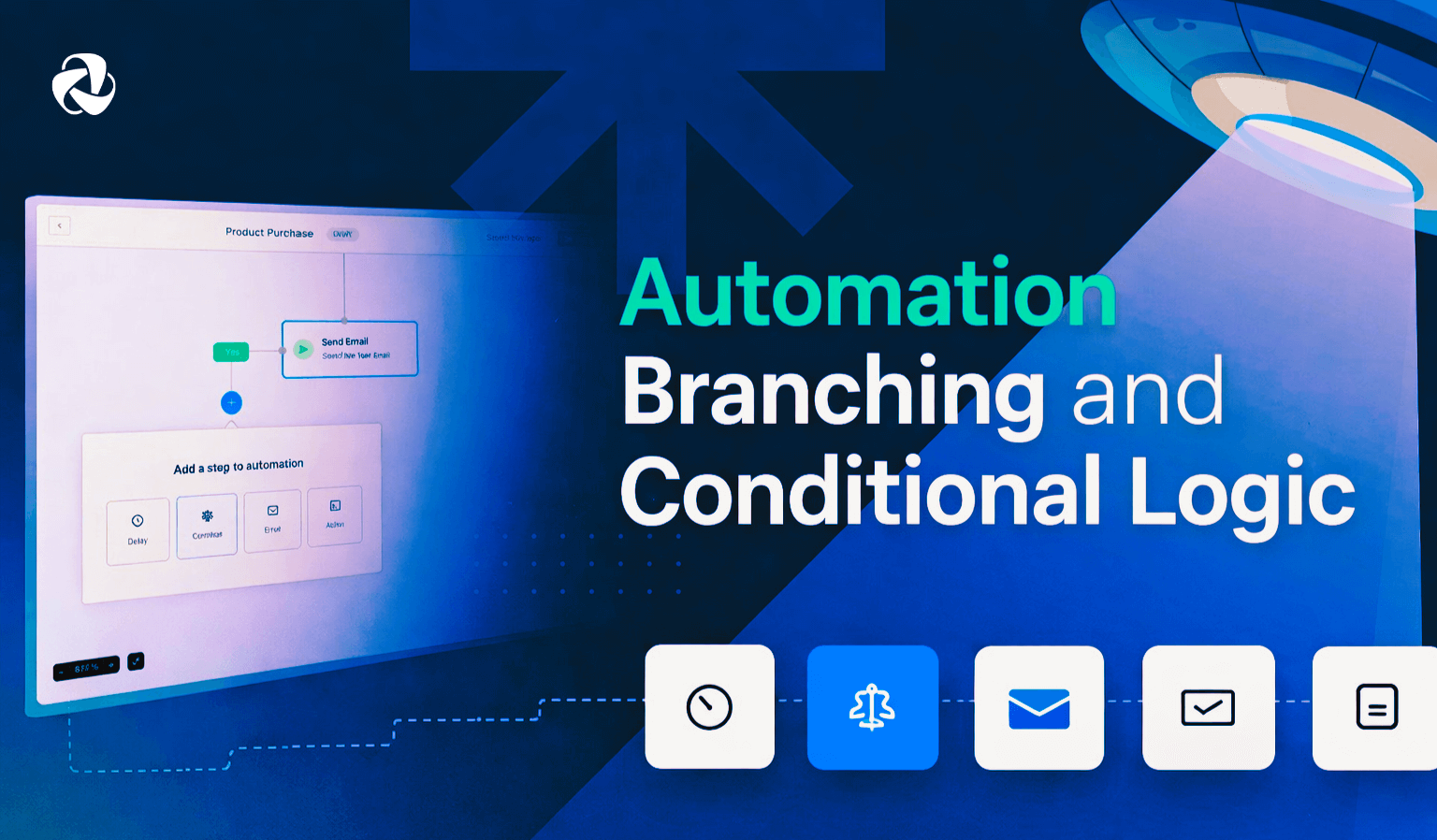
Linear email sequences are not enough for modern ecommerce. Advanced ecommerce automation allows different paths based on user behavior, timed delays and conditions between emails, and exit rules when goals are achieved. This ensures customers only receive relevant messages, improves engagement, and protects long-term deliverability.
5. Product and Purchase-Based Segmentation
Ecommerce automation depends on segmentation. Your platform should segment users based on products purchased, categories viewed, total spend, and order frequency. This level of targeting makes it possible to run precise upsells, cross-sells, and loyalty campaigns that actually convert.
6. Transactional and Marketing Email Coordination
Order confirmations, invoices, and shipping updates matter. The best platforms:
- Handle transactional emails reliably
- Align transactional and marketing messages
- Avoid duplicate or conflicting emails
This creates a smoother customer experience.
7. Scalability Without Cost Shock
As your store grows, automation should scale smoothly with it. Watch out for aggressive contact-based pricing, feature restrictions at higher volumes, and performance slowdowns. Ecommerce automation should support growth, not punish it.
How We Ranked These Ecommerce Automation Platforms
This ranking goes beyond brand popularity. It focuses on how effectively each platform supports real ecommerce automation for WordPress and WooCommerce stores.
Every tool was evaluated using the same ecommerce-focused criteria, with extra weight given to automation depth and WooCommerce integration. The goal is simple, to help you choose a platform that actually drives revenue, not just sends emails.
| Evaluation Criteria | What We Looked At | Why It Matters |
|---|---|---|
| Ecommerce Automation Depth | Behavior-based triggers, multi-step workflows, conditional logic, exit rules, and goal tracking | Determines how precisely you can automate real customer journeys instead of sending basic autoresponders |
| WooCommerce Integration Quality | Native or official integrations, real-time cart and order tracking, product-level data sync, reliable triggers | Clean WooCommerce data is essential for accurate automation and personalization |
| Revenue Tracking and Attribution | Automation-level revenue tracking, sales attribution, ecommerce performance reports | Helps you see which automations actually generate revenue and justify your investment |
| WordPress Compatibility and Performance | Setup ease, impact on site performance, stability during traffic spikes | Ensures automation does not slow down or break your WordPress site |
| Scalability for Growing Stores | Pricing behavior as contacts grow, feature access at higher tiers, support for high-volume stores | Prevents growth from becoming expensive or restrictive |
| Long-Term Data Ownership and Control | Data export options, lock-in risks, flexibility to migrate or extend workflows | Gives you control over customer and order data as your business evolves |
9 Best Ecommerce Email Automation Platforms
This list focuses on the platforms that go beyond newsletters and broadcasts. Each tool below supports real ecommerce workflows like abandoned cart recovery, post-purchase follow-ups, and behavior-based automation, all while working reliably with WordPress and WooCommerce.
1. Klaviyo – Best for Advanced Ecommerce Automation and Revenue Tracking
Klaviyo is built specifically for ecommerce automation. It focuses on customer behavior, not just email delivery. For WooCommerce stores, this means every product view, cart action, and purchase can trigger an automated workflow.
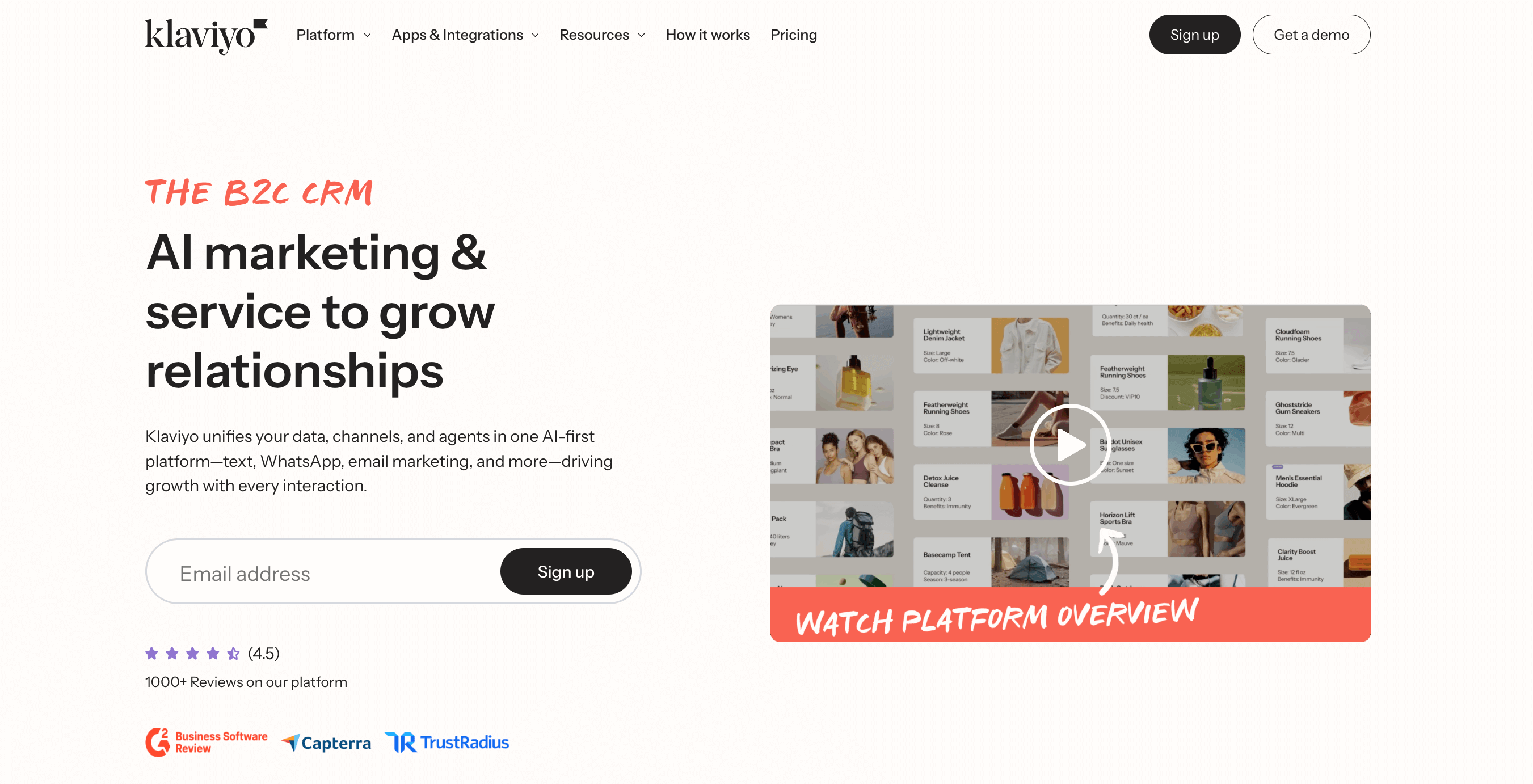
Klaviyo connects deeply with WooCommerce data. It uses real-time product and order events to power abandoned cart recovery, post-purchase follow-ups, and win-back campaigns. This level of automation helps stores recover lost revenue and increase repeat purchases without manual effort.
Where Klaviyo really stands out is segmentation. You can group customers based on what they viewed, what they bought, how often they purchase, and how much they spend. This allows highly targeted automation that feels personal at scale.
Key Ecommerce Automation Features
- Abandoned cart and checkout recovery
- Browse abandonment automation
- Post-purchase and win-back workflows
- Product-level and revenue-based segmentation
- Sales attribution for each automation
- Real-time sync of WooCommerce products and orders
- Tracking for add-to-cart, checkout, and purchase events
- Personalized emails with dynamic product blocks
Best for
Medium to large WooCommerce stores that want deep ecommerce automation, advanced segmentation, and clear revenue tracking.
2. Omnisend – Best for Omnichannel Ecommerce Automation
Omnisend is built with ecommerce automation at its core, with a strong focus on reaching customers across multiple channels. For WooCommerce stores, it combines email automation with SMS and push notifications to create coordinated customer journeys.

Omnisend connects directly with WooCommerce events, which allows automation to trigger based on real shopping behavior. This makes it easy to recover abandoned carts, follow up after purchases, and re-engage inactive customers using more than just email.
Its biggest strength is simplicity at scale. You get prebuilt ecommerce automation workflows that work out of the box, without needing complex setup or technical customization.
Key Ecommerce Automation Features
- Abandoned cart and checkout recovery
- Browse abandonment automation
- Post-purchase and win-back workflows
- Product and order-based segmentation
- Email, SMS, and push notification automation
- Real-time WooCommerce event tracking
- Automated product recommendations inside messages
- Coordinated multichannel automation flows
Best for
WooCommerce stores that want ecommerce automation across email and SMS without adding extra tools or complexity.
3. ActiveCampaign – Best for Advanced Ecommerce Automation Logic
ActiveCampaign stands out for its automation flexibility. It is not built only for ecommerce, but its automation engine is powerful enough to handle complex ecommerce workflows when connected to WooCommerce.
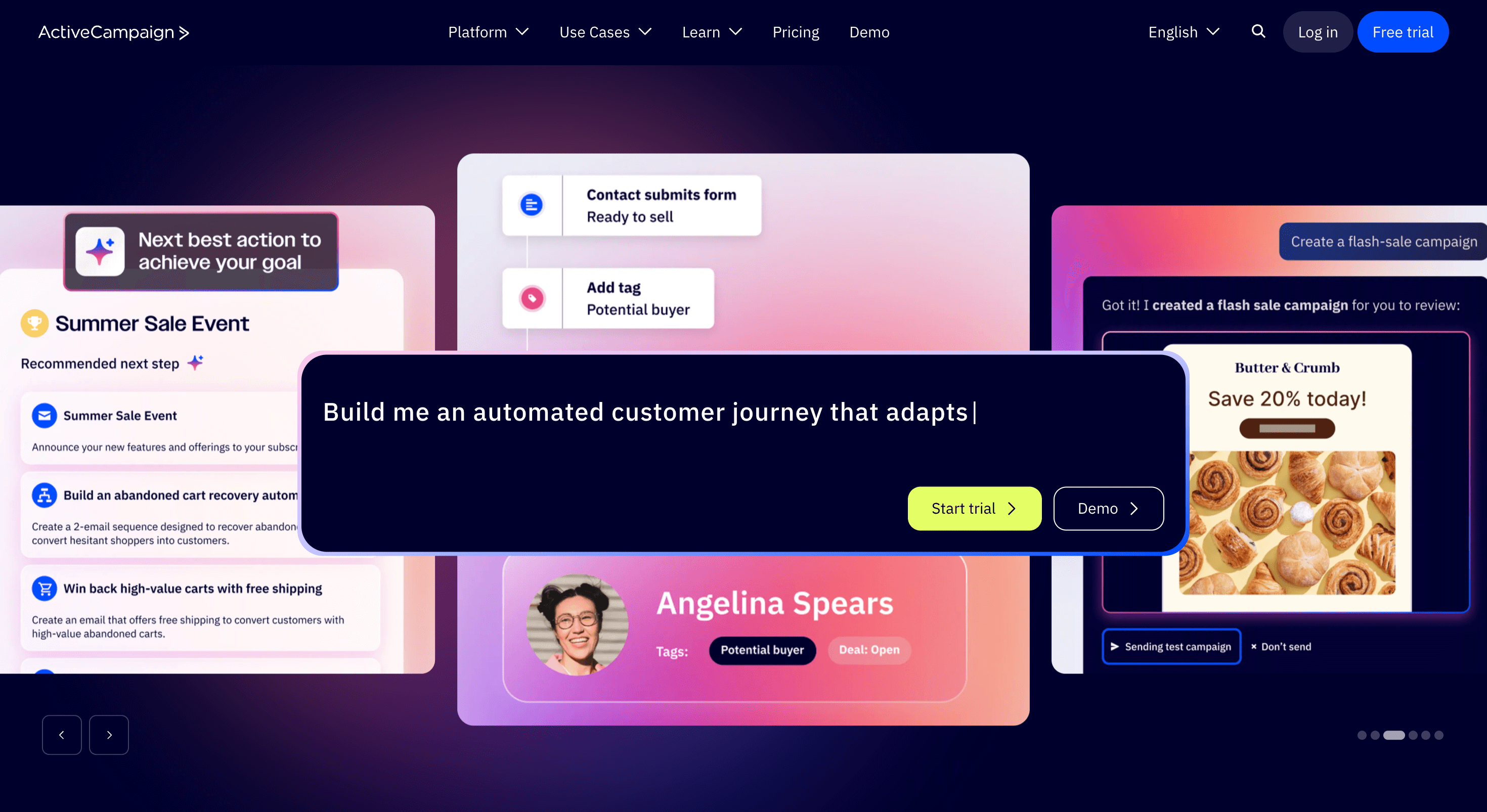
For WordPress stores, ActiveCampaign allows you to build detailed customer journeys based on behavior, purchase history, and engagement. You can create branching automation paths that adapt to how each customer interacts with your store and emails.
This makes ActiveCampaign especially useful for stores with longer buying cycles, repeat purchases, or mixed ecommerce and service-based offerings.
Key Ecommerce Automation Features
- Abandoned cart and checkout recovery
- Post-purchase and win-back workflows
- Advanced automation branching and conditional logic
- Purchase and engagement-based segmentation
- CRM-linked ecommerce automation
- WooCommerce order and customer data sync
- Goal tracking and automation exits
- Personalization based on customer behavior
Best for
WooCommerce stores that need complex automation paths, advanced logic, and CRM-driven ecommerce journeys.
4. weMail – Best WordPress-Native Ecommerce Automation
weMail is designed specifically for WordPress users who want e-commerce automation without relying entirely on external SaaS dashboards. It works closely with WooCommerce and keeps email marketing tightly connected to the WordPress ecosystem.
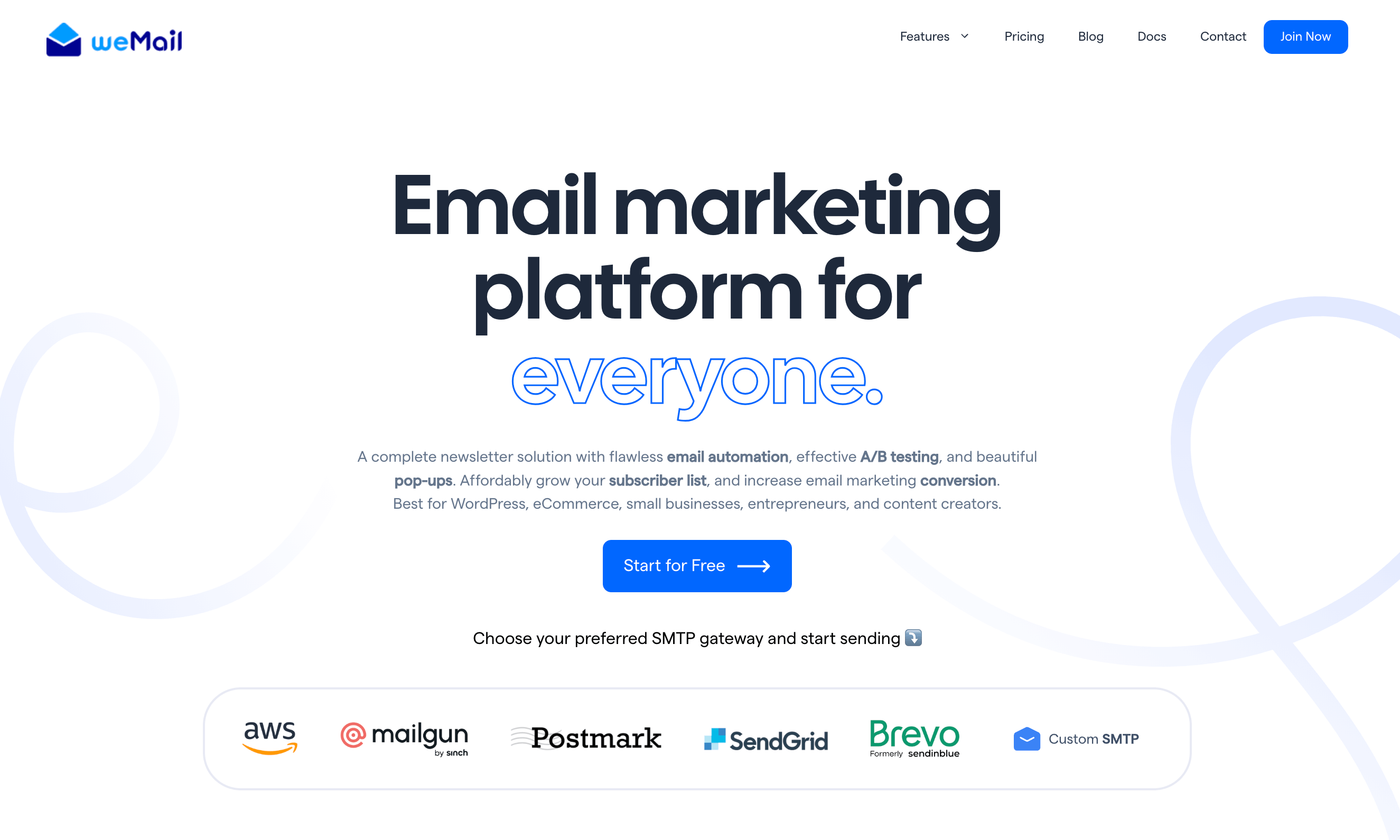
For ecommerce stores, weMail focuses on essential automation workflows that matter most. You can automate abandoned cart recovery, post-purchase follow-ups, and customer re-engagement while managing everything from inside WordPress.
Its biggest advantage is balance. You get ecommerce automation without heavy complexity, and you avoid steep contact-based pricing as your store grows.
Key Ecommerce Automation Features
- Abandoned cart and checkout recovery
- Upsell and cross-sell to customers
- Product and order-based segmentation
- WooCommerce customer and order data sync
- Automation triggers based on purchase behavior
- Email performance tracking inside WordPress
- Lightweight setup without performance overhead
Best for
WordPress and WooCommerce store owners who want ecommerce automation that feels native, predictable, and cost-efficient.
5. Brevo – Best for Ecommerce Automation and Transactional Emails
Sendinblue, now known as Brevo, combines ecommerce automation with reliable transactional email delivery. For WooCommerce stores, this makes it useful when marketing emails and order-related emails need to work together without conflicts.
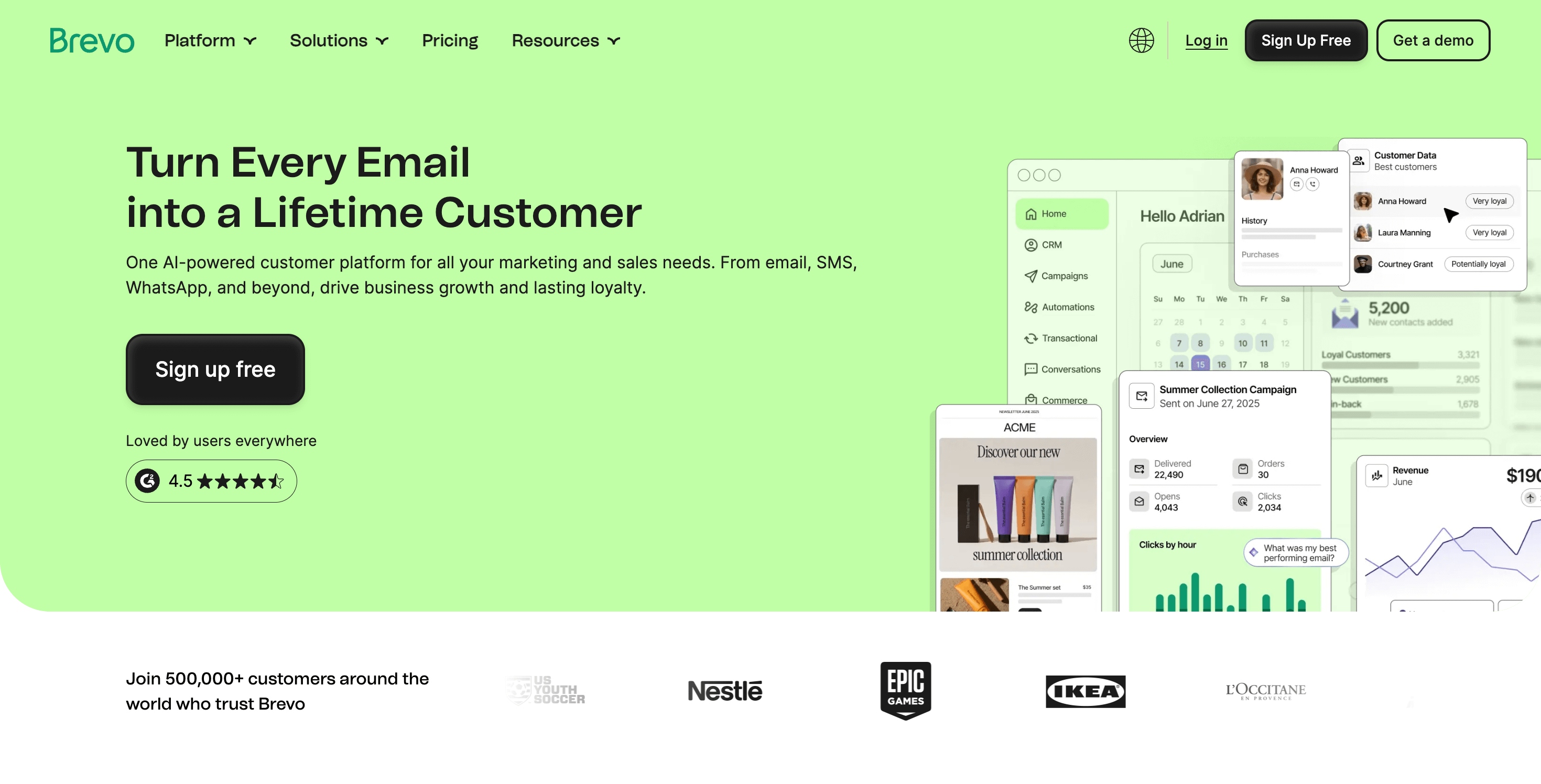
Brevo tracks ecommerce events from WooCommerce and uses them to trigger automated workflows. This allows store owners to follow up after purchases, re-engage inactive customers, and recover abandoned carts while also handling order confirmations and notifications.
Its strength lies in unifying marketing automation and transactional messaging in a single system.
Key Ecommerce Automation Features
- Abandoned cart and checkout recovery
- Post-purchase and win-back workflows
- Email and SMS automation
- Transactional email handling for WooCommerce
- Purchase and engagement-based segmentation
- WooCommerce order and customer data sync
- Automation triggers based on ecommerce activity
Best for
WooCommerce stores that want ecommerce automation and transactional emails managed from one platform.
6. MailerLite – Best Simple Ecommerce Automation for Small Stores
MailerLite focuses on simplicity. It does not try to overwhelm you with complex workflows, which makes it a good fit for smaller WooCommerce stores that want ecommerce automation without a steep learning curve.
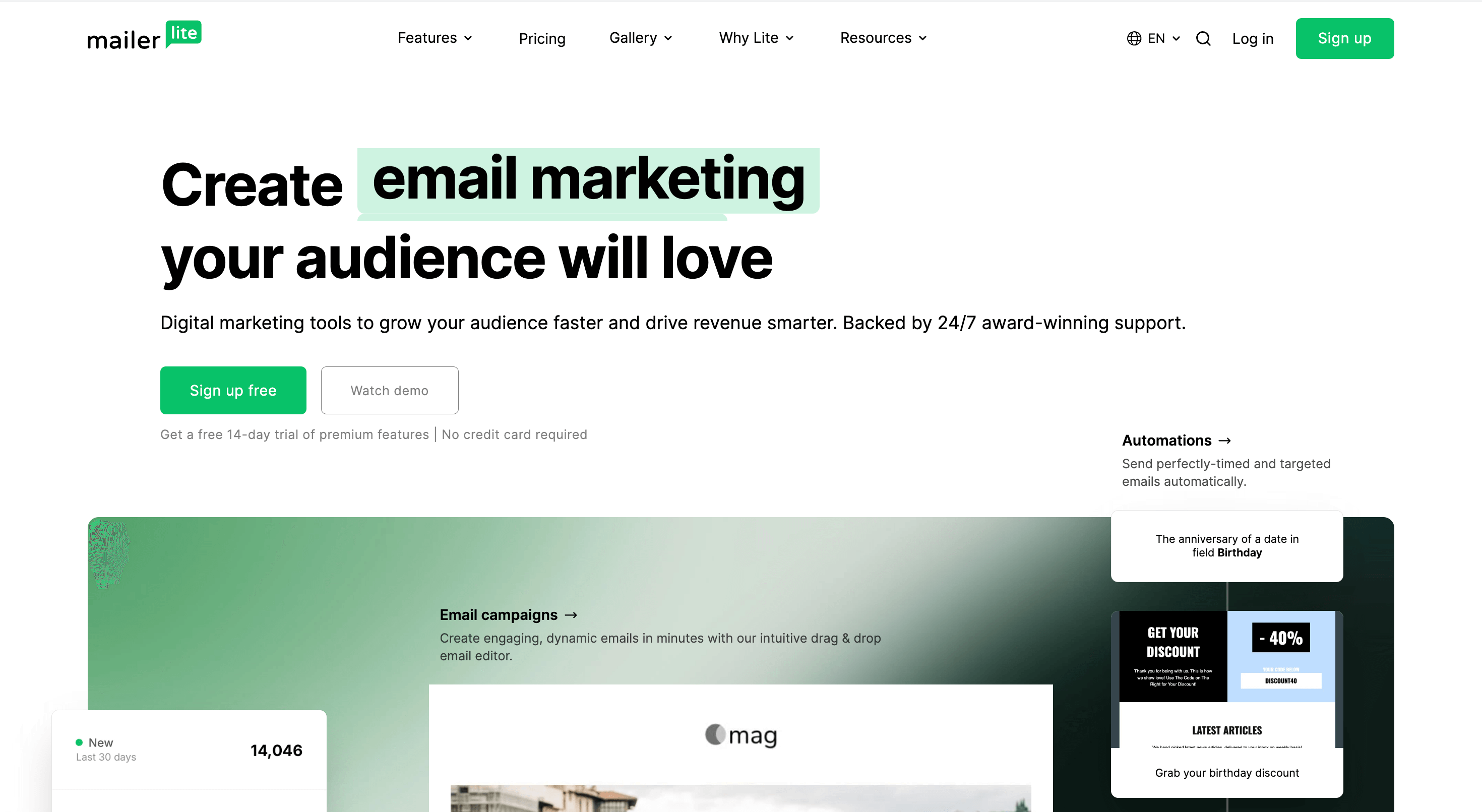
For WordPress ecommerce sites, MailerLite supports essential automation flows tied to customer actions. You can set up abandoned cart reminders, post-purchase emails, and basic segmentation based on purchase behavior.
It works best when your automation needs are clear and straightforward.
Key Ecommerce Automation Features
- Abandoned cart and checkout recovery
- Post-purchase follow-up automation
- Basic product and purchase-based segmentation
- WooCommerce integration for order data
- Automation triggers based on customer activity
- Simple workflow builder with minimal setup
Best for
Small WooCommerce stores that want easy ecommerce automation without advanced logic or complex setup.
7. Mailchimp – Entry-Level Ecommerce Automation
Mailchimp is often the first email marketing tool that ecommerce store owners use. While it is not built primarily for ecommerce automation, it does offer basic automation features that work with WooCommerce.
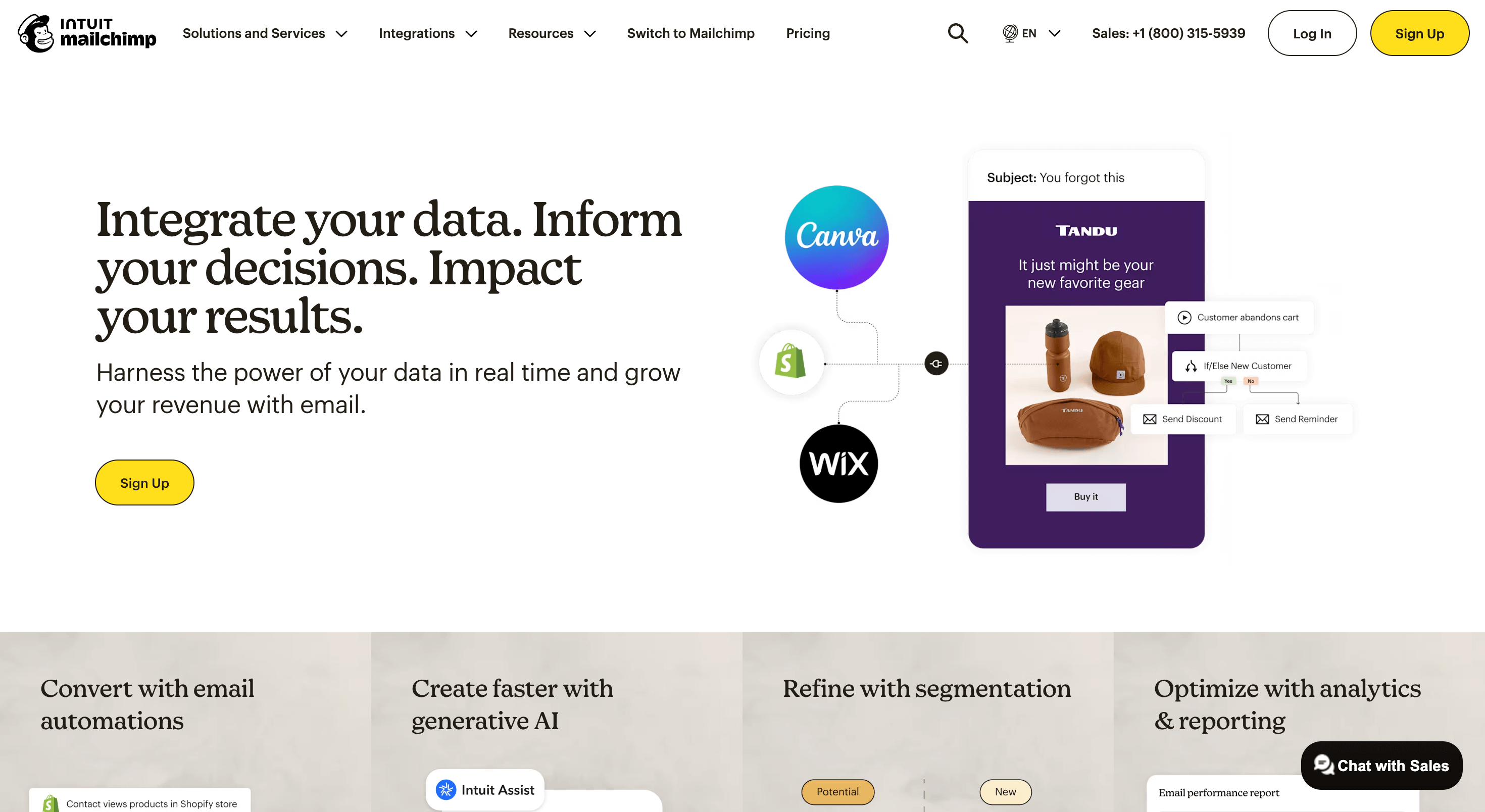
For WordPress stores, Mailchimp can handle simple abandoned cart reminders and post-purchase emails. However, automation depth and segmentation options are limited compared to ecommerce-first platforms.
It works best when automation needs are minimal and ease of use is the top priority.
Key Ecommerce Automation Features
- Basic abandoned cart recovery
- Post-purchase follow-up emails
- Simple purchase-based segmentation
- WooCommerce order data sync
- Prebuilt automation templates
- Basic performance reporting
Best for
New WooCommerce stores that want to start with simple ecommerce automation and minimal setup.
8. Constant Contact – Basic Ecommerce Automation for Beginners
Constant Contact focuses on simplicity and reliability. It is not designed as a full ecommerce automation platform, but it supports basic automation workflows that work for small WooCommerce stores.
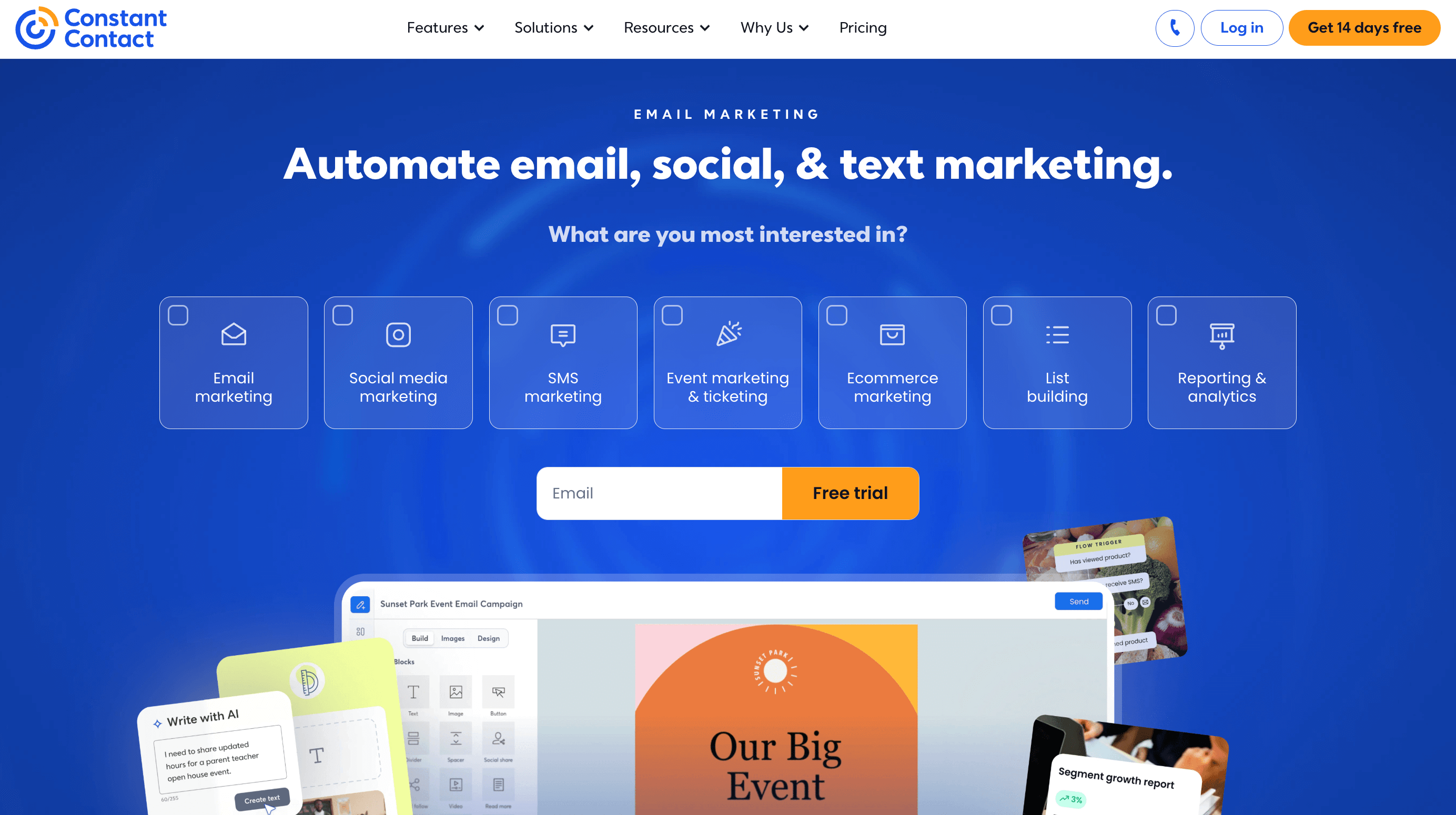
For WordPress users, Constant Contact integrates with ecommerce plugins to trigger simple automated emails. These include welcome emails, basic post-purchase follow-ups, and limited cart recovery.
It works best when ease of use matters more than advanced automation logic.
Key Ecommerce Automation Features
- Basic abandoned cart reminders
- Post-purchase follow-up automation
- Simple customer segmentation
- WooCommerce order and contact syncing
- Prebuilt email templates
- Reliable email deliverability
Best for
Very small WooCommerce stores or beginners who want light ecommerce automation without complexity.
9. FluentCRM – Self-Hosted Ecommerce Automation for WordPress
FluentCRM is a WordPress-native, self-hosted email marketing and automation plugin. Unlike SaaS platforms, it runs entirely inside your WordPress site, giving you full control over customer data and ecommerce automation workflows.
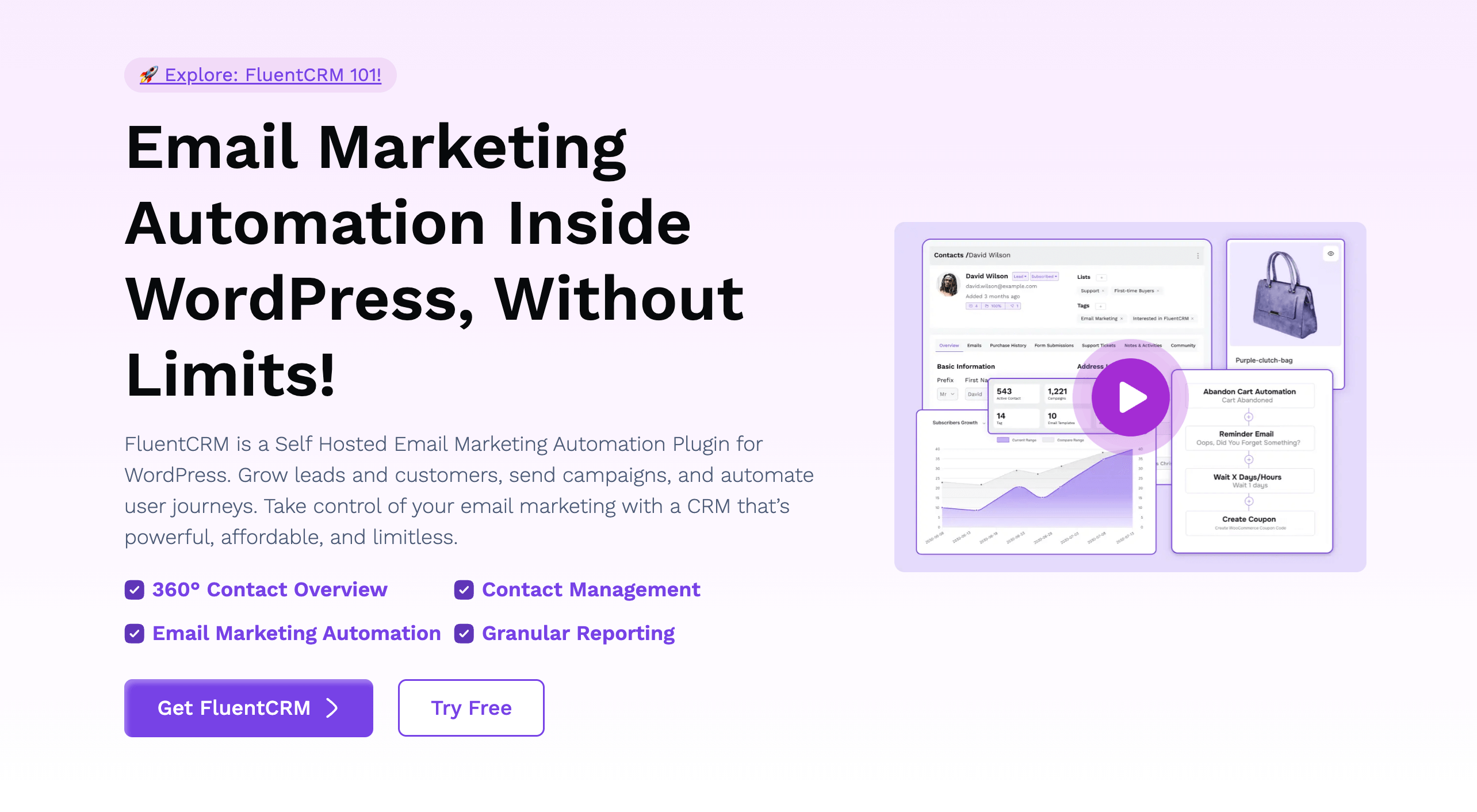
For WooCommerce stores, FluentCRM connects directly to orders, customers, and products. This allows store owners to build automation funnels based on real purchase behavior without sending data to third-party platforms.
Its strength lies in ownership and flexibility. You control performance, data, and long-term costs.
Key Ecommerce Automation Features
- Abandoned cart and checkout recovery
- Post-purchase and win-back workflows
- Advanced automation funnels inside WordPress
- Product and order-based segmentation
- Direct WooCommerce customer and order syncing
- Tag and trigger-based automation logic
- Full data ownership and export control
Best for
WooCommerce store owners who want full control, self-hosted ecommerce automation, and predictable long-term costs.
Ecommerce Automation Feature Comparison (WordPress + WooCommerce)
This table compares the leading email marketing platforms based on what actually matters for ecommerce automation on WordPress and WooCommerce. Use it to quickly spot which platform fits your store’s current stage, automation needs, and growth goals without digging through long feature lists.
| Platform | Automation Depth | WooCommerce Integration | Multichannel | Best Use Case |
|---|---|---|---|---|
| Klaviyo | Very advanced | Deep, real-time | Email, SMS | Revenue-driven ecommerce automation at scale |
| Omnisend | Advanced | Native | Email, SMS, Push | Omnichannel ecommerce automation |
| ActiveCampaign | Very advanced | Strong | Email, SMS | Complex automation logic + CRM |
| weMail | Moderate | Native, WordPress-first | Cost-efficient, WordPress-native automation | |
| Sendinblue (Brevo) | Moderate | Strong | Email, SMS | Marketing + transactional emails together |
| MailerLite | Basic | Good | Simple automation for small stores | |
| Mailchimp | Basic | Limited | Starter-level ecommerce automation | |
| Constant Contact | Basic | Limited | Beginner-friendly, low complexity | |
| FluentCRM | Advanced | Native, self-hosted | Full data control inside WordPress |
Choose the Right Ecommerce Automation Platform for WordPress
The right platform depends on how much automation control you need and how you want to manage your data. If ecommerce automation is central to your growth strategy, Klaviyo delivers the deepest automation, segmentation, and revenue tracking.
If you want automation across multiple channels, Omnisend stands out with built-in email, SMS, and push notifications designed for ecommerce workflows.
For stores that need advanced logic and CRM-driven journeys, ActiveCampaign offers unmatched flexibility when paired with WooCommerce.
If you prefer a WordPress-first approach, weMail and FluentCRM give you ecommerce automation that stays inside your WordPress environment. weMail offers a balanced, cost-efficient option, while FluentCRM is ideal for full data ownership and long-term control.
For simpler needs, Sendinblue (Brevo), MailerLite, Mailchimp, and Constant Contact provide entry-level ecommerce automation that works well for smaller or early-stage stores.
No matter which platform you choose, the goal is the same. Automate key ecommerce moments, recover lost revenue, and build repeat purchases without adding manual work.
FAQs: Ecommerce Automation for WordPress
This FAQ section answers the most common questions store owners ask about ecommerce automation, from choosing the right platform to understanding how automation impacts performance, costs, and growth.
What is the best ecommerce automation platform for WordPress?
The best platform depends on your needs. Klaviyo works best for advanced ecommerce automation and revenue tracking. Omnisend is ideal for email and SMS automation together. weMail is strong choices if you want WordPress-native automation and more control over your data.
Does WooCommerce support abandoned cart automation?
WooCommerce supports abandoned cart automation when connected to an email marketing platform. Tools like Klaviyo, Omnisend, weMail, and FluentCRM track cart activity and trigger automated recovery emails.
Is WordPress-native ecommerce automation better than SaaS tools?
WordPress-native tools give you more control over data and predictable costs. SaaS tools usually offer deeper automation and analytics. The better option depends on whether you prioritize ownership or advanced automation features.
Can small WooCommerce stores use ecommerce automation?
Yes. Even small stores benefit from automation. Simple flows like abandoned cart emails and post-purchase follow-ups can increase revenue without adding extra work. Tools like MailerLite, Mailchimp, and weMail work well for smaller setups.
Do ecommerce automation platforms affect WordPress performance?
Well-built integrations do not slow down your site noticeably. WordPress-native tools run locally, while SaaS platforms process automation externally. Choosing optimized plugins and avoiding unnecessary features keeps performance stable.
Is ecommerce automation worth the cost?
Yes. Abandoned cart recovery and post-purchase automation often generate revenue that exceeds the cost of the email platform. For most WooCommerce stores, automation pays for itself quickly.

