The cheapest ERP system for a small business is one with a free core you can keep using. WP ERP has a free version that never expires and has no user limit, and it includes HR, CRM and Accounting. Odoo (one app free) and Zoho (free plans for Books, CRM and Inventory) come next, while QuickBooks Enterprise and SYSPRO are paid-only.
Below, you'll find a quick pick, a price comparison table, and a closer look at each of the five tools.
Gone are the days when ERP systems were only for big companies. Today, many small and medium-sized businesses are also utilizing ERP systems to manage their work more effectively. According to a 2024 report by Gartner, 74% of SMBs adopting ERP systems are making better decisions than others.
Another report from Global Trade (2022) reveals that ERP systems can reduce inventory costs by 25% – 30% and raw material costs by around 15%. Despite these benefits, many small businesses still avoid ERP because they think it’s too costly or too complex.
But the reality is quite different. Today, you can find numerous ERP systems online, with both expensive and affordable options side by side. Many of them even offer customized packages based on your business size, budget, and needs. So, ERP is only for big businesses – no longer a valid remark.
If you are a small business and are looking for affordable solutions, this post is highly recommended for you. We will list and discuss some of the best ERP systems that are highly suitable for SMBs. So, let's get into the post of the best and cheapest ERP systems for small businesses.
Quick Pick: WP ERP for Small Businesses on WordPress
If your business already runs on WordPress, start with WP ERP. Here is why it is the cheapest place to begin:
- Free core, no user limit: The free version never expires and includes the HR, CRM, and Accounting core modules.
- Low-cost upgrade: Pro plans start at $12/month for the Starter plan (1 user, +$2/month per extra user). Every paid plan has a 14-day money-back guarantee.
- Your data stays with you: WP ERP runs on your own WordPress site. You pay for your web hosting, not for a separate cloud ERP subscription.
- Proven on WordPress.org: 4,000+ active installations and a 4.4 out of 5 rating.
What Is an ERP System?
An ERP (Enterprise Resource Planning) system is software that helps you manage your daily business tasks from one place. It can handle many things like sales, inventory, accounting, HR, customer management, and more. Instead of using different tools for each task, ERP brings everything together in one system.
This makes your work faster, easier, and more organized. You don’t have to enter the same data again and again. Everyone in your team can see the same updated information. This helps reduce mistakes, save time, and improve decision-making in your business.
Small Business ERP vs. Large Business ERP: A Simple Comparison
Not all ERP systems are made the same. They fit different business sizes and needs. Large businesses and small businesses have different needs. Big companies need more complex features, while small businesses need simple and cost-effective tools.
The table below shows the key differences between ERP systems for large enterprises and those made for small businesses:
| Points | ERP for Small Businesses | ERP for Large Businesses |
|---|---|---|
| Scale & Use | Focuses on core tasks like sales, accounts, and inventory for small teams | Handles complex operations, global teams, and high-volume |
| Cost | Affordable plans, starting at $20–$200/month per user | Very expensive, often $50,000–$500,000+ per year |
| Customization | Easy to set up with pre-built templates, minimal IT help needed | Highly customizable and often needs IT support |
| Learning Curve | Simple and user-friendly, it can be learned in a few days | Long-term training is required for teams |
| Features | Covers basics like invoicing, stock management, and simple reports | Advanced tools like multi-currency, global compliance, and predictive analytics |
| Scalability | Suitable for up to 500 users, may need upgrades as business grows | Supports thousands of users across various locations |
| User Base | Used by small or medium teams with fewer departments | Used by big global teams with many departments |
| Data Processing | Works with small data sets, gives basic business updates | Handles huge data sets, offers real-time insights, and deep forecasting |
| Examples | WP ERP, Zoho ERP, Odoo, QuickBooks Enterprise, Syspro | SAP S/4HANA, Oracle NetSuite, Microsoft Dynamics 365 |
Take a look at the best open source ERP systems you may consider.
Why ERP Is a Must-Have for Small Businesses

As already said several times, ERP is no longer an optional tool. It's a must for any organization that is trying to grow, stay organized, and compete in today's world. Take a look at some key reasons below why you must consider an ERP solution to stay ahead of the competition.
1. Makes Your Business More Efficient
According to a survey conducted by Techaisle, 66% of businesses reported improved efficiency after implementing ERP. Because you don’t have to re-enter the same data repeatedly. Everything (sales, stock, accounts, and customer records) stays connected. This saves time and reduces errors.
2. Cut Costs
With ERP, you can better track your spending. As you have all the inventory-related information in a centralized dashboard, you can instantly check the latest status of your inventories. So you don't have extra money for overstocking inventories.
Buying stock at better prices helps too. See our guide on how to find wholesalers for your online business.
Check how to make the best use of the ERP system in an eCommerce business.
3. Speeds Up Decision-Making
When all your business data is in one system and updated in real-time, it’s easier to make fast and smart decisions. For example, a study conducted by Finance Online found that small businesses with ERP made decisions 36% faster than those still using separate tools.
4. Connects All Parts of Your Business
Whether it's accounting, sales, or customer support, ERP brings all departments together. This makes it easier to see what’s happening across your whole business. So, no matter if you start as a small one, you can gradually enable more features for your ERP solution as your business grows.
5. Improves Security
Many small businesses worry about data loss or hacking. Cloud-based ERP systems offer strong built-in security. That’s why, according to a 2023 report, 94% of companies said they saw better security after moving to cloud ERP. Explore the importance of data security in marketing.
Key Factors to Consider Before Buying an ERP System

Choosing the right ERP system is a big step for any small business. It’s not just about the features but about finding the right tool that fits your business goals, budget, and team. Here are the key things you should keep in mind before making your decision:
1. Understand Your Business Needs
Before looking at any ERP system, list what you really need help with. Do you want to manage inventory better? Automate accounting? Or connect your sales and customer data? Knowing your main goals will help you pick a system that actually solves your problems.
2. Choose a Scalable Solution
Your business may be small now, but it will grow. Make sure the ERP system you choose can grow with you. A scalable ERP lets you add more users, features, or modules later without needing to switch platforms.
3. Go for Ease of Use
Your ERP system should be simple enough for your team to learn quickly. If it’s too hard to use, your team may avoid it. Look for systems with a clean interface, easy setup, and helpful support or training materials. Explore proven tips to save money when building a startup.
4. Set a Realistic Budget
ERP systems come in many price ranges. Some are expensive and built for large companies. Others are made just for small businesses. Don’t just go for the cheapest option, but also don’t overpay for features you don’t need. Cloud-based ERP systems often offer the best value for smaller teams.
5. Look at Integration Options
Your ERP should work well with other tools you already use, like your eCommerce platform, CRM, or accounting software. As a result, you don't always have to switch between different tools to manage your workplace.
6. Evaluate Support and Updates
Good support is a must, especially if you’re not tech-savvy. Make sure the ERP you select offers reliable customer support, regular updates, and strong data security. A well-supported system saves you time and prevents headaches later on.
Cheapest ERP Systems Compared
Here's how the five ERP systems in this list compare on price at a glance. Prices were checked on each vendor's official pricing page in November 2026 and are in USD.
| Tool | Free Option | Starting Price | Best For | Hosting |
|---|---|---|---|---|
| WP ERP | Yes: free core with HR, CRM, and Accounting, no user limit | $12/month (Starter, 1 user), or $136/year on the current yearly discount | Small businesses running WordPress | Self-hosted (your WordPress site) |
| Odoo | Yes: One App Free, unlimited users | From US$7.25/user/month, billed yearly (Standard; prices vary by country) | Teams that want one free app now and a full suite later | Cloud (Odoo Online); Custom plan adds Odoo.sh or on-premise |
| Zoho | Yes: Zoho Books (revenue under $50K/year), Zoho CRM (3 users), Zoho Inventory (50 orders/month) | Zoho Books Standard from $10/org/month, billed annually | Teams that want separate cloud apps for each job | Cloud |
| QuickBooks Enterprise | No | Quote-based (page shows "Starting at $38" without stating the unit) | Accounting-heavy businesses already using QuickBooks | Desktop software; cloud hosting for an additional fee |
| SYSPRO | No | Quote-based (no public pricing; demo request only) | Small manufacturers and distributors | Cloud ("cloud-first" platform) |
Best and Cheapest ERP System for Small Businesses at This Moment
We're now in the most-awaited part of this post. Here, we will introduce you to some of the best and most affordable ERP systems available today for small businesses. Each option is handpicked to help you manage your business better without spending too much. Keep reading to find the best one.
1. WP ERP

WP ERP is a user-friendly ERP plugin built specifically for small to medium-sized businesses that run their websites on WordPress. It combines key business tools like HR Management, CRM, and Accounting into one easy-to-manage system. With its freemium model, businesses can start with the free version and gradually add advanced features through a Pro plan, depending on their needs.
Although WP ERP is not a cloud-native ERP, it works like a cloud solution when installed on a cloud-hosted WordPress site. So, if your WordPress site is hosted on a cloud server like WP Engine, Kinsta, or SiteGround, you’ll enjoy many cloud-like benefits when using WP ERP, such as remote access, better performance, and automated backups.
WP ERP is known for its simple setup, clean interface, and smooth integration with tools like WooCommerce, HubSpot, and Stripe. It’s ideal for businesses that want to manage operations from a single dashboard without the cost and complexity of traditional ERP systems.
Key features of WP ERP:
- HR Management Module: Manages employee profiles, attendance, leave requests, promotions, and performance logs. It also includes personalized employee dashboards and HR reporting based on age, gender, salary history, and experience.
- CRM Module: Tracks customer information, schedules meetings or calls, sends emails directly from the WordPress dashboard, and integrates with tools like HubSpot, Salesforce, and Mailchimp for enhanced contact management.
- Accounting Module: Handles income, expenses, bank accounts, and customer transactions. Also, generates automated reports like ledger, trial balance, income statements, and sales tax.
- WooCommerce Integration: If you have an eCommerce store built with WooCommerce, you can easily sync the store data with the ERP system via a premium extension.
- Project Management Integration: By integrating WP ERP with the WP Project Manager plugin, you can manage task tracking, milestones, and project overview from one dashboard.
- Reporting and Analytics: Provide real-time financial and HR reports, including balance sheets and employee statistics, to support data-driven decision-making.
Pricing of WP ERP:
The price of WP ERP depends on two things: the Pro plan you choose and the number of users. Premium extensions are now bundled into the Pro plans instead of being priced one by one. In addition, it offers a free version that allows you to handle core tasks and test the system before upgrading.
The Free version never expires and has no user limit. It includes the HR, CRM, and Accounting core modules, so you can manage employee profiles, leave requests, attendance, customer contacts, leads, invoices, bills, expenses, bank accounts, and financial reports from a single WordPress dashboard.
The cost of the Pro plans is below (from the official WP ERP pricing page, November 2026):
| Plan | Monthly Billing | Yearly Billing | Users Included | Extra Users |
|---|---|---|---|---|
| Starter | $12/month | $136/year | 1 | +$2/month or +$24/year |
| Growth | $23/month | $257/year | 3 | +$2/month or +$24/year |
| Scale | $43/month | $474/year | 10 | +$2/month or +$24/year |
| Enterprise | Custom quote | Custom quote | Unlimited | Tailored pricing |
These are discounted prices. The regular list prices are $19/month or $228/year for Starter, $39/month or $468/year for Growth, and $79/month or $948/year for Scale. Every paid plan includes a 14-day money-back guarantee.
Note: WP ERP previously charged $119/year for the core plugin plus $36/year per user and $30–$120/year per extension. That model has been replaced by the plans above.
2. Odoo
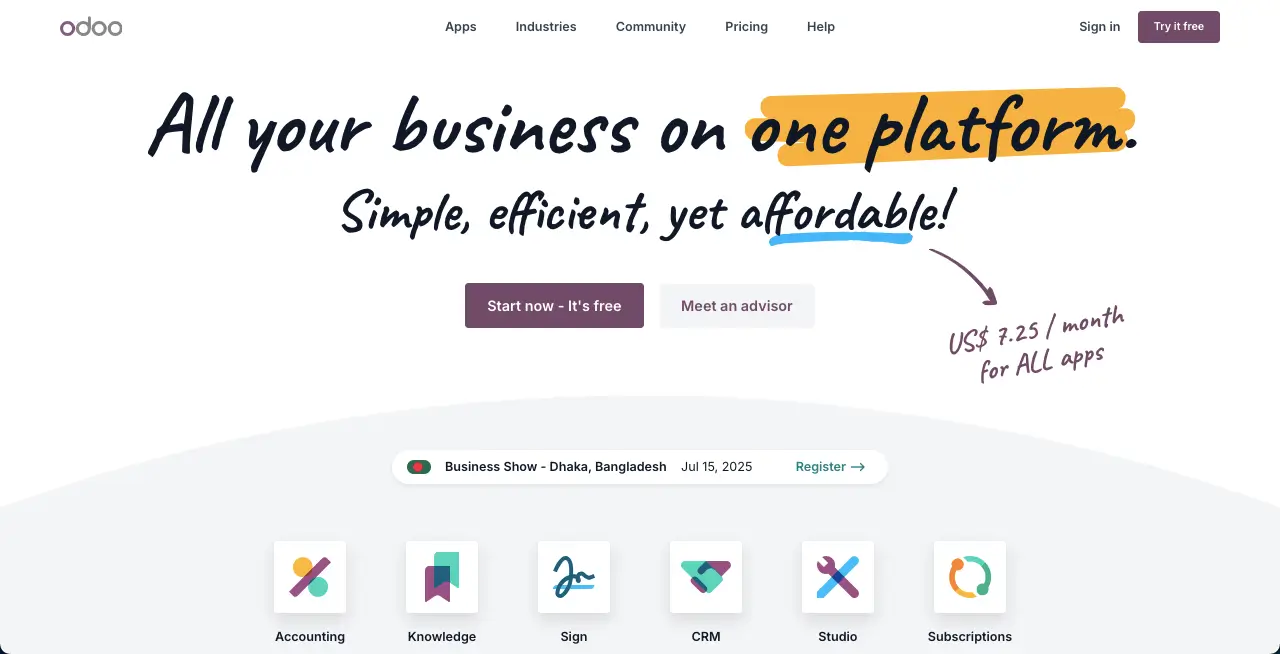
Odoo is an open-source ERP system designed for businesses of all sizes, especially small businesses that need an affordable and flexible tool. It uses a modular structure, so you can pick and use only the apps you need, such as CRM, inventory, accounting, or sales.
So you don't have to purchase extra features that don’t match your workflow. This setup helps reduce both cost and complexity. Odoo offers a free Community Edition and a paid Enterprise Edition. It can run in the cloud, on your own server, or in a mixed setup.
Odoo Online is a cloud-based service that allows users to manage their business from anywhere, with updates and hosting handled by Odoo. This makes it easier for small businesses to work remotely without needing to purchase or manage additional hardware. It has a clean interface and mobile apps and connects with tools like Stripe, PayPal, and UPS.
Key features of Odoo:
- Modular Architecture: Odoo has 100+ core modules and 40,000+ community apps that cover CRM, accounting, inventory, e-commerce, HR, project management, and more.
- Cloud and On-Premise Options: Supports cloud-based SaaS (Odoo Online), hybrid (Odoo.sh), or on-premise deployment, providing flexibility for infrastructure preferences.
- Third-Party Integrations: Connects with tools like Stripe, QuickBooks, Amazon, eBay, and UPS for easy payment, accounting, and shipping workflows.
- Real-Time Analytics: Provides dashboards and reports for sales, inventory, and financials, supporting data-driven decisions with minimal manual effort.
- Automation Capabilities: Automates tasks like invoice processing, payment reconciliation, and marketing campaigns, boosting efficiency for small teams.
Pricing of Odoo:
Odoo also has a Free plan available. But in the case of premium plans, Odoo’s pricing is location-based. This means the same plan may cost less in countries like India, Bangladesh, the UAE, or KSA compared to the US, UK, or other Western regions.
The free plan is called One App Free. It gives you one app with unlimited users on Odoo Online, and Odoo says its usage is free for unlimited users, forever.
When we checked Odoo's pricing page in November 2026, it showed these prices per user per month:
| Plan | Billed Yearly | Billed Monthly | What You Get |
|---|---|---|---|
| Standard | US$7.25 | US$9.10 | All apps, hosted on Odoo Online |
| Custom | US$13.40 | US$16.90 | All apps, Odoo Studio, multi-company, external API; Odoo Online, Odoo.sh or on-premise |
Odoo notes that the discount is valid for 12 months for the initial users ordered, and prices change by country. Check the page from your own location for an exact quote.
The older figures below were in this post before our November 2026 check. We've kept them for reference, but they may be out of date.
| Category | Details |
|---|---|
| Standard Plan (US/UK) | $24.90/user/month → $298.80/user/year $2,988/year for 10 users |
| Custom Plan (US/UK) | $37.40/user/month → $448.80/user/year $4,488/year for 10 users |
| India (Standard Plan) | $7.25/user/month (approximate) |
| India (Custom Plan) | $10.90/user/month (approximate) |
| UAE/KSA (Standard) | $13.50/user/month (approximate) |
| UAE/KSA (Custom) | $20.40/user/month (approximate) |
3. Zoho ERP
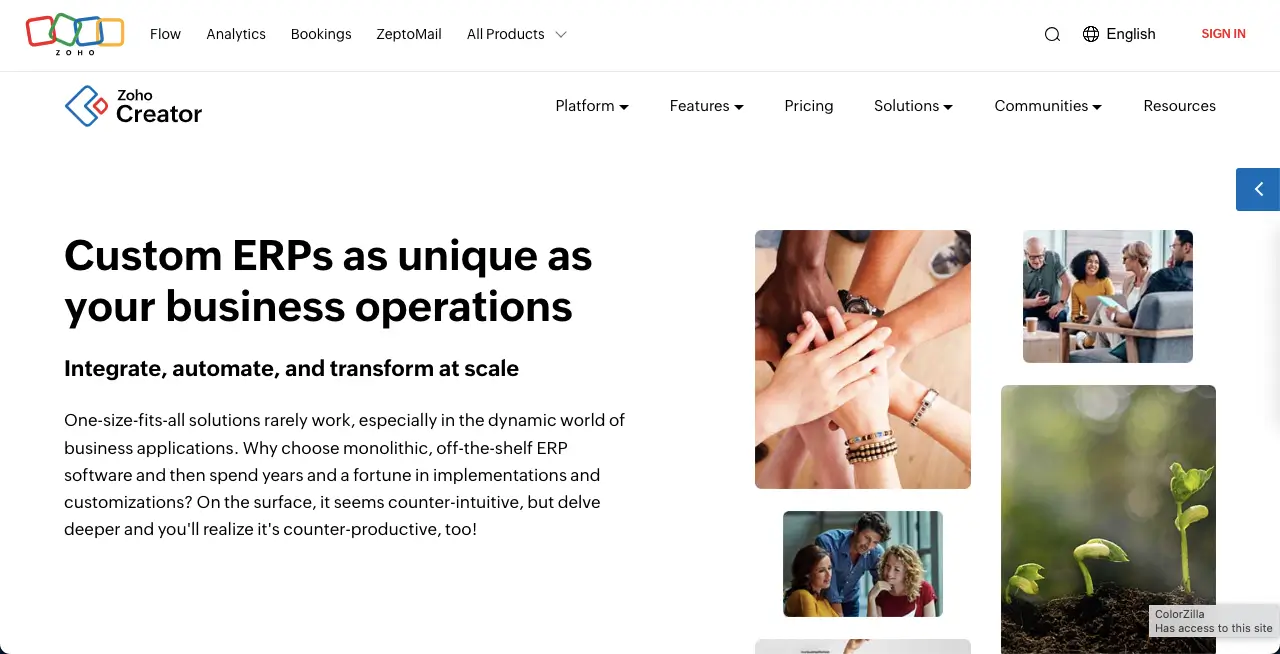
Zoho offers a suite of cloud-based business apps that work together as an ERP-like system for small businesses. Instead of using one large software, businesses can choose only the tools they need, like Zoho Books for accounting, Zoho Inventory for stock management, Zoho CRM for customer tracking, and Zoho People for HR tasks.
This modular approach makes it easier to set up and avoid unnecessary features. These apps are fully cloud-based and accessible from any device. Small teams can manage sales, inventory, customer service, and internal workflows from one connected system.
Zoho stands out for its ease of use and flexible integrations. It connects with over 600+ third-party tools. It also supports automation, helping businesses save time on tasks like invoicing, order tracking, and lead follow-up. Mobile apps and real-time syncing allow for remote work and instant updates.
Key features of Zoho:
Modular App Suite: Includes 15+ apps like Zoho Books (accounting), Zoho Inventory (stock management), Zoho CRM (sales and customer management), Zoho People (HR), and more.
Zia AI Assistant: Automates tasks, predicts sales trends, and prioritizes leads, enhancing efficiency for small teams with limited resources.
Advanced Analytics: Offers real-time reports, customizable dashboards, and data visualization (e.g., pie charts, heat maps) to track sales, inventory, and financial performance.
Low-Code Customization: Zoho Creator’s drag-and-drop interface and low-code platform allow businesses to build custom apps and workflows without coding expertise.
Cloud-Based Accessibility: Fully cloud-based with mobile apps for iOS and Android, enabling remote access to manage finances, inventory, and customer data.
Pricing of Zoho:
Zoho has numerous free plans available. Take a look at the free plans of the ERP system below.
| Product | Plan Details |
|---|---|
| Zoho Creator | Basic app-building features with limited access |
| Zoho CRM | Free forever for up to 3 users Includes lead management, workflow automation, and 1GB storage |
| Zoho Inventory | Free for 1 user, 2 locations, and up to 50 orders/month |
| Zoho Books | Free for 1 user + 1 accountant, up to 1,000 invoices and 1,000 bills/expenses a year, while your revenue stays under $50K USD a year |
Let's now take a look at the premium plans of the Zoho ERP system for small businesses.
| Product | Plan | Included Users | Price/User/Year | Price/Org/Year (for 10 Users) |
|---|---|---|---|---|
| Zoho Creator | Standard | Per User | $96 | $960 |
| Professional | Per User | $240 | $2,400 | |
| Zoho CRM | Standard | Per User | $168 | $1,680 |
| Professional | Per User | $278 | $2,760 | |
| Zoho Inventory | Standard | 2 Users, 2 Locations, 500 orders/month | —- | $348 |
| Professional | 2 Users, 4 Locations, 3,000 orders/month | —- | $948 | |
| Premium | 2 Users, 6 Locations, 7,500 orders/month | —- | $1,548 | |
| Enterprise | 7 Users, 10 Locations, 15,000 orders/month | —- | $2,988 | |
| Zoho Books | Standard | 3 Users | —- | $120 |
| Professional | 5 Users | —- | $240 | |
| Premium | 10 Users | —- | $360 | |
| Zoho One | All Employees | —– | $444 (first year) | $4,440 |
| Flexible Plan | 10 Users | $1,080 | $10,800 |
Updated in November 2026: We rechecked Zoho's official pricing pages. Zoho Inventory now bills its paid plans at $29, $79, $129 and $249 per organization per month (billed annually), and its plan names and limits changed. Zoho Books plans now start at $10 per organization per month billed annually ($12 billed monthly), before add-ons and local taxes. Zoho One costs US$37 per employee per month in the first year (All Employee pricing) or US$90 per user per month (Flexible User pricing), with annual licensing.
Note: Zoho’s pricing may vary by region (e.g., lower in India or UAE). Here, we’ve tried to provide a standard overview. So, to get accurate pricing based on your location, please visit Zoho’s official website.
4. QuickBooks Enterprise
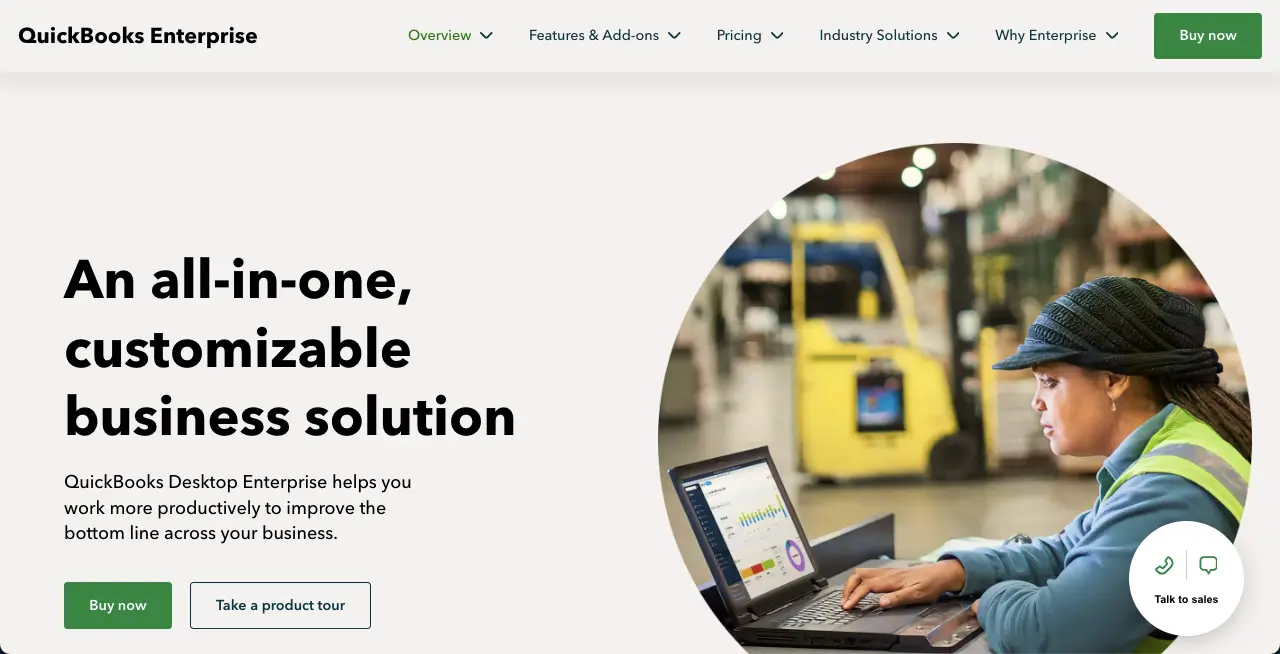
QuickBooks Enterprise is an advanced accounting and business management tool designed for small to medium-sized businesses. Although not a full ERP system, it offers many ERP-like features such as inventory control, sales tracking, payroll processing, and job costing. It also includes industry-specific versions for sectors like manufacturing, retail, construction, and nonprofit.
It supports up to 40 users, making it suitable for growing teams. It can handle large amounts of data, including millions of customers, vendors, or product items. With real-time inventory tracking, batch invoicing, and over 200 built-in reports, QuickBooks Enterprise helps businesses manage daily operations more efficiently. Its familiar interface is especially helpful for users already experienced with QuickBooks.
QuickBooks Enterprise can be accessed remotely through third-party hosting, giving teams the flexibility to work from different locations. It also connects with apps like Salesforce, Shopify, and field service tools, helping businesses expand their capabilities with optional add-ons.
Key features of QuickBooks Enterprise:
- Advanced Accounting: Manages invoices, payments, bills, and bank reconciliations; supports batch transactions and customizable financial reports.
- Inventory Management: Tracks up to 1 million items with real-time visibility, barcode scanning, and automated stock level alerts (Platinum and Diamond plans).
- Payroll Integration: Built-in payroll processing with direct deposit and tax compliance (Gold, Platinum, and Diamond plans), streamlining employee payments.
- Customizable Reporting: Over 200 built-in reports, including 70 industry-specific ones, for insights into sales, inventory, and job costs.
Pricing of QuickBooks Enterprise:
QuickBooks Enterprise has no free plan. Gold and Platinum are sold as annual subscriptions, while Diamond is only available on a monthly payment plan. Each user needs a license, sold separately, and cloud hosting costs extra.
When we checked the official pricing page in November 2026, each plan was listed as "Starting at $38" without a clear unit, so treat QuickBooks Enterprise as quote-based and confirm your price with Intuit's sales team. The figures below were in this post before that check.
| Plans | 1st Year | Billing Type | Max Users | Key Features |
|---|---|---|---|---|
| Gold | $2,210/year | Annual | 30 | Core accounting + Enhanced Payroll |
| Platinum | $2,717/year | Annual | 30 | Gold + Advanced Inventory + Advanced Pricing |
| Diamond | $5,364/year | Monthly | 40 | Platinum + Assisted Payroll + QuickBooks Time Elite + Salesforce CRM Connector |
5. Syspro
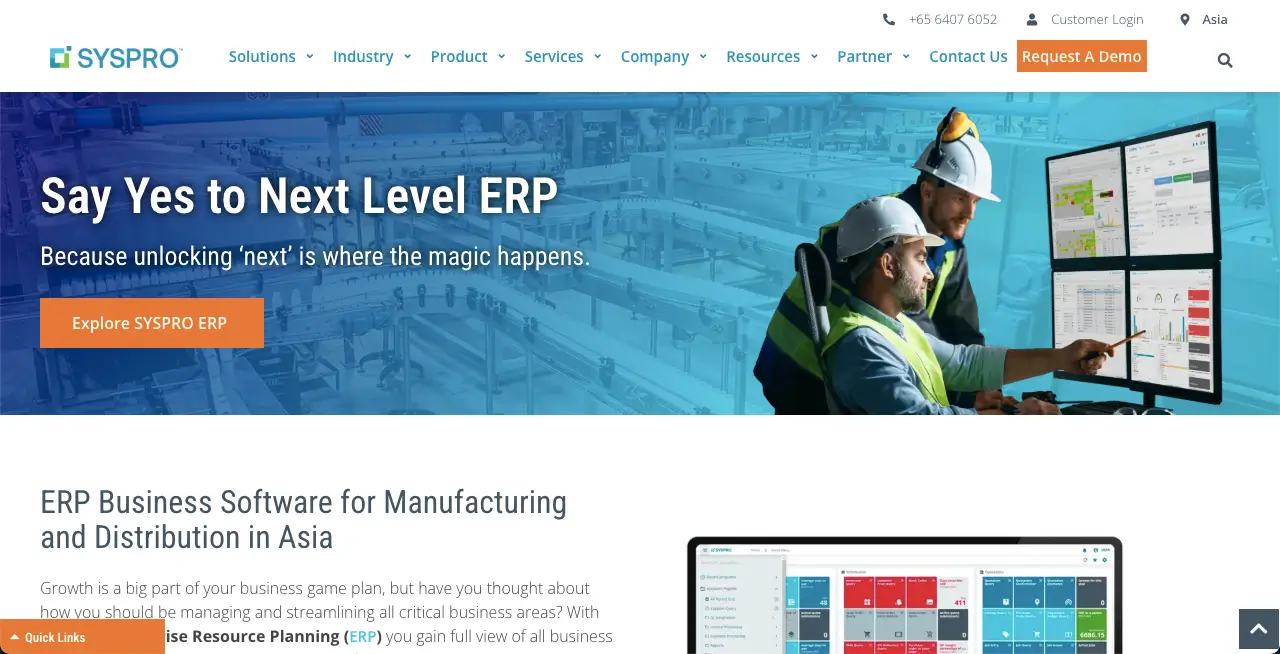
Syspro is an ERP system built mainly for manufacturing and distribution businesses. It helps small companies in these industries manage their daily operations from one place, like tracking inventory, handling orders, managing finances, and monitoring supply chains. Businesses can choose to use it on the cloud, on their own server, or with a mix of both, depending on their needs.
The software is modular, meaning you can start with just the tools you need and add more later. SYSPRO also includes dashboards and reports that update in real time. It helps small business owners make decisions quickly. It can connect with popular tools like Salesforce, Magento, and SugarCRM, which makes it easier to work with systems you already use.
SYSPRO’s setup can be more complex than lighter ERP tools, so some businesses may need help during the implementation process. But for small manufacturers or distributors, it offers a focused, flexible solution for industry-specific needs.
Key features of SYSPRO:
Modular Architecture: Includes modules for financial management, inventory, manufacturing operations, supply chain, and CRM so businesses can easily select the necessary features.
Inventory Management: Tracks inventory balances, purchase orders, work orders, and goods in transit with 99.5% accuracy, ideal for small manufacturers and distributors.
Embedded Analytics: Provides real-time dashboards and graphs for financials, inventory, and production for ensuring data-driven decisions without manual data entry.
Third-Party Integrations: Supports connections with Salesforce, SugarCRM, Magento, and other tools via the SYSPRO App Store, enhancing functionality for small businesses.
Multi-Currency and Multi-Language Support: Facilitates operations for small businesses with international customers or suppliers.
Pricing of SYSPRO:
SYSPRO does not publish prices on its official website. You request a demo and get a quote based on your modules and users. The pricing plans of Syspro are complex compared to those of other ERP systems for small businesses discussed in this article. Yet, we have briefly covered third-party cost estimates in the table below.
| License Types | Cost Range | Details |
|---|---|---|
| Perpetual License | $3,000–$5,000 per user (one-time) | *One-time fee per concurrent user *Varies with modules and customization |
| Subscription License | $150–$250 per user per month | *Monthly fee per user *Basic support |
For detailed information, see this third-party SYSPRO cost breakdown from ERP Research.
FAQs About the Cheapest ERP Systems
What is the cheapest ERP system?
For most small businesses, WP ERP is the cheapest option. Its free version never expires, has no user limit, and includes HR, CRM, and Accounting. Odoo's One App Free plan and Zoho's free plans are also free, but each one covers only one app or has usage limits.
Is there a free ERP for small business?
Yes. WP ERP is free with its HR, CRM, and Accounting core modules. Odoo offers One App Free, which gives you one app with unlimited users on Odoo Online. Zoho Books is free while your revenue stays under $50K USD a year, Zoho CRM is free for up to 3 users, and Zoho Inventory is free for 1 user and 50 orders a month.
How much does ERP cost for a small business?
It depends on the tool and your team size. WP ERP Pro plans start at $12/month for 1 user. Odoo Standard was listed at US$7.25 per user per month billed yearly when we checked, though Odoo's prices vary by country. Zoho Books paid plans start at $10 per organization per month billed annually. QuickBooks Enterprise and SYSPRO have no free plan and are priced through sales quotes.
Is WP ERP really free?
Yes. The free version of WP ERP never expires and has no user limit. It includes the HR, CRM, and Accounting core modules. You only pay if you want a Pro plan for advanced features, and if you cancel a Pro plan, your data stays on your own WordPress site.
Should I choose a cloud or self-hosted ERP?
A cloud ERP such as Odoo Online or Zoho is hosted by the vendor, so you don't manage servers. A self-hosted ERP such as WP ERP runs on your own WordPress site, so your data stays with you and you only pay for hosting plus any Pro plan. Odoo's Custom plan also supports Odoo.sh or on-premise hosting, and QuickBooks Enterprise offers cloud hosting for an additional fee.
Final Thoughts!
Selecting the best and cheapest ERP system for small businesses depends on specific operational needs, budget constraints, and technical capabilities. But there is nothing in the world that comes without limitations, and the same applies to ERP systems as well.
In addition to the ones discussed above, there are many other ERP tools online. But of course, every tool comes with its own set of unique advantages as well as some limitations. One might offer excellent features and a rich collection of templates, but it could also be quite expensive.
So, along with features and performance, it's important to consider the tool’s subscription cost and whether you can afford it in the long run. In this article, we’ve discussed the five best ERP systems for small businesses and compared their pricing to help you decide wisely.
We hope you found this article helpful in choosing the right ERP solution for your needs. If you still have any questions about the topic, feel free to let us know in the comment box below.