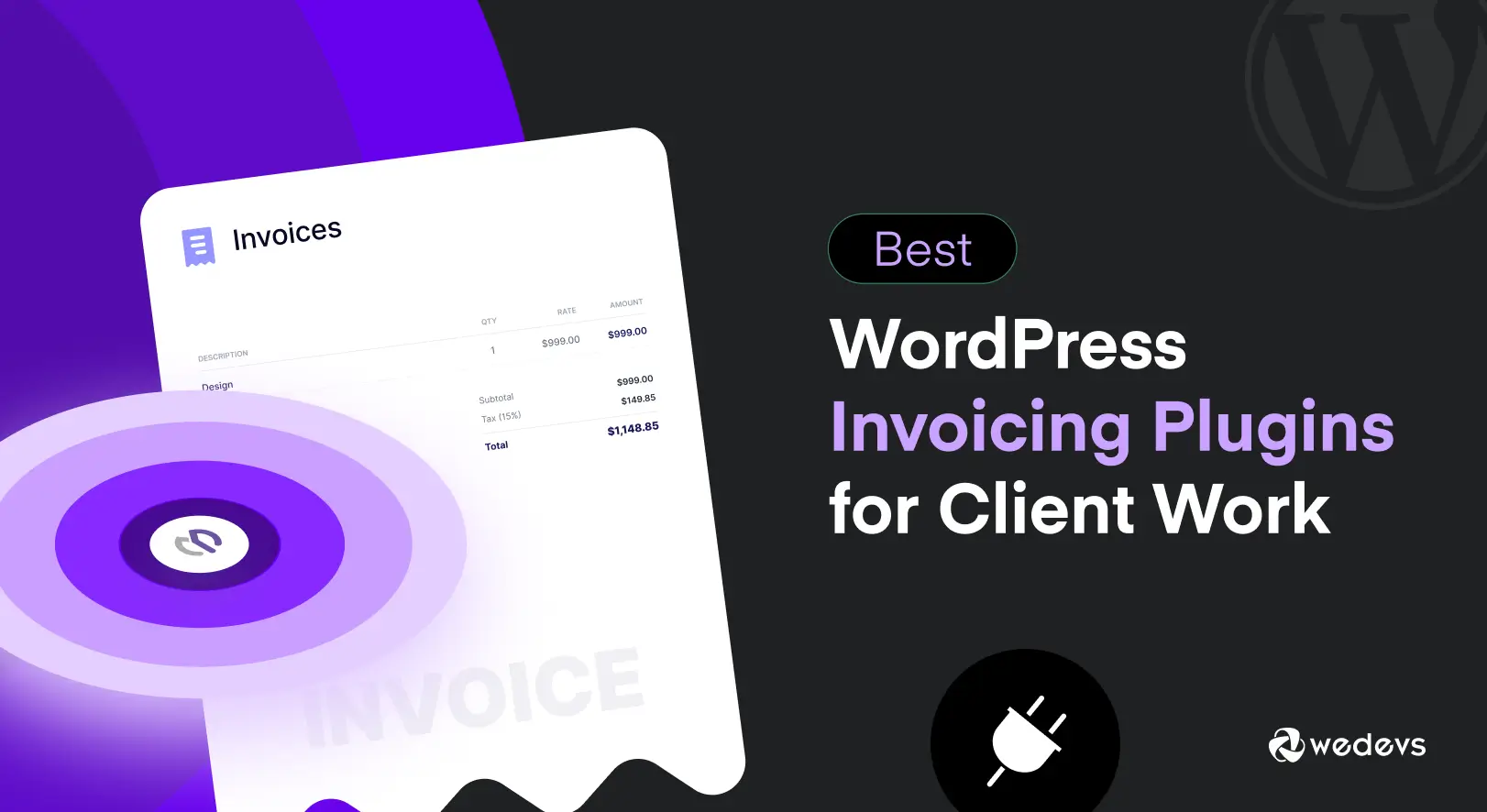
Managing client work involves more than completing projects and sending emails. You also need to create clear invoices, track payments, and make sure clients know exactly what they are paying for. Doing all of this manually can take a lot of time, especially when handling multiple clients.
A WordPress invoicing plugin can make this process much easier. It lets you create and send professional invoices directly from your WordPress dashboard. Many plugins also include useful features like payment tracking, recurring invoices, tax settings, estimates, time tracking, etc.
But not every invoicing plugin is built for client work. Some are better for freelancers, while others are designed for agencies, small businesses, or WooCommerce stores. In this guide, we will look at the best WordPress invoicing plugins for client work and compare their key points.
What Is a WordPress Invoice Plugin?
A WordPress invoicing plugin lets you create, send, and manage invoices directly from your WordPress website. Instead of using a separate invoicing platform, you can handle your client billing from the same dashboard where you manage your website.
Depending on the plugin, you may also be able to create estimates and quotes, track payments, generate PDF invoices, set taxes, manage clients, and send payment reminders. They are especially useful for freelancers, agencies, consultants, and other service-based businesses.
Why Use a WordPress Invoicing Plugin for Client Work?
A WordPress invoicing plugin can save time, keep client billing organized, and give your invoices a more professional look. Instead of creating invoices in a separate app and switching between different tools, you can manage billing from the same WordPress dashboard. Key benefits are:

- One dashboard for work and billing. If you already manage projects, tasks, or client information in WordPress, handling invoices from the same dashboard can reduce unnecessary tool switching.
- Faster payment collection. Many invoicing plugins let you add online payment options directly to an invoice. Clients can then pay without having to find payment details in an email or message.
- Professional and branded invoices. You can add your business name, logo, contact details, invoice number, and other information to create consistent invoices for every client.
- Fewer missed payments. Payment status, due dates, and automated reminders can help you keep track of paid, pending, and overdue invoices without relying on a separate spreadsheet.
- Better control over your billing data. Depending on the plugin and your WordPress setup, you can keep invoice and client information within your own WordPress installation instead of managing it through a separate invoicing platform.
Explore the best time tracking and invoicing software for freelancers.
What to Look for in a WordPress Invoicing Plugin
Not every WordPress invoicing plugin offers every feature below. The right choice depends on how you work with clients, how you collect payments, and how much of your billing process you want to automate. Before choosing a plugin, focus on the following features.

a. Professional invoice creation
Look for clean invoice templates with your logo, business details, itemized charges, taxes, discounts, and clear totals. You should be able to create professional invoices without design or coding skills.
b. Online payment options
Support for payment methods such as Stripe and PayPal can make it easier for clients to pay directly from the invoice instead of arranging a manual bank transfer.
c. Recurring invoices
This feature is useful when you work with retainer clients or provide ongoing services that require monthly or regular billing.
d. Estimates and quotes
A good plugin should let you create an estimate or quote first and turn it into an invoice after the client approves it. This saves you from entering the same information twice.
e. Client management
Look for a system that stores client contact details, invoice history, payment records, and other billing information in one place.
f. Time tracking
Time tracking is important for freelancers and businesses that charge by the hour. A stronger setup can turn tracked hours into invoice line items and reduce manual work.
g. PDF invoice generation
A downloadable PDF version gives you and your clients an easy way to save, print, or share invoices when needed.
h. Reporting and payment tracking
Look for clear reports that show which invoices are paid, pending, partially paid, or overdue. This becomes more important as your client list grows.
Best WordPress Invoicing Plugins for Client Work
So, the theoretical parts are over. Now, in this section, we'll list and discuss the best WordPress invoicing plugins, detailing their key features and other factors so you can choose the right tool for your business and client work. Keep reading!
1. WP Project Manager
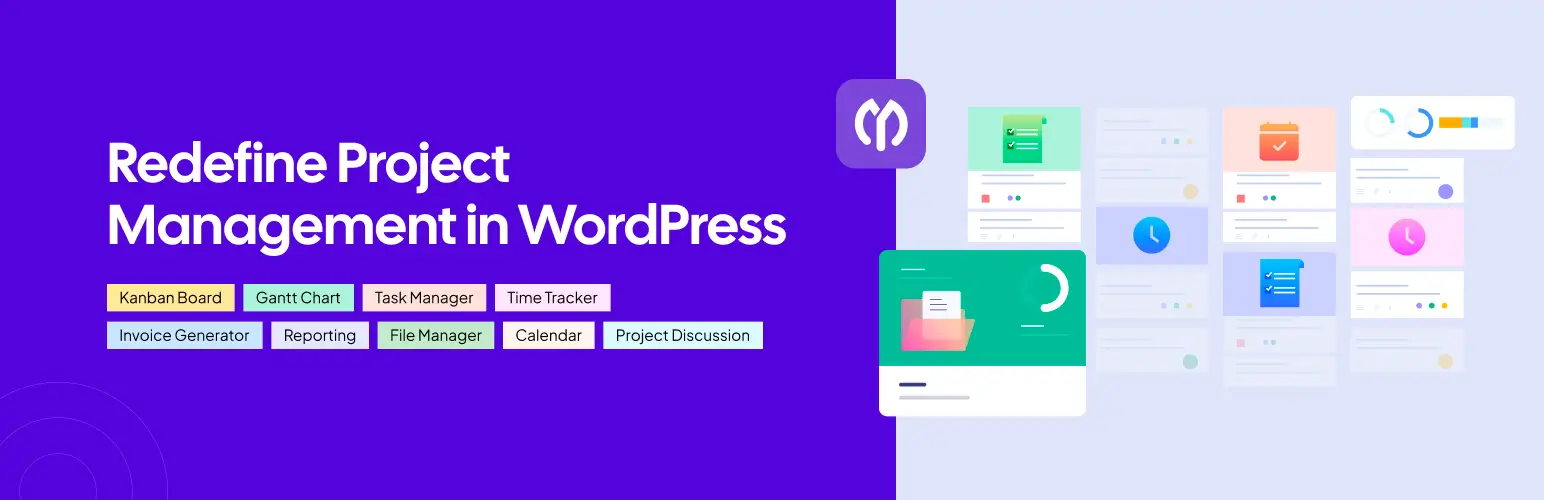
WP Project Manager is mainly a project management plugin. It also has an invoicing feature for teams that already manage tasks and time in WordPress. You can create invoices from the hours tracked for a project. This helps make sure the invoice matches the actual work completed.
Clients can also view and pay their invoices through a shortcode without logging in to the website. The invoicing feature is available with the Professional plan and higher plans. The free version does not include invoicing. Stripe payments for invoices are available with the Business plan.
This plugin may be more than you need if you only want to create invoices. However, it can be a strong choice if you want your project data, tracked time, and invoices in the same system.
Key Features:
- Create invoices from tracked project time
- Support partial payments
- Add taxes and discounts
- Download invoices as PDF files
- Let clients view invoices without logging in
Best For: Agencies and freelancers who already manage projects, tasks, and time in WordPress and want to create invoices from the same data.
Learn how to integrate GitHub and Bitbucket to WP Project Manager.
2. Sliced Invoices
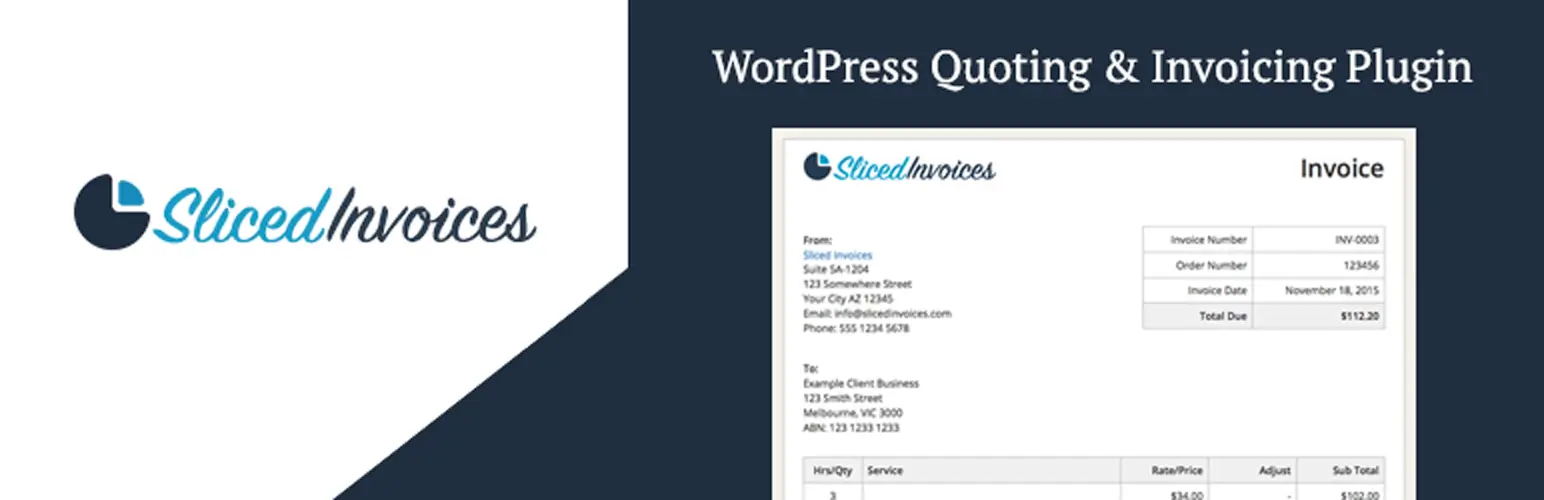
Sliced Invoices focuses on invoices and quotes. It does not add project management features to your WordPress site. The free version has more than 5,000 active installs and a 4.6-star rating on WordPress.org. It supports unlimited invoices and quotes and includes PayPal support.
Paid plans start at $79 per year for one site. They add features such as PDF invoices, recurring invoices, and deposit invoices. The Business plan costs $179 per year and adds a client area, subscription invoices, partial payments, and Stripe. Paid plans also come with a 30-day money-back guarantee.
Key Features:
- Unlimited invoices and quotes on the free plan
- Recurring and deposit invoices on paid plans
- Client area and partial payments on the Business plan
- Stripe and PayPal support
- 30-day money-back guarantee on paid plans
Best For: Freelancers who want a simple invoicing plugin without project management features.
3. Sprout Invoices
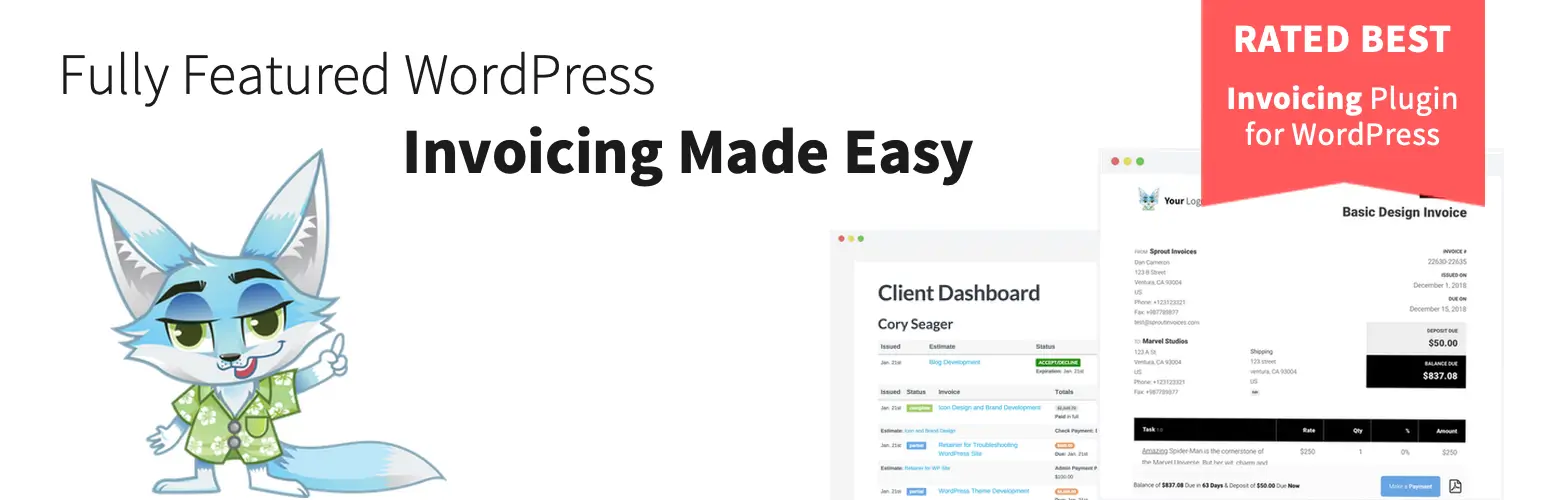
Sprout Invoices is a good option for agencies that want to automate client payments. It does more than create invoices. Its higher plan supports ACH bank transfers, automatic recurring payments, time tracking, and more than 10 payment processors, including Stripe and Square.
The Freelancer plan starts at $59.25 per year for one site. The Corporate plan costs $224.25 per year, while the Enterprise plan costs $449.25 per year and supports unlimited sites. The plugin also offers a 14-day money-back guarantee.
Some recent WordPress.org reviews mention slow support and Stripe connection problems. So, it is a good idea to test the payment system before buying a yearly plan.
Key Features:
- ACH bank transfer support
- Automatic recurring payments
- Support for 10+ payment processors
- Time tracking
- Recurring invoices
- Unlimited sites with the Enterprise plan
Best For: Agencies that want to automate recurring payments and collect payments through different methods.
4. Jetpack CRM

Jetpack CRM is a CRM first, not an invoicing plugin. Its invoicing features come as part of the Invoicing Pro extension. This makes it useful for businesses that want to manage leads, clients, deals, and invoices from one system. It has more than 30,000 active installs and a 4.3-star rating.
The Freelancer plan costs $11 per month when billed yearly. It includes four extensions, including Invoicing Pro. The Entrepreneur plan costs $17 per month and includes more than 30 extensions. There is also a Reseller plan at $5.40 per site per month with support for 10 sites and white labeling.
Key Features:
- Invoicing inside a full CRM
- Lead and deal tracking
- Client records and history
- White labeling on the Reseller plan
- 30+ extensions on the top plan
Best For: Consultants and small teams that want to manage leads, clients, and invoices in one place.
5. GetPaid

GetPaid is a free WordPress invoicing plugin. It has more than 5,000 active installs and a 4.5-star rating. The free version includes many useful features. You can create and send invoices, manage taxes and EU VAT, and accept one-time and recurring payments. It also supports PayPal, Authorize.net, and bank transfers without requiring a paid plan.
A paid bundle costs $199 per year and gives you access to the full extension library. This includes quotes and additional payment gateways such as Stripe and Square. Since the free version already supports basic invoicing and payments, GetPaid is a good option for users who want to start without an upfront cost.
Key Features:
- Create and send invoices for free
- Tax and EU VAT support
- PayPal, Authorize.net, and bank transfers
- One-time and recurring payments
- Stripe, Square, and quotes through paid extensions
Best For: Freelancers and small businesses that want to start invoicing clients without paying upfront.
6. WooCommerce PDF Invoices & Packing Slips

WooCommerce PDF Invoices & Packing Slips is designed for WooCommerce stores. It has more than 300,000 active installs and a 5-star rating from more than 1,800 reviews. The plugin requires WooCommerce to work. It can automatically attach PDF or XML invoices to order emails. It also supports packing slips, shipping labels, and several e-invoicing formats used in the EU.
The paid Professional add-on adds features such as proforma invoices, credit notes, and automatic uploads to Dropbox or Google Drive. However, this plugin is made for WooCommerce orders. It is not designed for agencies or freelancers who need to send invoices for services outside a WooCommerce store.
Key Features:
- Automatic PDF or XML invoices for WooCommerce orders
- Packing slips and shipping labels
- Support for UBL, Peppol, and other EU e-invoicing formats
- Proforma invoices and credit notes with the Professional add-on
- More than 300,000 active installs
Best For: WooCommerce store owners who need to create invoices automatically for customer orders.
7. Easy Invoice

Easy Invoice is included here instead of WP-Invoice. WordPress.org closed WP-Invoice on April 27, 2022, because of a security issue. It has not been available to install since then. Easy Invoice is a smaller alternative for freelancers and small agencies. It has more than 600 active installs and a 4.4-star rating.
The free version supports unlimited invoices and quotes, PDF invoices, PayPal, client management, taxes, discounts, and more than 150 currencies. Its paid features are available as separate add-ons. You can add recurring invoices, partial payments, and a client portal. Higher plans also offer time tracking, expense tracking, and white labeling.
Key Features:
- Unlimited invoices and quotes on the free plan
- Support for 150+ currencies
- Separate add-ons for extra features
- Client portal
- Time and expense tracking on higher plans
Best For: Freelancers who want to start with free invoicing and add only the features they need later.
WordPress Invoicing Plugins Compared
Here is a quick comparison of the main options. The table focuses on the features that matter most for client work.
| Plugin | Best For | Key Strength |
|---|---|---|
| WP Project Manager | Agencies and freelancers | Project-based invoicing and time tracking |
| Sliced Invoices | Freelancers | Simple invoices and quotes |
| Sprout Invoices | Agencies | Recurring billing and payment options |
| Jetpack CRM | Consultants and small teams | CRM and invoicing together |
| GetPaid | Budget-conscious users | Free invoicing and payment collection |
| WooCommerce PDF Invoices & Packing Slips | WooCommerce stores | Automatic order invoices |
| Easy Invoice | Freelancers and small agencies | Free core features with flexible add-ons |
Quick takeaway
If you bill clients based on projects or tracked hours, WP Project Manager is worth considering. If you only need simple invoices and quotes, Sliced Invoices may be a better fit. GetPaid is a strong option if you want to start for free, while Jetpack CRM makes more sense when you also need CRM features.
WordPress Invoicing Plugin vs Standalone Invoicing Software
A WordPress invoicing plugin is not always the best choice for every business. If you already use WordPress for your website, projects, or client work, adding an invoicing plugin can be convenient. You can manage your website and billing from the same dashboard.
But if you do not use WordPress for your business, standalone invoicing software may be easier to set up and use.
| WordPress Invoicing Plugin | Standalone Invoicing Software |
|---|---|
| Works inside your WordPress dashboard | Runs on a separate platform |
| Can keep client and invoice data on your WordPress site | Data is stored on the software provider's servers |
| Works well with other WordPress tools | Usually offers more dedicated accounting features |
| Can connect with WordPress projects and tasks | May need integrations to connect with other tools |
| Can reduce the number of tools and logins you use | May offer stronger financial reports and accounting features |
If your business already runs on WordPress, an invoicing plugin can save time and reduce the need to switch between different tools. It can be an especially good choice when your projects, tasks, time tracking, and invoices need to work together.
However, if you only need invoicing and accounting, standalone software may offer a more focused solution.
Frequently Asked Questions About WordPress Invoicing Plugins
Now, in this section, we'll answer some of the most frequently asked questions commonly found online regarding today's topic. Take a look at them.

What is the best invoicing plugin for WordPress?
There is no single best option for everyone. The right plugin depends on your needs. Agencies that track project time may get more value from WP Project Manager because it can create invoices from tracked hours. Freelancers who only need basic invoicing may prefer GetPaid or Sliced Invoices.
Does WordPress have a built-in invoicing system?
No. WordPress does not have a built-in invoicing feature. You need a plugin to create and manage invoices.
Can I create invoices directly in WordPress?
Yes. After installing an invoicing plugin, you can create invoices from your WordPress dashboard. You can then send the invoice to your client without using a separate invoicing platform.
Can I track unpaid invoices in WordPress?
Yes. WordPress invoicing plugins can help you track invoice status. You can see which invoices are paid, unpaid, or overdue.
Can I use Stripe with a WordPress invoicing plugin?
Yes. Several invoicing plugins support Stripe. For example, WP Project Manager.
Final Takeaways!
So, we are now at the end of today's discussion. Before closing, we want to share some final thoughts. Before choosing a plugin, check the features you actually need, such as online payments, recurring invoices, estimates, time tracking, client management, and automated reminders.
Also compare the pricing and check which features are limited to paid plans. The right plugin should make invoicing easier, reduce manual work, and help you get paid without adding another complicated tool to your workflow. The best WordPress invoicing plugin depends on how you handle client work.
Share your feedback in the comment box below and join a discussion with us. Thanks for reading this to the end.