Easily control who can see your content using WP User Frontend. Restrict full pages or just parts of your content
based on user role, login status, or subscription pack. No coding needed.
Take Full Control Over Your Content Visibility
Build a powerful membership or gated content site in minutes. All content access control you need is built right into the
WP User Frontend. Whether you're running a gated blog or community platform, WP User Frontend gives you the
flexibility to manage access your way.
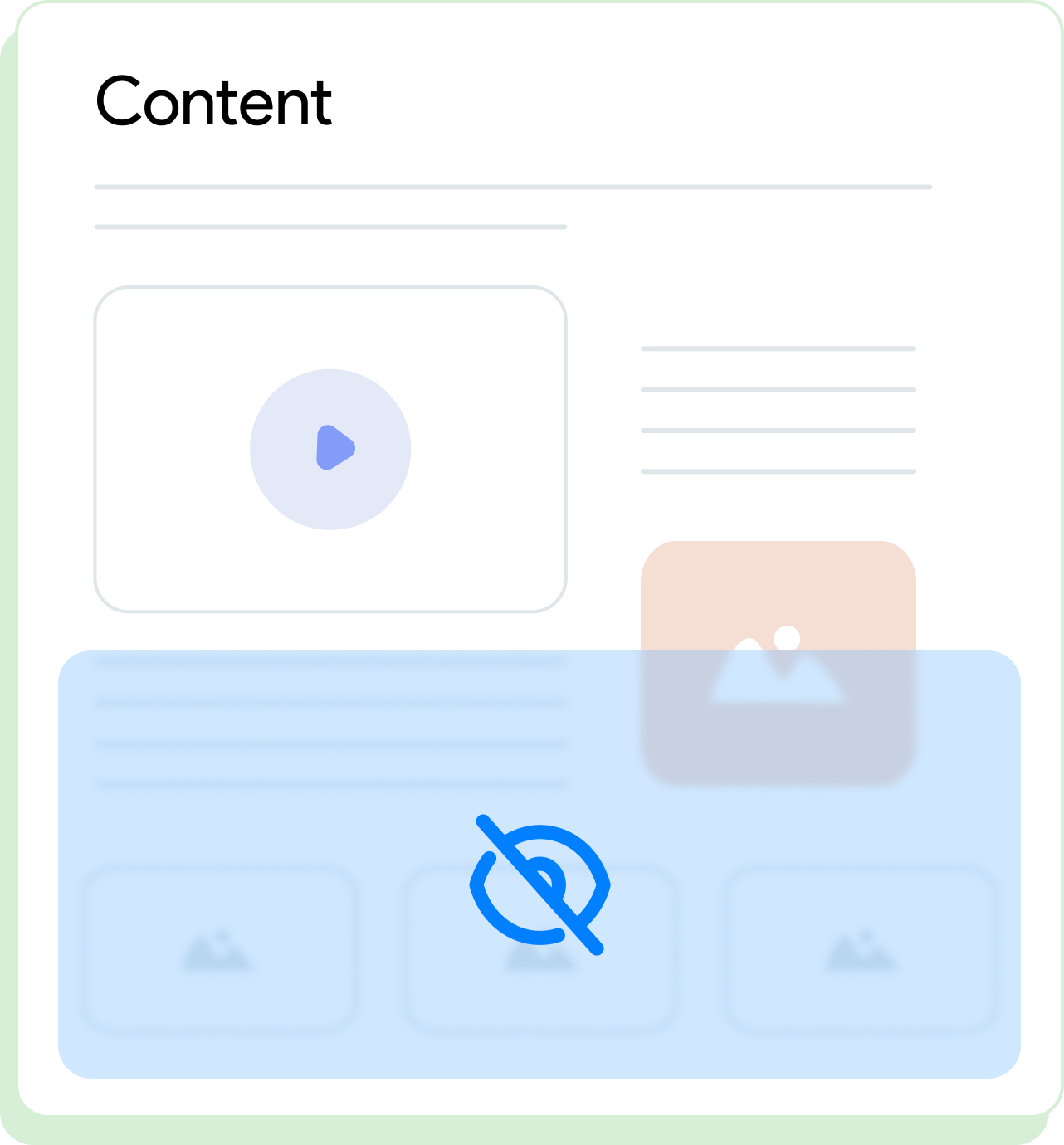
Partial Content Restriction
Show a teaser for all; unlock full content for logged-in users or subscribers.
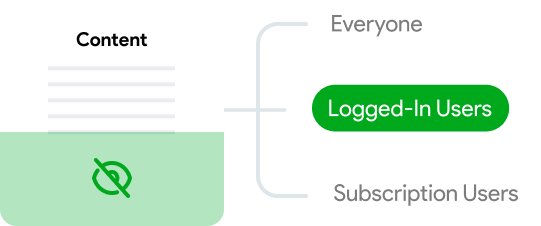
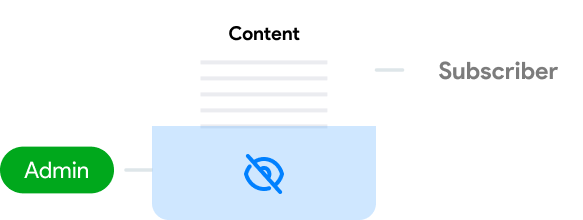
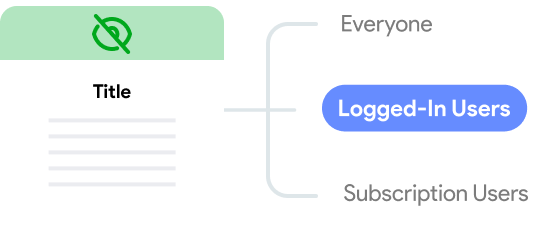
Role-Based Restrictions
Restrict content access by user roles like Admin, Editor, or Subscriber.
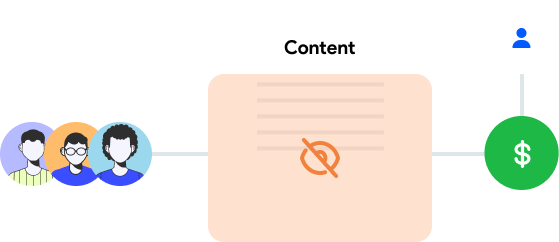
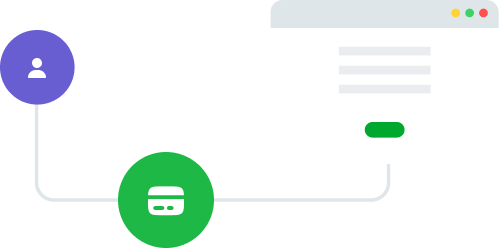
Subscription-Based
Monetize with subscription packs; only allow selected users to view certain content.
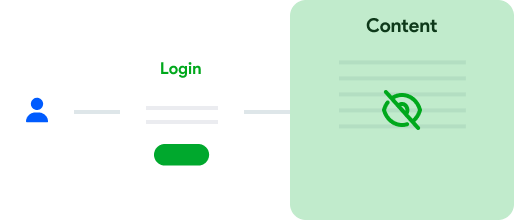
Restrict for Visitors
Require login for content access; show exclusive content to registered users.
Menu Restrictions
Control navigation visibility based on user roles or subscription status.
Taxonomy-Based Posting Control
Limit posting to selected subscribers in specific categories.
How the User Directory Module
Works
Simple setup in minutes, follow these easy steps to configure content restriction and start
protecting your content.
- 1
Create or Select Content
Go to Pages → Add New or choose an existing one.
- 2
Set Access Conditions
Scroll down to the Content Restriction panel. Choose who can see your content.
- 3
Use Partial Restriction
Insert the "Partial Content Restriction" block to hide specific sections.
- 4
Configure Rules
Apply restrictions to navigation menus and category-based posting from your dashboard.
Perfect for These Use Cases
Real-world scenarios where content restriction drives growth and user
engagement.
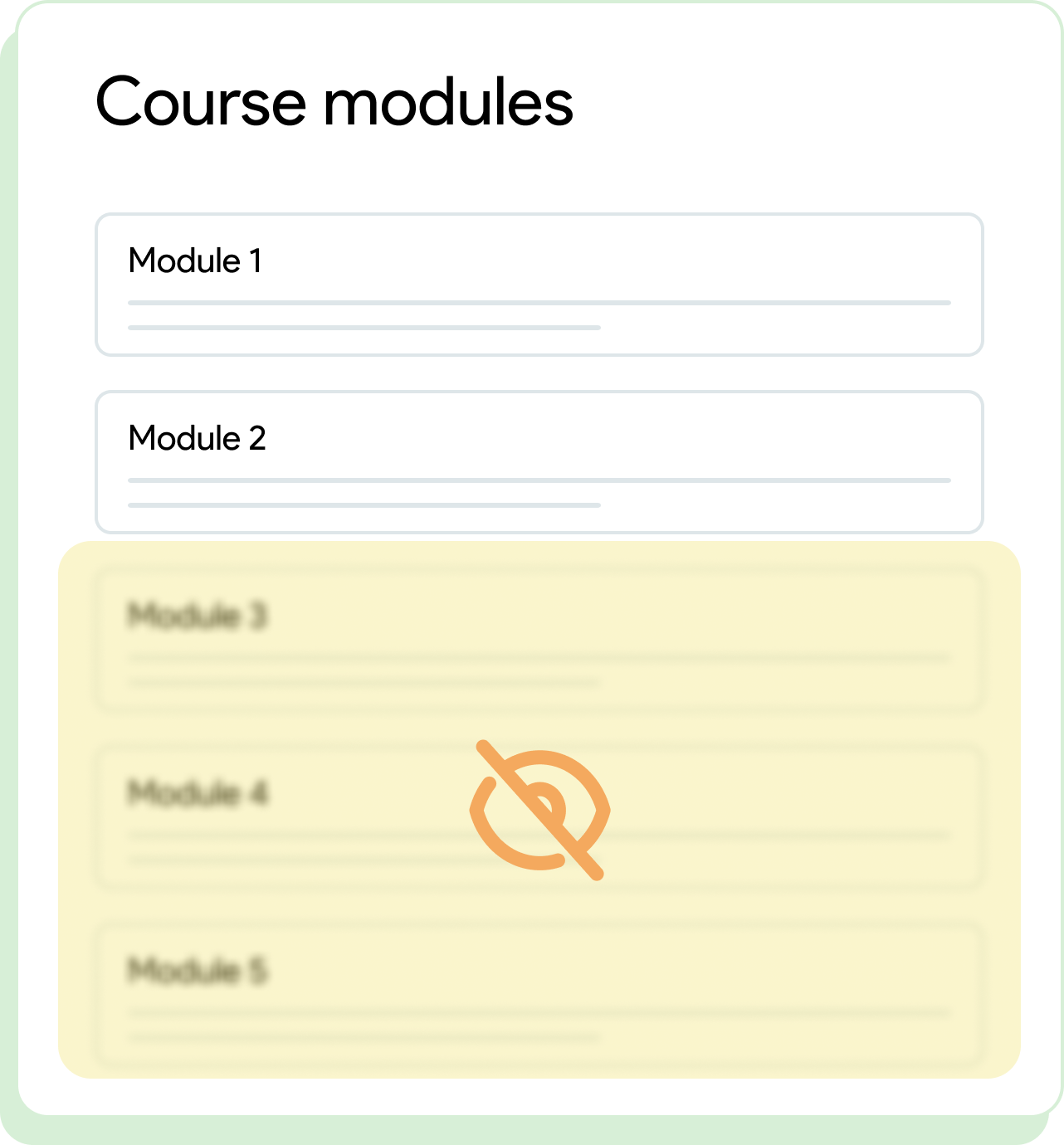
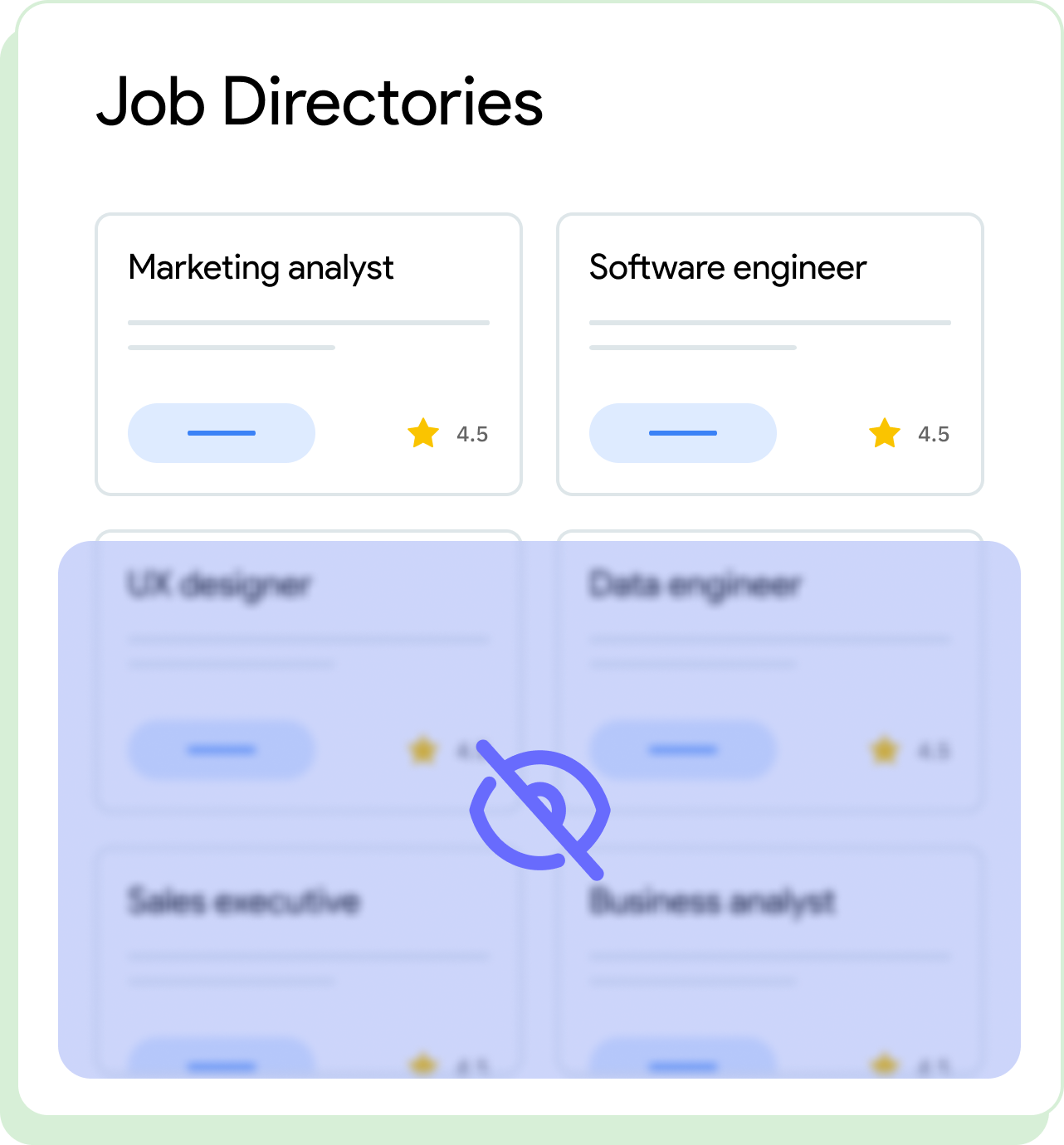
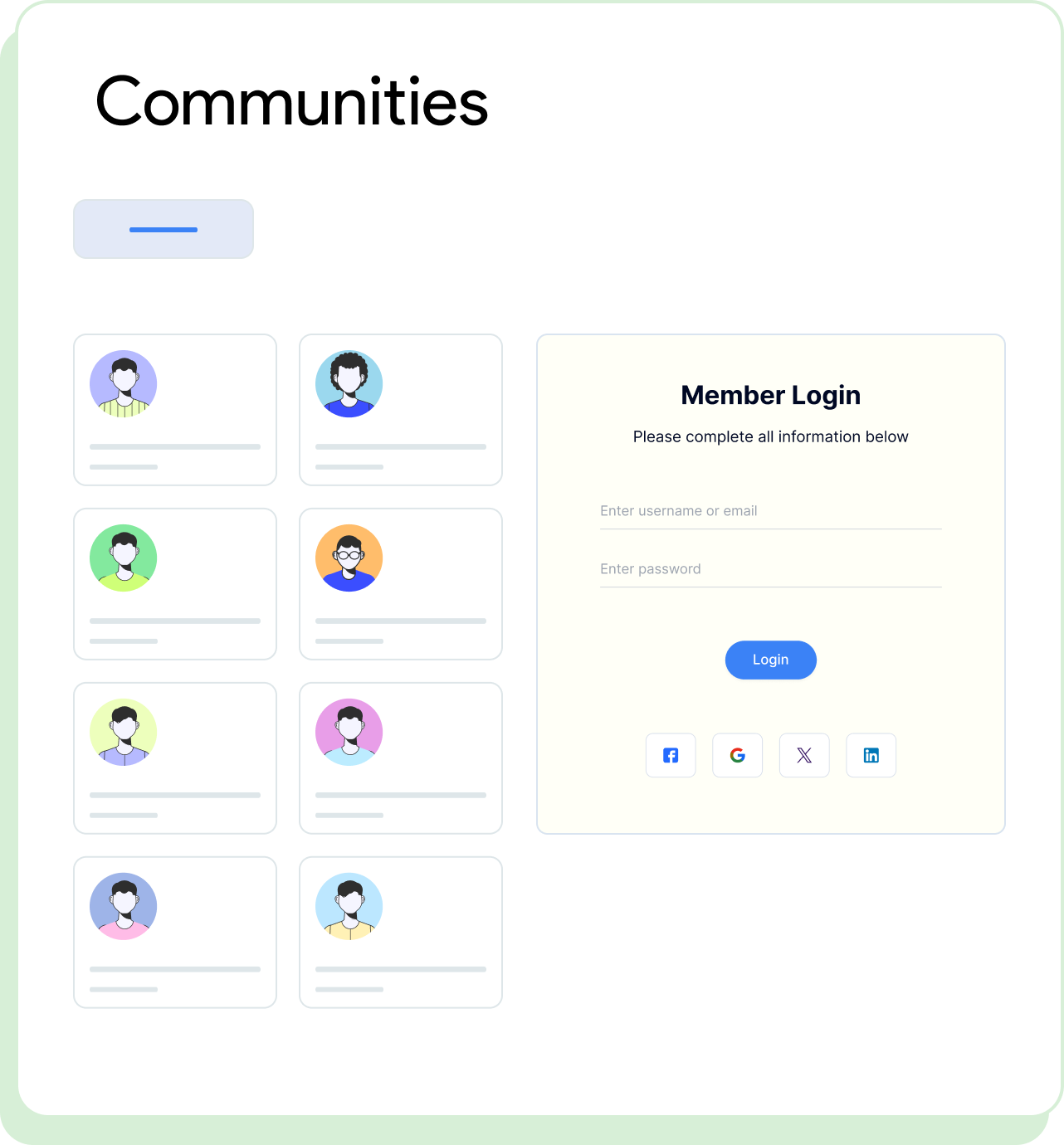
Why Choose WP User Frontend Pro?
Enhance their experience by eliminating barriers to entry.
Easy, No-Code Management
Content access management for all skill levels-no coding required
Full Control
Complete control over who can access content across your entire site
Seamless Integration
Works perfectly with WordPress roles and subscription packs
Optimized User Flow
Designed to boost engagement and revenue with smart restrictions
Learn More & Get Help
Explore guides and tutorials to master content restriction feature


Frequently Asked Questions
Find clear answers to everything you need to know about restricting
content for different users
Can I restrict just part of a post or page?
What happens if a user tries to access restricted content?
Can I customize who sees navigation menus?
Do I need extra plugins or coding skills?
Build Your Perfect User Directory
with WP User Frontend Pro
Bring your community, team, or members into the spotlight with a modern,
powerful, and easy-to-use User Directory module.