WP User Frontend makes it simple to build post, registration, and product forms from the frontend – no coding
required, just drag, drop, and go live.
Your All-in-One Frontend Companion!
WP User Frontend is packed with features that completes all of your Frontend needs.
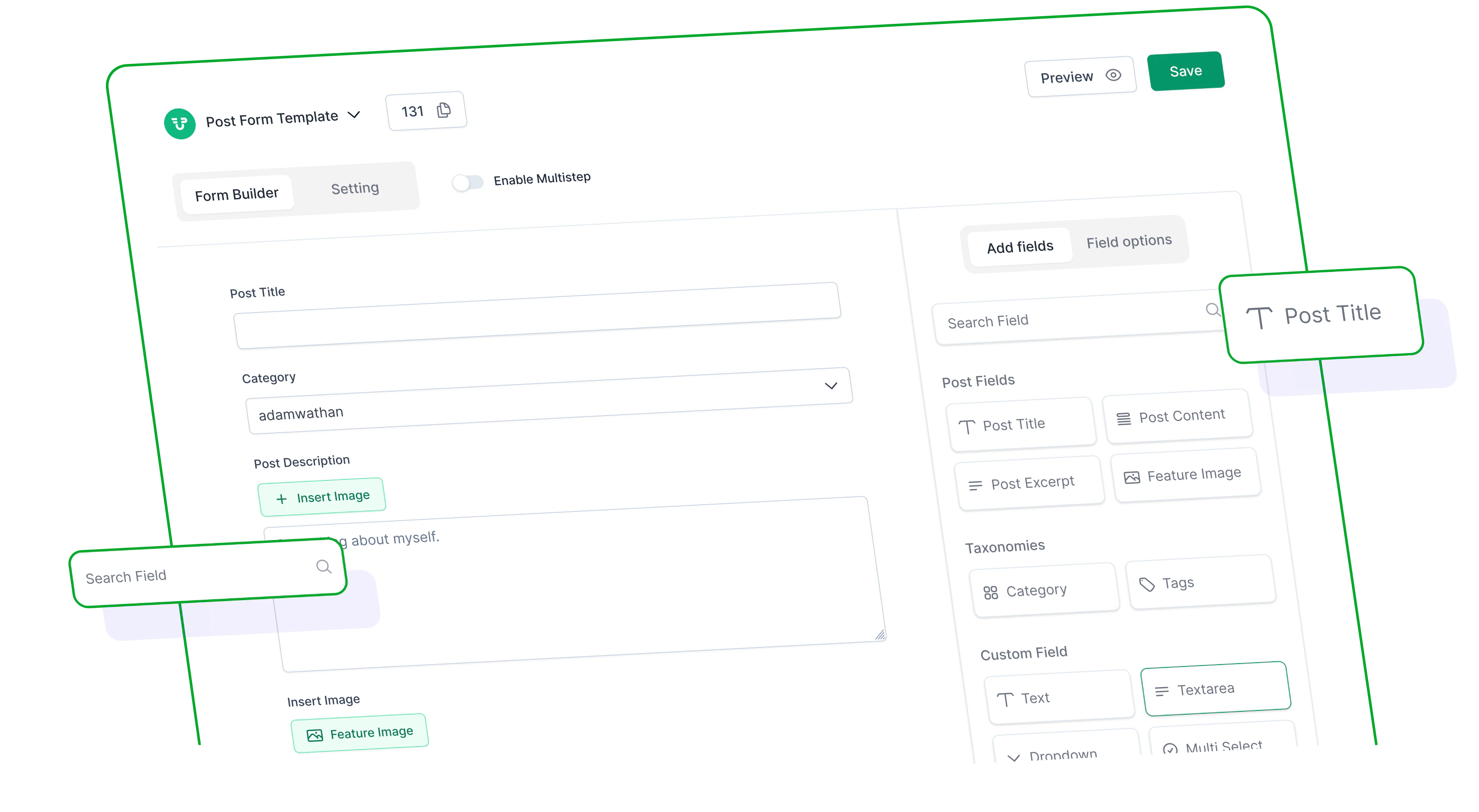
Intuitive Drag & Drop Builder
Create any type of frontend form with our visual drag and drop interface. Select a field, place it where you want - that's it. Whether it's a blog post form, user signup, or WooCommerce product form, you're in full control.
Live Preview
Watch your form take shape as you build it. Instantly preview layout and user experience before publishing.
Unlimited Forms
Design forms for diverse needs—perfect for content sites, multivendor stores, or membership platforms.
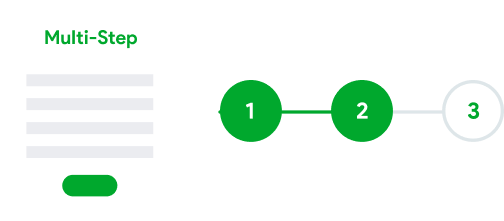
Multi-Step Forms
Break long forms into step-by-step flows. Improve completion rates with clean, focused sections.
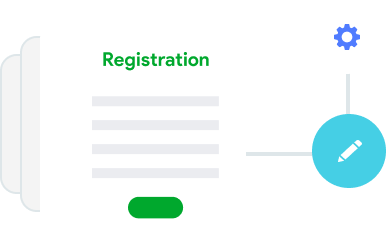
Registration Forms
Build full-featured registration forms with custom fields and user role assignment.
Custom User Profile Forms
Customize user profile views and edits. Add fields and manage everything from the frontend.
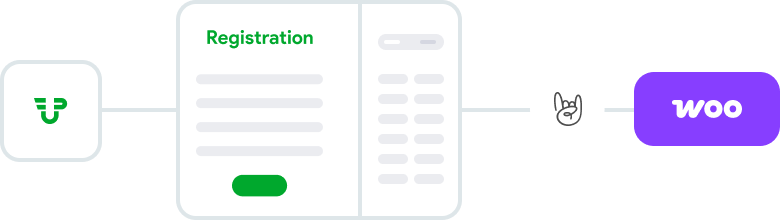
WooCommerce & Multivendor Plugins Integration
Ideal for multivendor marketplaces. Users can create products, manage inventory, and register vendors easily from the frontend.



Start Fast with Pre-Built Templates
Quickly launch your forms using pre-made, customizable templates
Post Submission
User Registration
User Profile
WooCommerce Product
Multivendor Support
EDD Download


Who Should Use This?
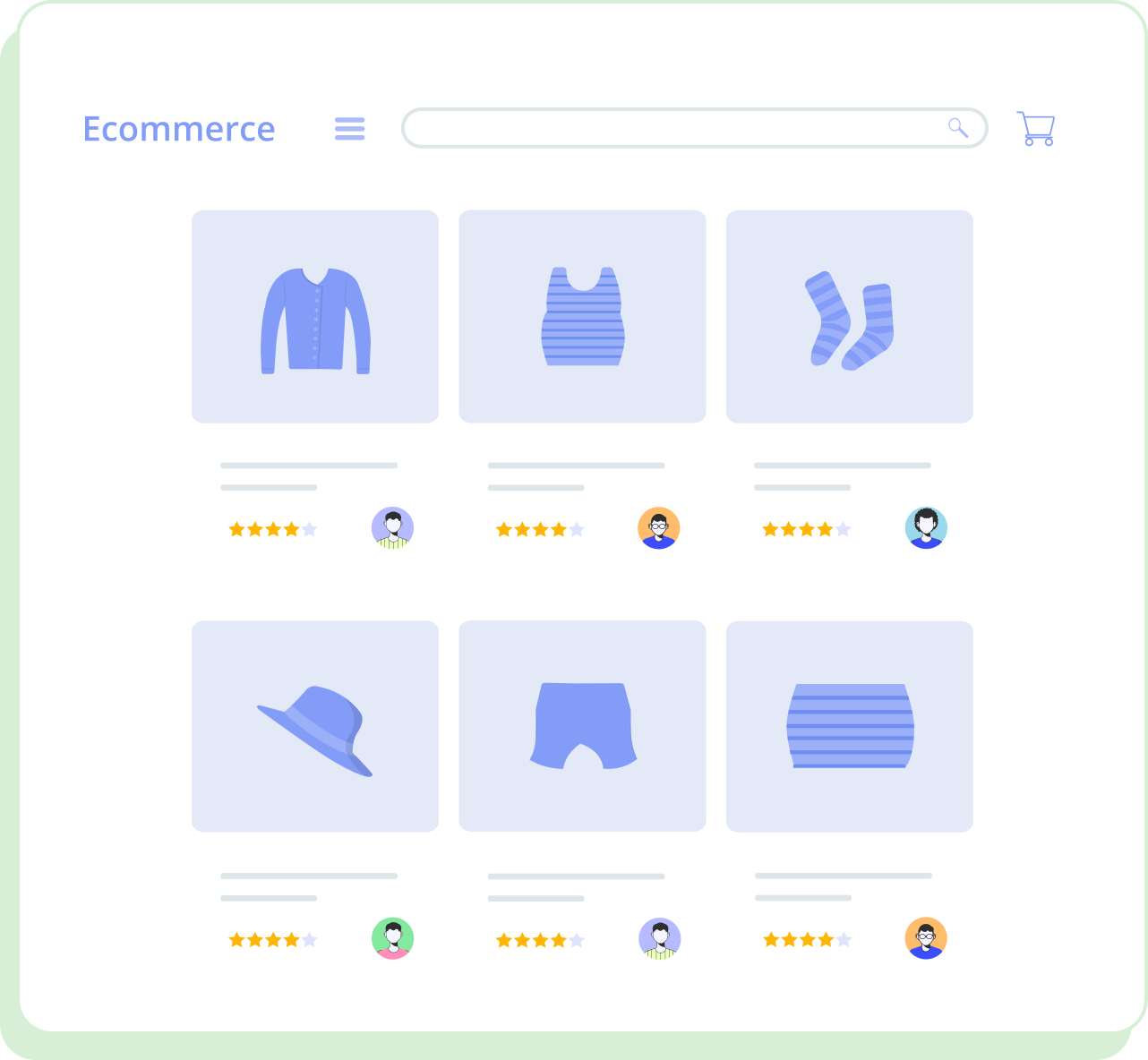
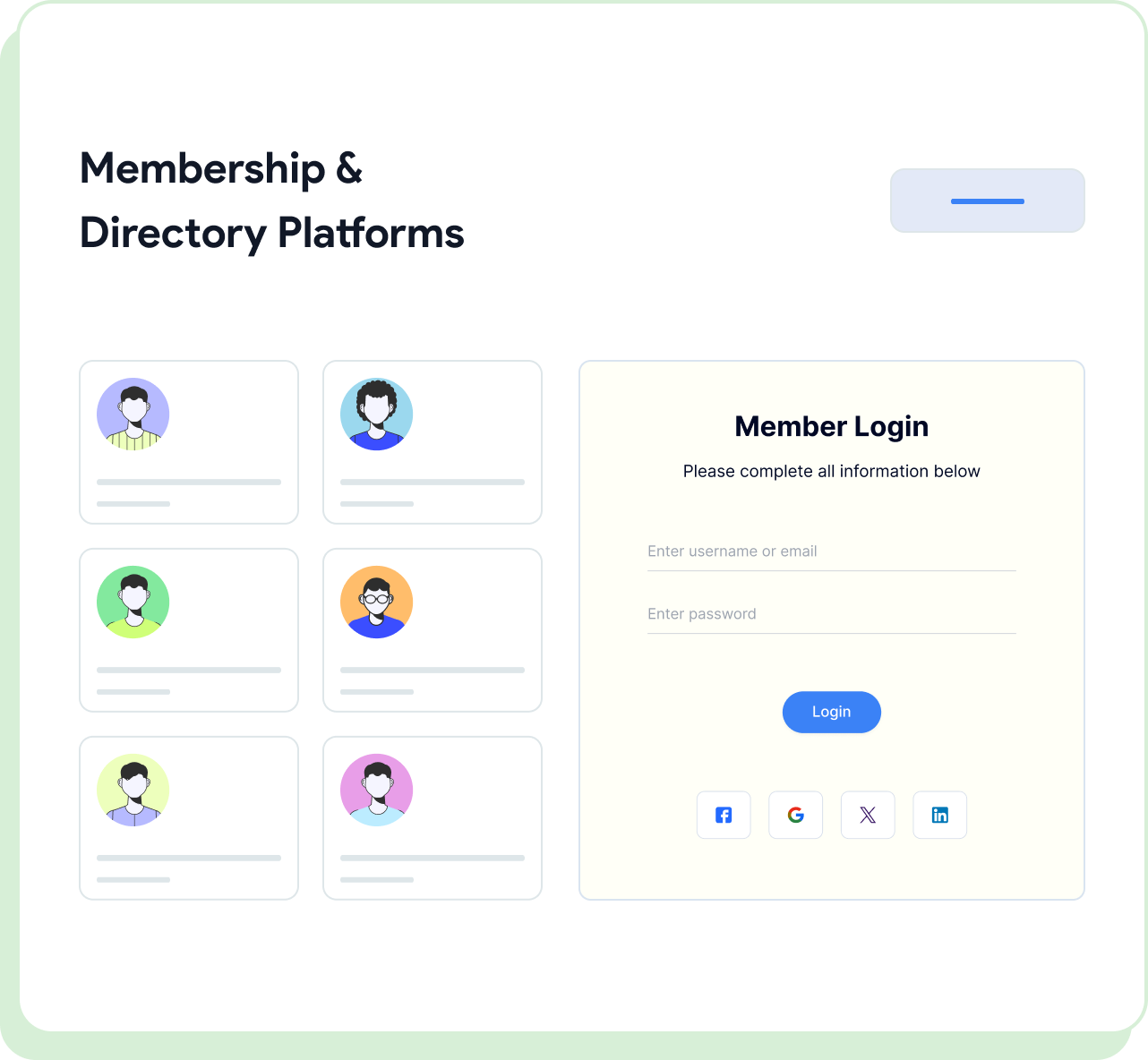
Perfect for various WordPress site types and use cases


What Customers Say?
The drag-and-drop functionality allowed me to effortlessly build custom forms for my users, giving them a seamless experience when submitting content. This not only enhanced the overall aesthetics of my website but also streamlined the user engagement process.
christifa2I signed up for WP User Frontend Pro - personal, and it had everything I needed from the start. Additionally, it was intuitive and user-friendly. Someone really put a lot of thought into the software.
prouddaughter
Frequently Asked Questions
Build your frontend forms visually - fast, flexible, and no developer required
with WP User Frontend.
Can I use the drag and drop builder for any post type?
Does it support multi-step forms?
Can users register and select user roles through the frontend?
Is there live preview while building forms?
Can I use it with Dokan or WooCommerce?
Are there any form templates to get started quickly?
Build Your Perfect User Directory
with WP User Frontend Pro
Bring your community, team, or members into the spotlight with a modern,
powerful, and easy-to-use User Directory module.