Manage guest submissions right from your WordPress frontend with WP User Frontend. No more emails or copy-
pasting, just smooth content collection and built-in payment options.
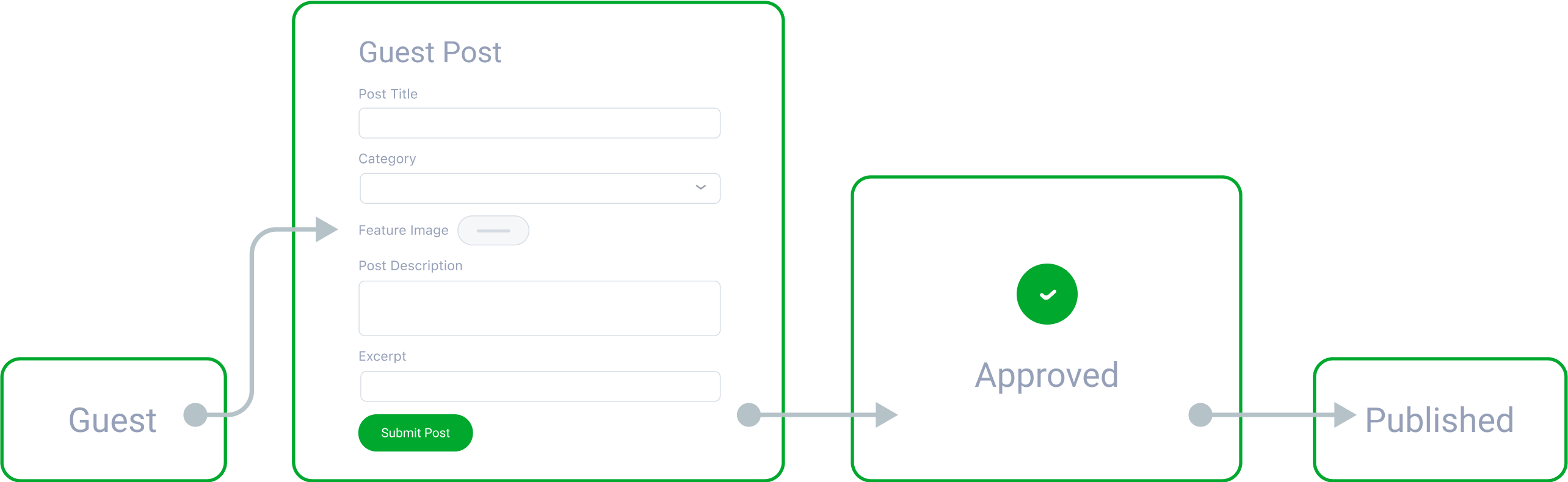
Struggling to Manage Guest Bloggers?
You're not alone in this. The world of traditional guest posting can often feel overwhelming and disorganized.
Endless Email Chains
Endless back-and-forth chats, A cycle that never seems to stop, Round & round we go, lost in thought.
Poor Formatting
Images are missing, and layouts are broken. This affects the overall user experience.
Manual Copy-Paste
Images are missing and layouts are broken. This affects the overall user experience.
No Monetization
Identifying lost revenue chances can boost profits. Let's explore ways to seize those opportunities!
Security Risks
Access to the backend is risky for contributors. It's important to manage permissions carefully.
Time-Consuming Workflow
Coordinating submissions, approvals, and updates manually eats up valuable time and delays publishing.


WP User Frontend Solves It All
WP User Frontend Pro helps you manage guest posts and earn from them
Guest Post Submissions
Let users create and submit blog posts without accessing your WordPress dashboard.
Post Moderation Controls
Review submissions before publishing, or auto-approve trusted authors.
Spam-Free & Secure
Use CAPTCHA, user roles, and post limits to keep quality high and spam low.
Drag & Drop Form Builder
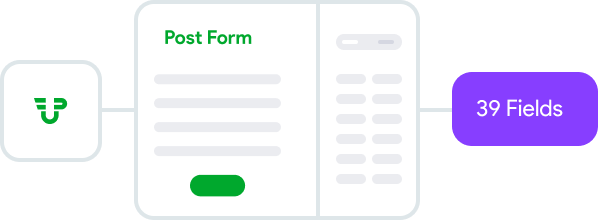
Create custom post forms with fields for titles, categories, tags, images, videos, and more.
Built-in Payment & Subscription
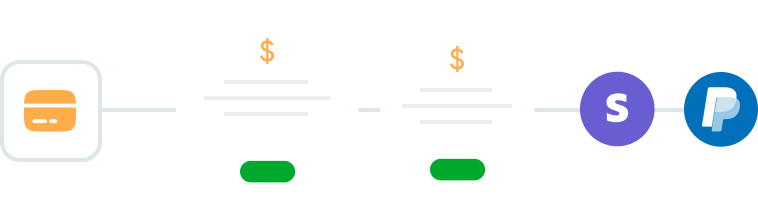
Charge users a fee per post or create tiered subscription plans using PayPal and Stripe.



Why Choose WP User Frontend Pro?
Join 20,000+ creators, educators, agencies, and community builders using WP User Frontend every day.
Works with any WordPress theme
Content access management for all skill levels-no coding required
Easy for beginners, powerful for pros
Complete control over who can access content across your entire site
Instant email alerts
Works perfectly with WordPress roles and subscription packs
Built for guest blogs
Designed to boost engagement and revenue with smart restrictions

What Customers Say?
It works really well with no unexpected surprises. It offers good customizability and have a lot of important functions to support professional frontend publishing.
JarldDefinitely the best plugin I have found to make my users publish posts on my website. I recommend it 100%. My congratulations to the developers.
Alejandro Torres
How It Works
Simple setup in minutes, follow these easy steps to configure content restriction and start
protecting your content.
- 1
Create Form
Create a frontend post submission form and set free or paid access rules.
- 2
Display Form
You can embed the form by using a shortcode and place it directly on the page.
- 3
Users Submit
Users can submit their content. Payment may be required.
- 4
Approve & Grow
You approve or auto-publish content and grow your site’s content and income.
Frequently Asked Questions
Build your frontend forms visually - fast, flexible, and no developer required with WP
User Frontend.
Can I use both free and paid submission forms?
Will users need backend access?
What payment methods are supported?
Can I restrict how many posts a user can submit?
Stop Wasting Your Time Managing
Guest Posts the Old Way
Save hours, grow your content, and get paid all with WP User Frontend Pro