Charge per post or sell subscription packs, then collect the money on your own site without adding WooCommerce or a second membership plugin.
Start Taking Payments Without New Tools
Payments sit inside the same plugin you already use for frontend posting and registration.
Free to Start
PayPal and bank transfer work in the free plugin, so you can test before you buy.
Two Ways to Charge
Charge once per post, or sell subscription packs from the Subscriptions screen.
No Cart Plugin
Payments run on WPUF alone, so WooCommerce stays optional rather than required.
Ready-Made Pages
Turn payments on and one click creates the payment, subscription, thank-you, and bank transfer pages.
Clear Checkout
The checkout runs in two columns with an order summary, so buyers see the total.
One Money Screen
Every transaction lands in one admin screen, in the same menu as your subscriber list.
Choose How the Money Comes In
Each option is a setting inside a form or a subscription pack, never a separate tool.
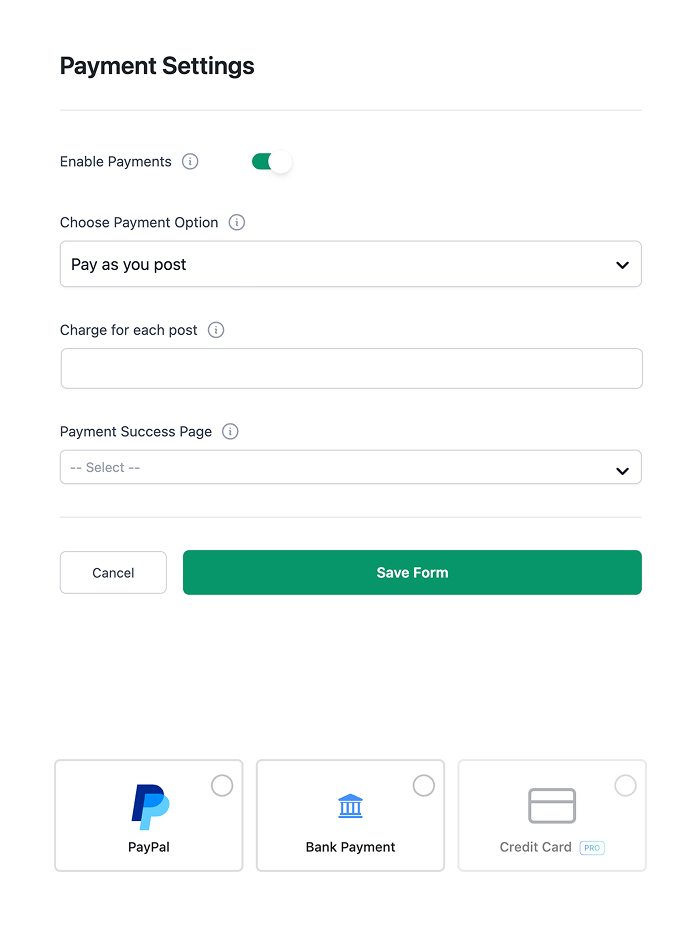
Pick a Gateway
PayPal and offline bank transfer ship free, and Stripe arrives as a premium module.
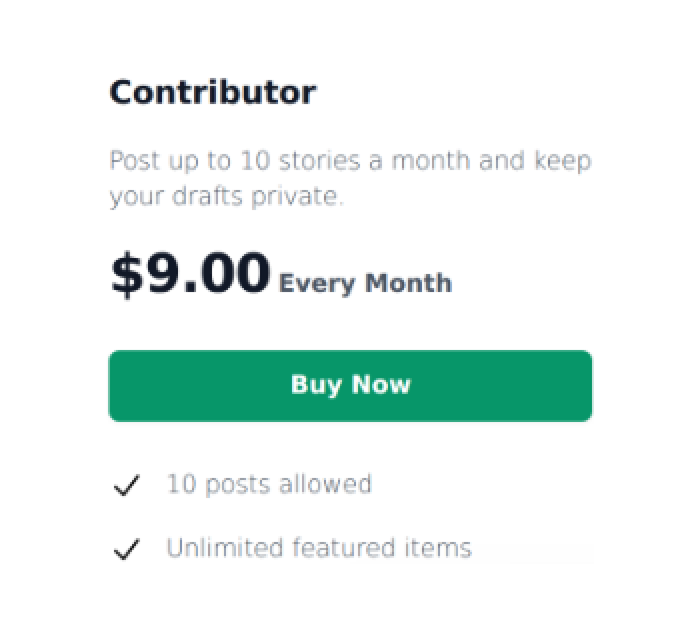
Sell Subscription Packs
Build packs under User Frontend then Subscriptions, and list them with
[wpuf_sub_pack].Charge per Post
Turn on payments inside a form's own payment settings and set the amount.
- Pro
Price the Form Itself
Pricing fields let buyers add paid options such as a featured slot or an extra image, and a cart total field shows what they owe.
Run Payments Without a Cart Plugin
Most ways to charge for a frontend post need a store plugin bolted on top.
Built-In Gateways
Gateway settings live under Settings then Payments, in the menu you already use.
Ready-Made Pages
Install WPUF Pages builds the payment, subscription, thank-you, and bank transfer pages.
One Transaction Log
Payments land in Transactions, so you never open a second dashboard to reconcile.
Packs and Subscribers
Subscriptions holds your packs, and Subscribers shows who sits on which one.
Offline Option
Bank transfer covers buyers who would rather not pay online at all.
Fewer Parts to Break
One plugin means one update path and one support desk when a payment fails.
See How Sites Use Payments
Four setups that run on the same payment settings with different amounts and rules.
Frequently Asked Questions
Answers to what our support team gets asked most about charging on the frontend.
Do I need WooCommerce to take payments?
Which gateways come with the free plugin?
Can I charge different prices on one form?
How do members check their plan?
[wpuf_sub_info] shortcode to any other page when you want the plan shown outside the account area.Where do I see what people paid?
Can I run coupons and send invoices?
Do I need to know code?
Start Charging with WP User Frontend Pro
Pick a gateway, set your price, and let the form collect the money for you.